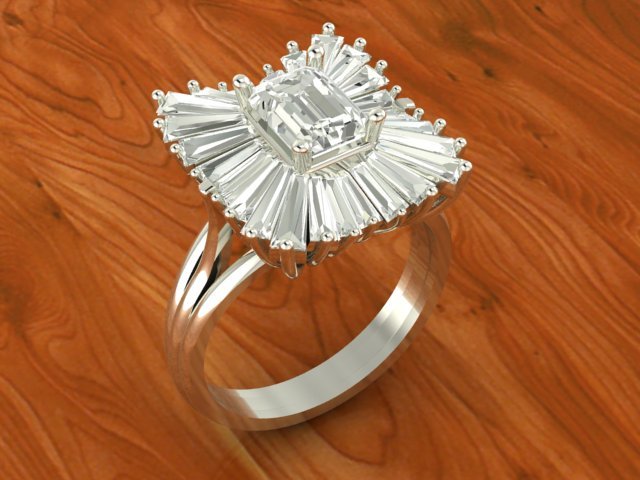
This ring has been printed wirh my cutomers more times, It was printed goodThe finger size is 5,5(Usa)The oter informationa about this uniq ring is metioned on the picturethere is a picture that offers you that it has been printes weel
Tag: cluster
-
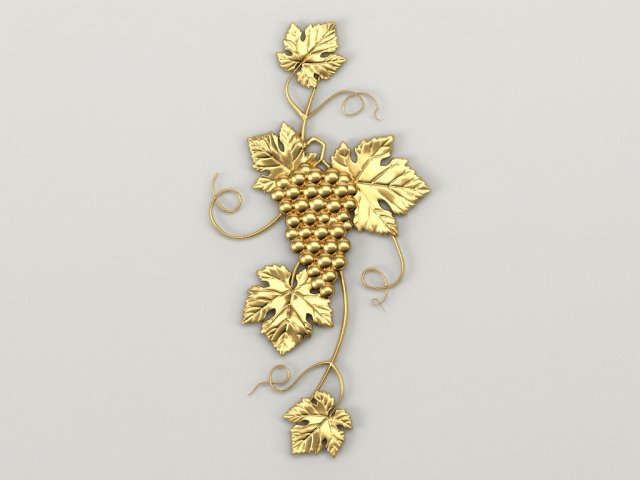
Bunch of grapes 3D Model
Оriginal size 116mm * 225mm *7mmModel for milling on a cnc machine. Suitable for decoration on the doors of kitchen furniture.
-
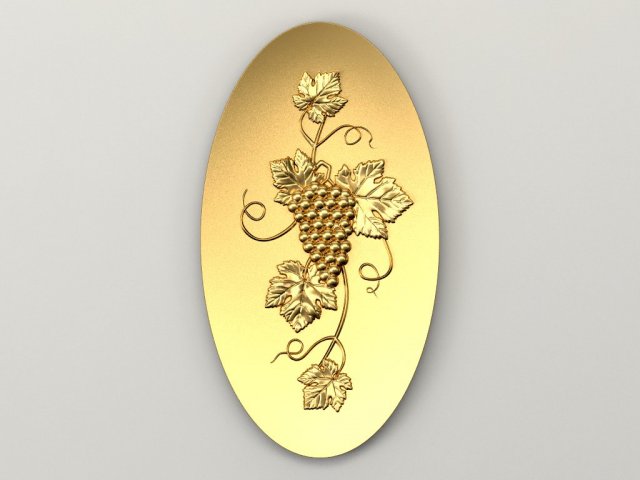
Bunch of grapes Concave oval 3D Model
Оriginal size 160mm * 190mm * 10mmModel for milling on a cnc machine. Suitable for decoration on the doors of kitchen furniture. Decor in the recessed oval.
-
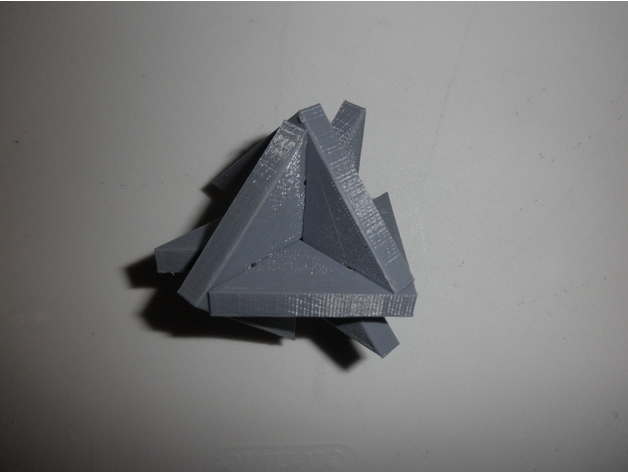
Phut Cluster puzzle 3D Print Model
Summary
This is a 3D printable version of Viktor Genel’s Phut Cluster puzzle. It is a coordinate-motion puzzle, meaning all the pieces have to move at the same time when assembling or disassembling. Print three total, and try to assemble them so all three pieces are intersecting and orthogonal. The “trick” setup is shown in the final picture, and should be enough of a hint to solve the puzzle.
Print Settings
Printer Brand:
Wanhao
Printer:
Wanhao Duplicator i3 Plus
Rafts:
No
Supports:
No
Resolution:
0.1 mm
Infill:
20% -
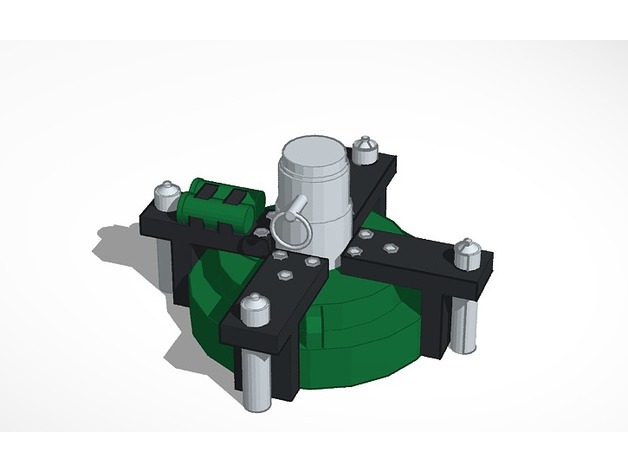
Cluster Charge | Rainbow 6 Siege 3D Print Model
Summary
This is a model of Fuze’s Cluster Charge from Rainbow Six Siege. Unfortunately I can’t print it yet because my 3D printer isn’t working, but once I fix it I will post a picture of the object printed and painted. Remember to give this a like and comment if you want to see anymore Rainbow Six Siege gadgets. -
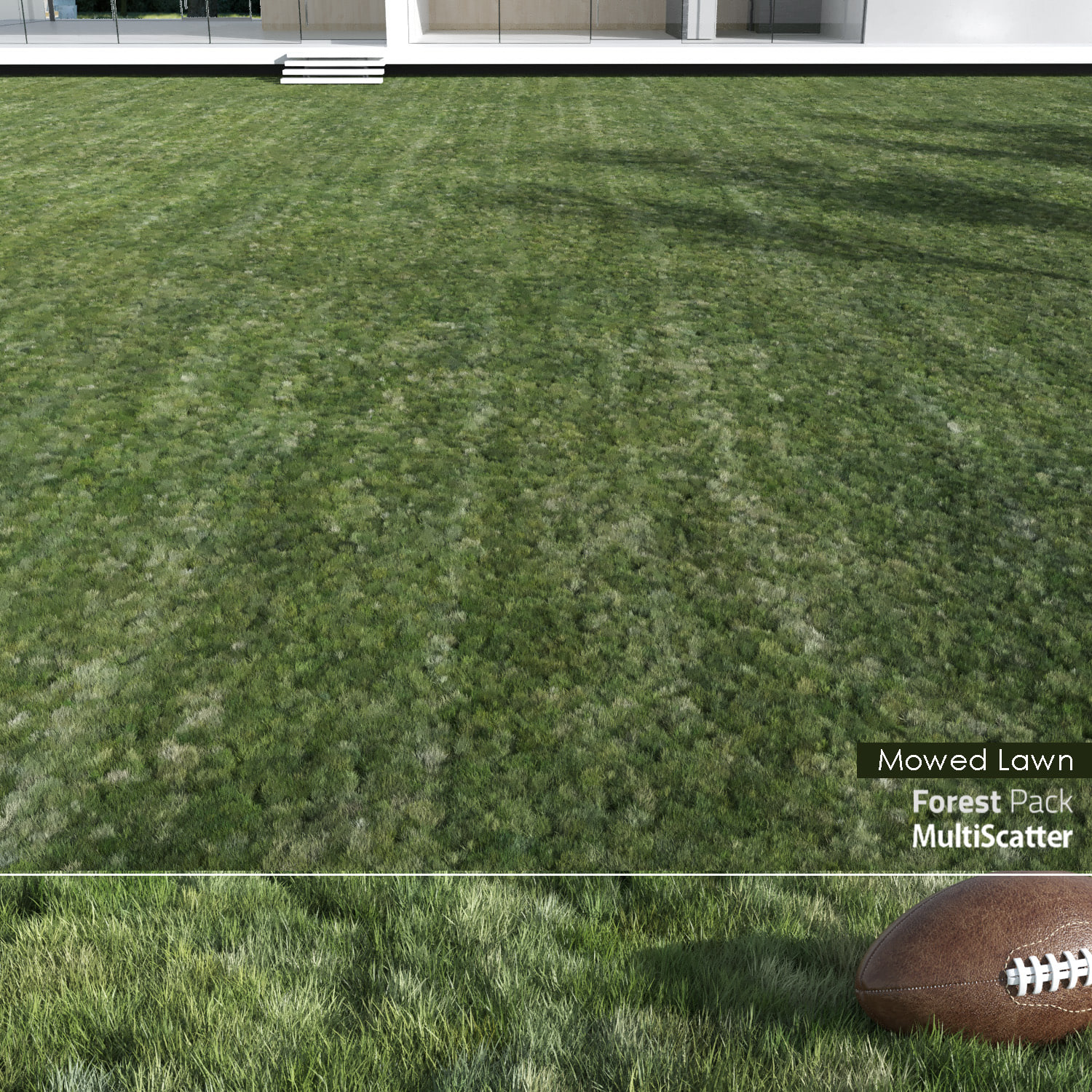
Mowed Lawn Grass 3D Model
Realistic and seamless Mowed Lawn Grass.The model has been built by using scatter plugins and has two versions:- Forest Pack 5.4 (compatible with 5.2 or higher)- Multiscatter 1.3 (compatible with all versions)Default dimension of the lawn field is 30mX30m.The UVW Map modifier of the field is kept. So you can easily copy and paste on your custom ground model.For the filed three patterns are provided: simple, striped and checkered.File Formats:- 3ds max 2011/ vray 3.2/ corona 1.5 (forestpack)- 3ds max 2011/ vray 3.2/ corona 1.5 (multiscatter)
-
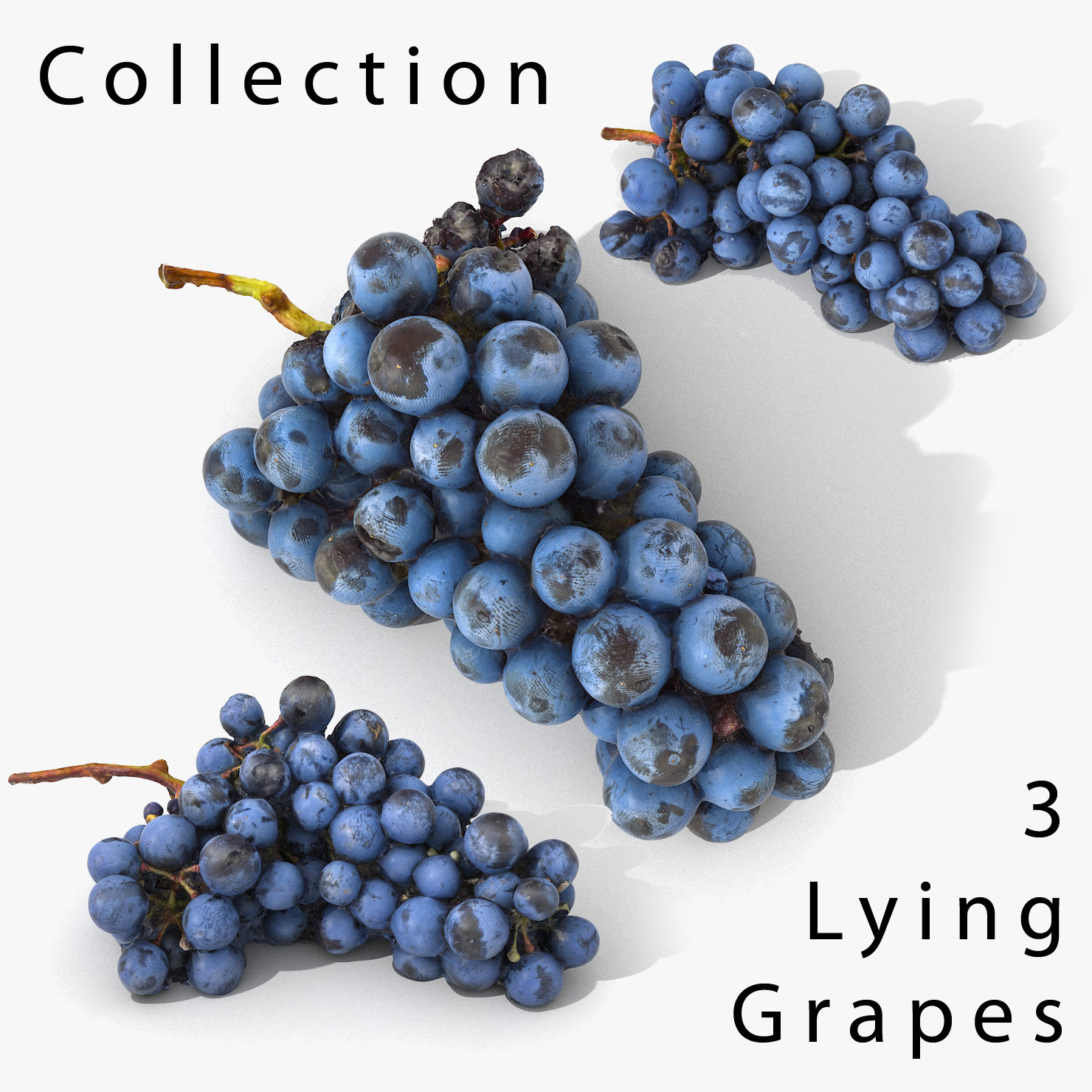
3D Grapes Lying Realistic Collection
The model is a scan, its all part of the same (one) object. The grape ‘berries’ are part of the whole model.V-Ray and standard materials- Hi-Res Realistic product- Correct scale- Object(s) in their own layer (name via product name)Maps in max archives :Diffuse 4096*4096px JPGNormals 2048*2048px JPG32 bit Displacement 2048*2048px exr16 bit Displacement 2048*2048px jpgThese are optimized and are indistinguishable from 8192*8192px TIFFs (which take more RAM during rendering etc.)Nevertheless if you want 105% quality, you can download the separate hires TIFF textures archive (around 250MB), which contains:Diffuse 8192*8192px TIFNormal 4096*4096px TIFDisplacement 16bit 4096*4096px TIFDisplacement 32bit 4096*4096px EXRIf you need just the original mesh without using displacement map during rendering, take the low poly version, subdivide it a couple of times and use the displacement map in ‘displace’ modifier (in 3ds max) or similiar in other applications, which will deform your mesh in viewport realtime, so you get the original hipoly mesh. You can use it, or use it as proxy or decimated it etc.Objects are in their own layer called ‘_Merged_Buyed’. No part-name confusion when importing. Centered on 0,0,0.
-
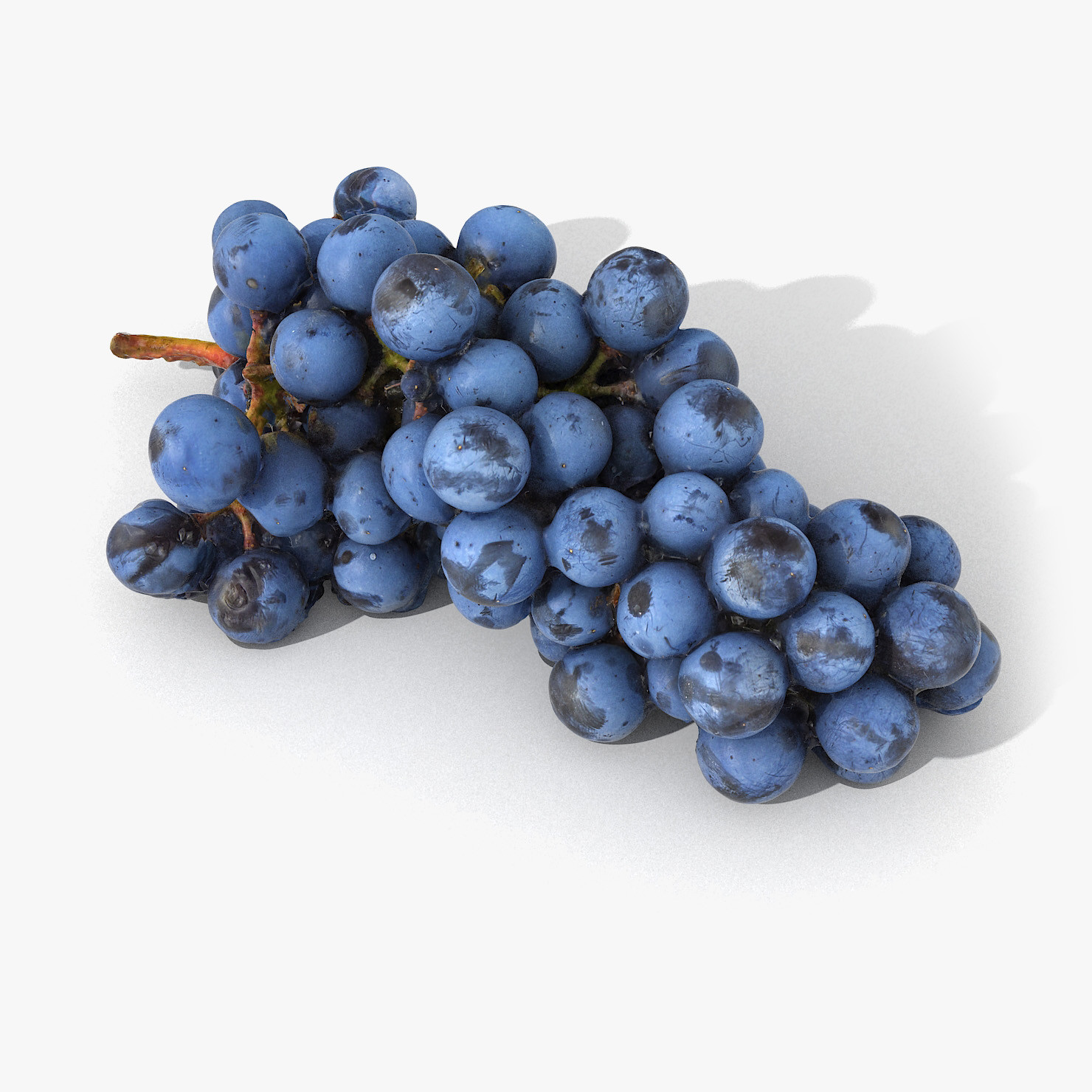
Grapes Lying Realistic 03
The model is a scan, its all part of the same (one) object. The grape ‘berries’ are part of the whole model.V-Ray and standard materials- Hi-Res Realistic product- Correct scale- Object(s) in their own layer (name via product name)Maps in max archives :Diffuse 4096*4096px JPGNormals 2048*2048px JPG32 bit Displacement 2048*2048px exr16 bit Displacement 2048*2048px jpgThese are optimized and are indistinguishable from 8192*8192px TIFFs (which take more RAM during rendering etc.)Nevertheless if you want 105% quality, you can download the separate hires TIFF textures archive (around 250MB), which contains:Diffuse 8192*8192px TIFNormal 4096*4096px TIFDisplacement 16bit 4096*4096px TIFDisplacement 32bit 4096*4096px EXRIf you need just the original mesh without using displacement map during rendering, take the low poly version, subdivide it a couple of times and use the displacement map in ‘displace’ modifier (in 3ds max) or similiar in other applications, which will deform your mesh in viewport realtime, so you get the original hipoly mesh. You can use it, or use it as proxy or decimated it etc.Objects are in their own layer called ‘_Merged_Buyed’. No part-name confusion when importing. Centered on 0,0,0.