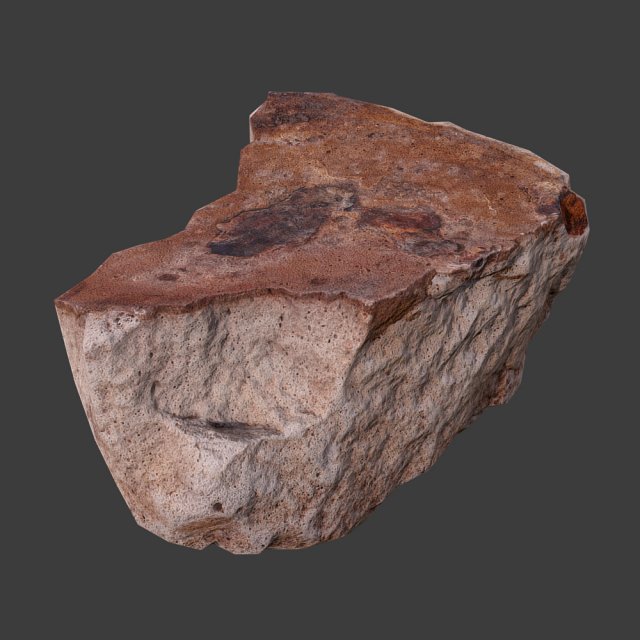
Cinder Debris low-poly 3d model ready for Virtual Reality (VR), Augmented Reality (AR), games and other real-time apps.-Texture size 2048 x 2048 (diffuse, normal, and ambient occlusion map), PBR ready.
Tag: cinder
-
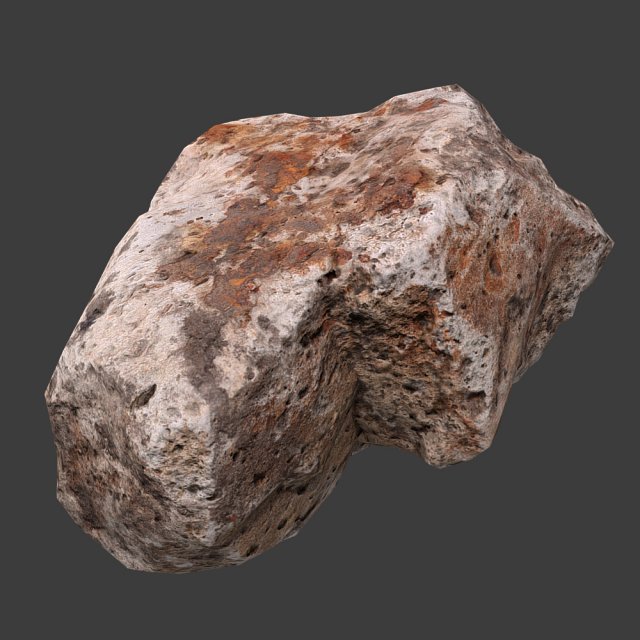
Cinder Debris 3D Model
Cinder Debris low-poly 3d model ready for Virtual Reality (VR), Augmented Reality (AR), games and other real-time apps.-Texture size 2048 x 2048 (diffuse, normal, and ambient occlusion map), PBR ready.
-
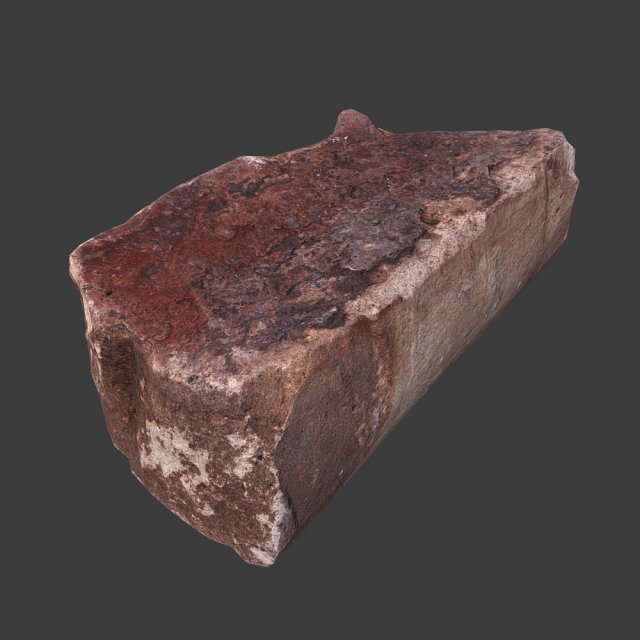
Cinder Debris 3D Model
Cinder Debris low-poly 3d model ready for Virtual Reality (VR), Augmented Reality (AR), games and other real-time apps.-Texture size 2048 x 2048 (diffuse, normal, and ambient occlusion map), PBR ready.
-
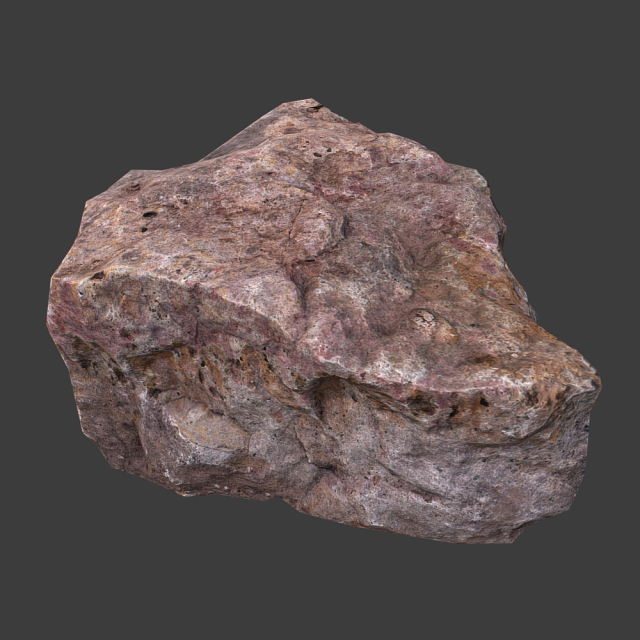
Cinder Debris 3D Model
Cinder Debris low-poly 3d model ready for Virtual Reality (VR), Augmented Reality (AR), games and other real-time apps.-Texture size 2048 x 2048 (diffuse, normal, and ambient occlusion map), PBR ready.
-

Realistic Wood Burnt End 3D Model
– V-Ray and standard materials- Hi-Res Realistic product- Correct scale- Object(s) in their own layer (name via product name)Maps in max archives :Diffuse 4096*4096px JPGNormals 2048*2048px TIF32 bit Displacement 2048*2048px exr16 bit Displacement 2048*2048px TIFThese are optimized and are indistinguishable from 8192*8192px TIFFs (which take more RAM during rendering etc.)Nevertheless if you want 105% quality, you can download the separate hires TIFF textures archive (around 250MB), which contains:Diffuse 8192*8192px TIFNormal 4096*4096px TIFDisplacement 16bit 4096*4096px TIFDisplacement 32bit 4096*4096px EXRIf you need just the original mesh without using displacement map during rendering, take the low poly version, subdivide it a couple of times and use the displacement map in ‘displace’ modifier (in 3ds max) or similiar in other applications, which will deform your mesh in viewport realtime, so you get the original hipoly mesh. You can use it, or use it as proxy or decimated it etc.Objects are in their own layer called ‘_Merged_Buyed’. No part-name confusion when importing. Centered on 0,0,0.