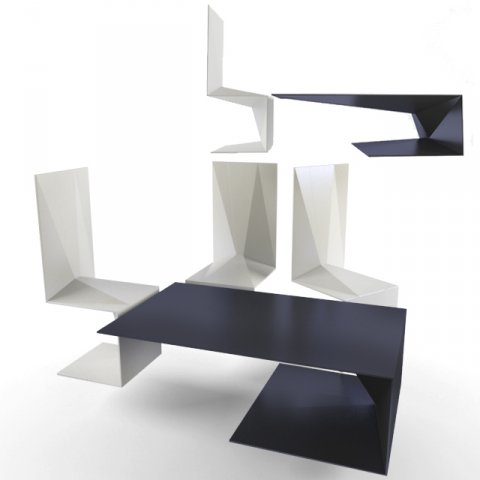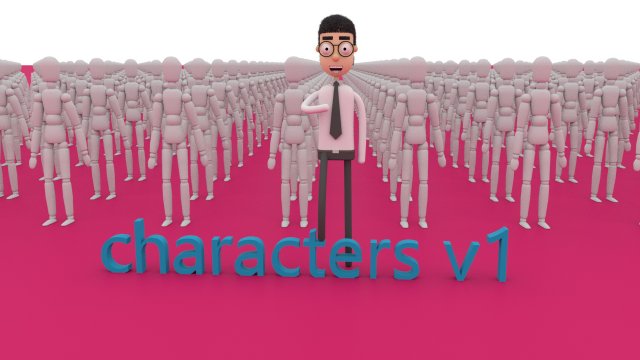
characters v1characters v1.c4dcharacters v1.objcharacters_v1.mtl
Tag: char
-
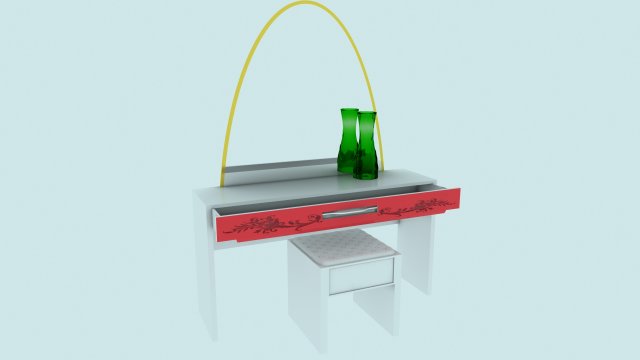
Modern white dressing table with mirror and chair 3D Model
A modern white dressing table with a mirror and a chair. The vase is included.Materials VRAY.
-
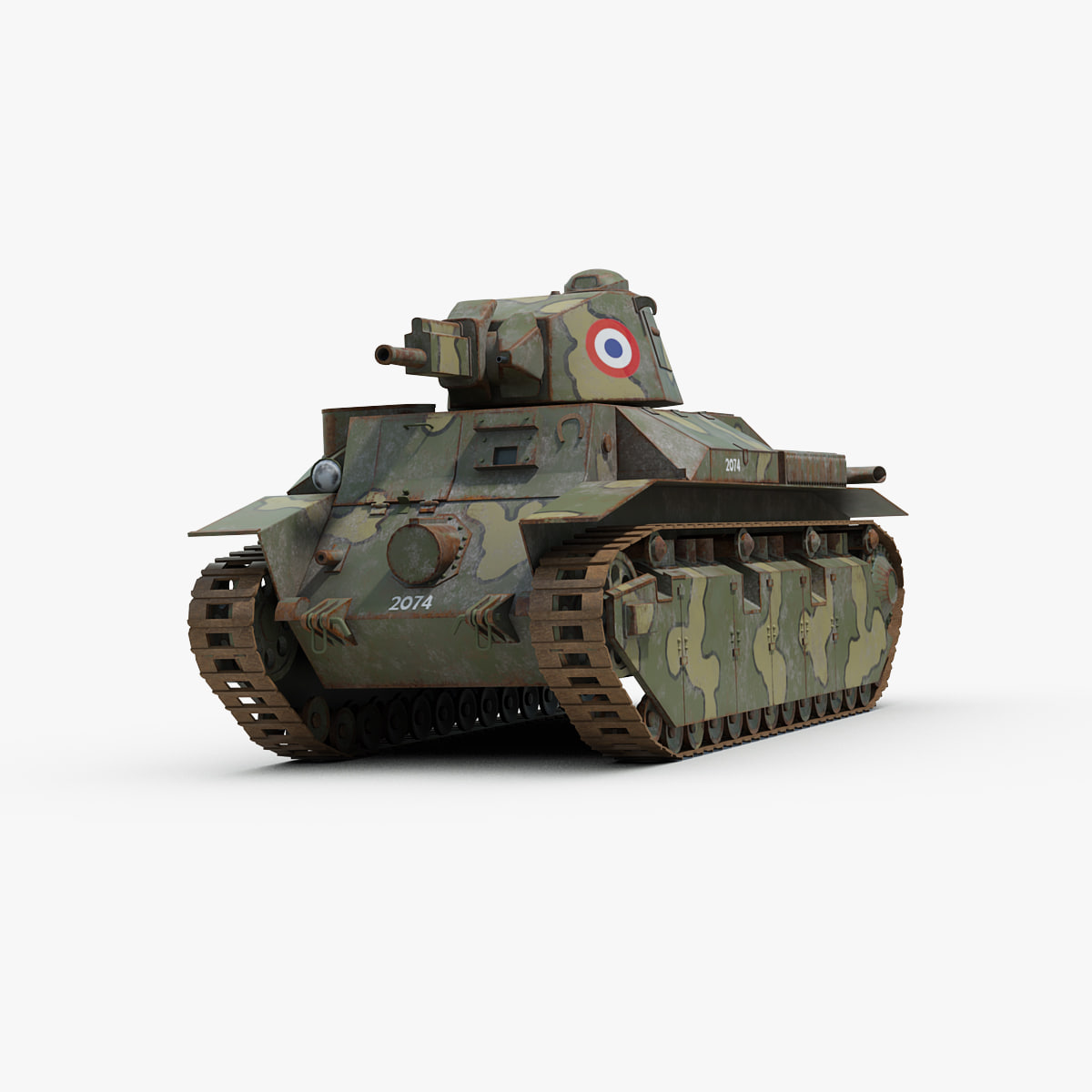
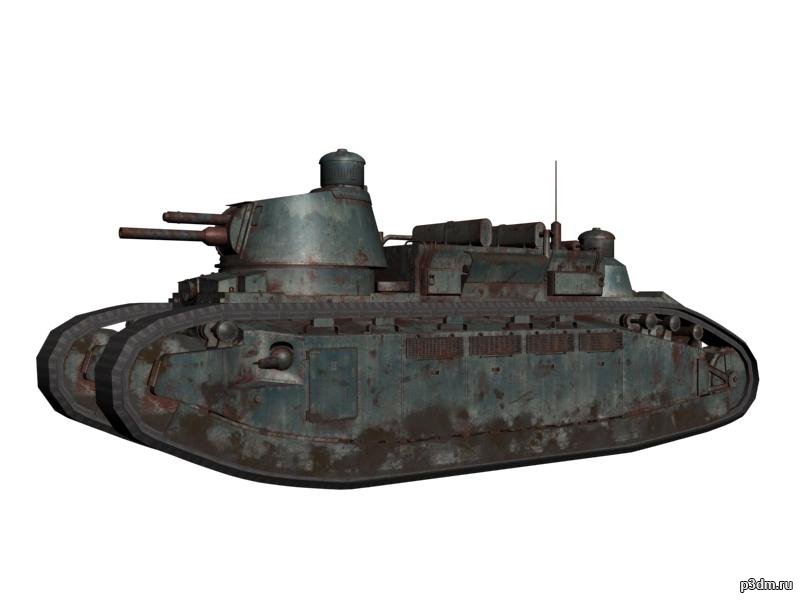
French Char D2 Tank model 3D Model
Detailed 3D model of the WW2 French Char D2 tank.Model created in 3ds Max 2009 and converted in multiple formats. All formats include materials and texture maps. The Max format uses mental ray materials and render. There’s no need for a third party plugin or anything else, just drop your model in the scene and hit render.The turret is a separate object and may be rotated at will.Accurate scaled model, units cm.Model centered at 0, 0, 0 axis coordinate points.Main objects correctly grouped and named accordingly.One main 4096 x 4096 texture maps.Three main 2048 x 2048 texture maps.
-

Realistic Wood Burnt End 3D Model
– V-Ray and standard materials- Hi-Res Realistic product- Correct scale- Object(s) in their own layer (name via product name)Maps in max archives :Diffuse 4096*4096px JPGNormals 2048*2048px TIF32 bit Displacement 2048*2048px exr16 bit Displacement 2048*2048px TIFThese are optimized and are indistinguishable from 8192*8192px TIFFs (which take more RAM during rendering etc.)Nevertheless if you want 105% quality, you can download the separate hires TIFF textures archive (around 250MB), which contains:Diffuse 8192*8192px TIFNormal 4096*4096px TIFDisplacement 16bit 4096*4096px TIFDisplacement 32bit 4096*4096px EXRIf you need just the original mesh without using displacement map during rendering, take the low poly version, subdivide it a couple of times and use the displacement map in ‘displace’ modifier (in 3ds max) or similiar in other applications, which will deform your mesh in viewport realtime, so you get the original hipoly mesh. You can use it, or use it as proxy or decimated it etc.Objects are in their own layer called ‘_Merged_Buyed’. No part-name confusion when importing. Centered on 0,0,0.