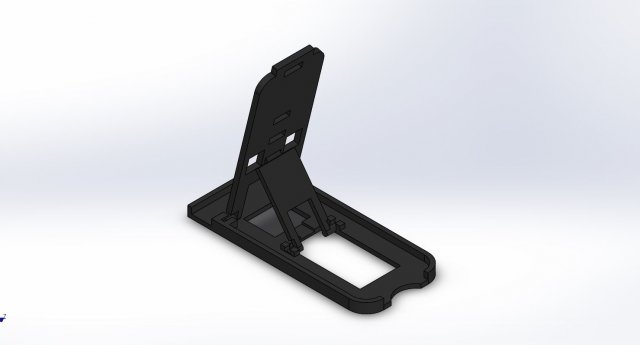
Small but so comfyA clever and convenient support for all smart phones.Comfortable with three different positions – set the desired angle depending on the function you wish to use it for.Small and takes up no space and compatible with any cell phoneDimension: 90 x 40 x 5 mm
Tag: cellphone
-
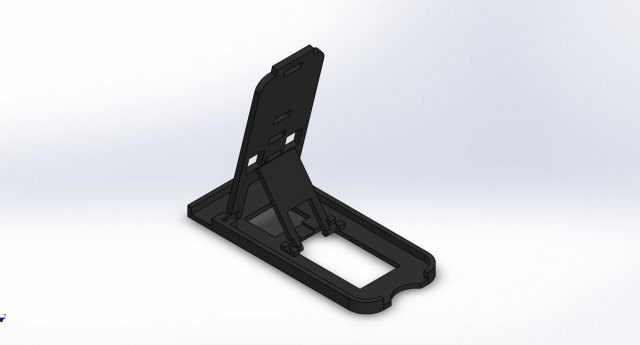
Smartphone Support 3D Model
Small but so comfyA clever and convenient support for all smart phones.Comfortable with three different positions – set the desired angle depending on the function you wish to use it for.Small and takes up no space and compatible with any cell phoneDimension: 90 x 40 x 5 mm
-
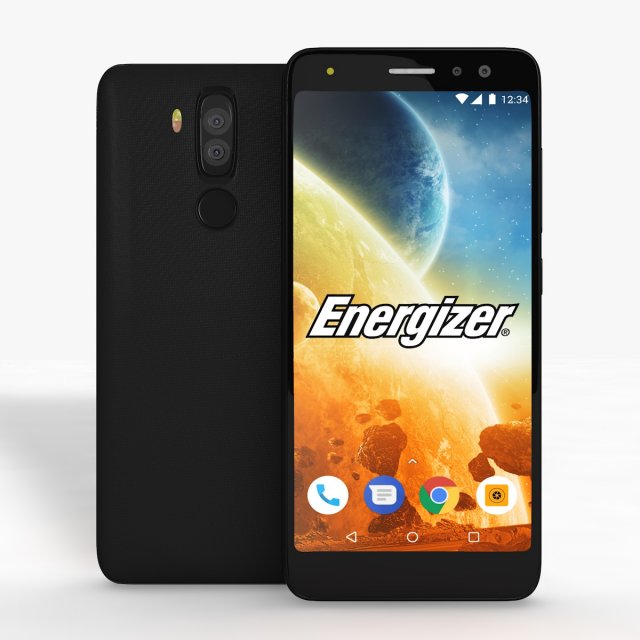
Energizer Power Max P490S Low Poly 3D Model
Energizer Power Max P490S Low PolyI give prepared-after effects project as a gift in 13 and 18 versions.Also I made “Energizer Power Max P490S Element” file open in all 3d versions. I exported to model without performing subdivision surface.To support low-poly , you can get high quality one opening subdivision surface.I created model in pieces and real sizes that you can create animations.It’s a high quality model work, supports low poly, created by cinema 4D.You can increase quality using subdivision surface.Im trying yo develop myself in 3D projects also trying to give you my works controlling issues and fixing them. Im trying to do best.Please feedback faulty works that I can help you.I will be happy when you rate and comment on my works.After Effects Element 3D and supports file formats are available.Formats :.c4d.3ds.stl.obj.fbx.dxf.aep(CC13).aep(CC18)
-
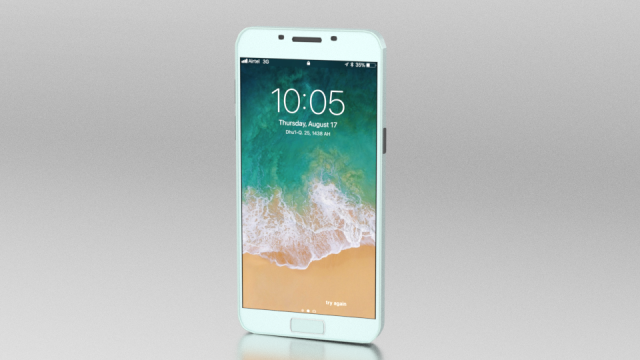
3D Low Poly Smartphone Free 3D Model
You can use this model at games,photos,animations etc.Low Poly Smartphone model made in blender rendered with cycles render.Every part of the model is labeled with their own name in the materials tab.Exported in .3ds, .obj, .ply, .x3d .fbxVertices:981Polygons:905
-
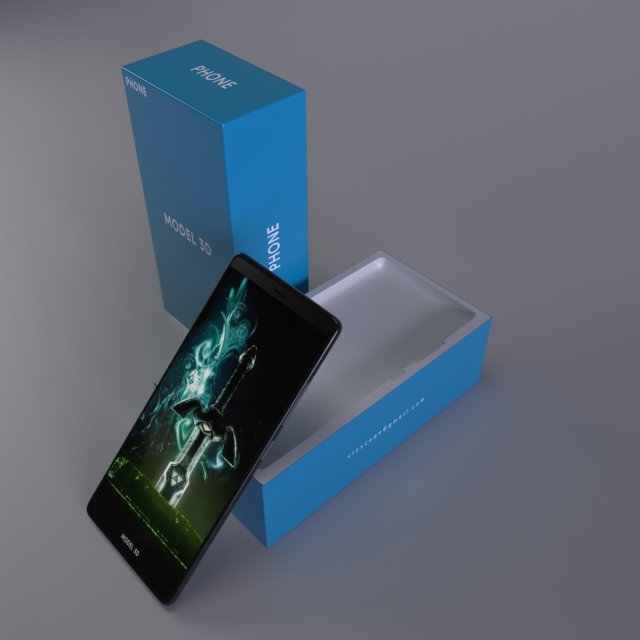
Cell phone with case 3D Model
A 3d model of a cell phone with its package case.-Modeled in 3ds max-unwrapped uvsReady to be textured …
-
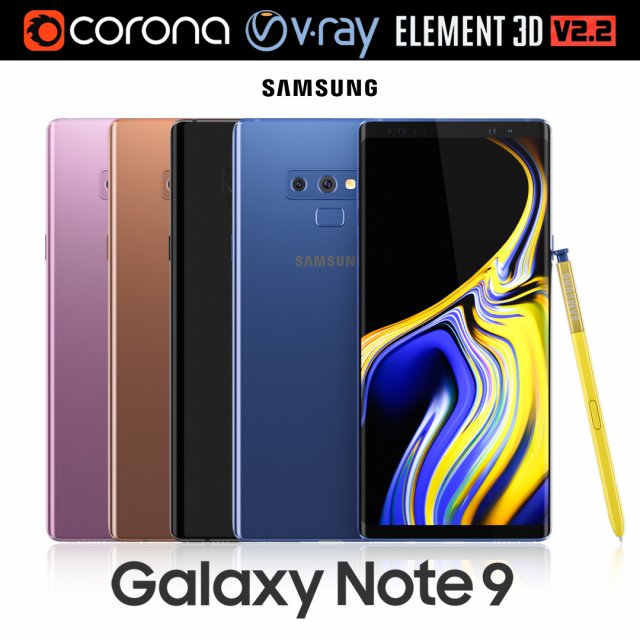
Samsung GALAXY Note 9 all colors 3D Model
Realistic (copy) 3d model of Samsung Galaxy Note 9 all colors.This set:3D element v2.2The model given is easy to use- 1 file obj standard- 1 file 3ds Max 2013 vray material- 1 file 3ds Max 2013 corona material- 1 file of 3Ds- file e3d full set of materials, like a previewHow to use it?1. Discovery after the impact of CC 2014 (or above) and create a new composition (you need Element3D v2.2 to use)2. Create a new solid layer and add the effect of the elements. (Effect / Video Copilot / Element)3. Select Install Location4. Click on the import inside the Element3D Installation location5. Select my .e3d according to the model and click on the open button.If you do not see the model, do not forget to right click on the model name and press the replace model select.Topology of geometry:- forms and proportions of The 3D model- the geometry of the model was created very neatly- there are no many-sided polygons- detailed enough for close-up renders- the model optimized for turbosmooth modifier- Not collapsed the turbosmooth modified- apply the Smooth modifier with a parameter to get the desired level of detailMaterials and Textures:- 3ds max files included Vray-Shaders- 3ds max files included Corona-Shaders- file e3d full set of materials- all texture paths are clearedOrganization of scene:- to all objects and materials- real world size (system units – mm)- coordinates of location of the model in space (x0, y0, z0)- does not contain extraneous or hidden objects (lights, cameras, shapes etc.)Excellent renders to you!
-
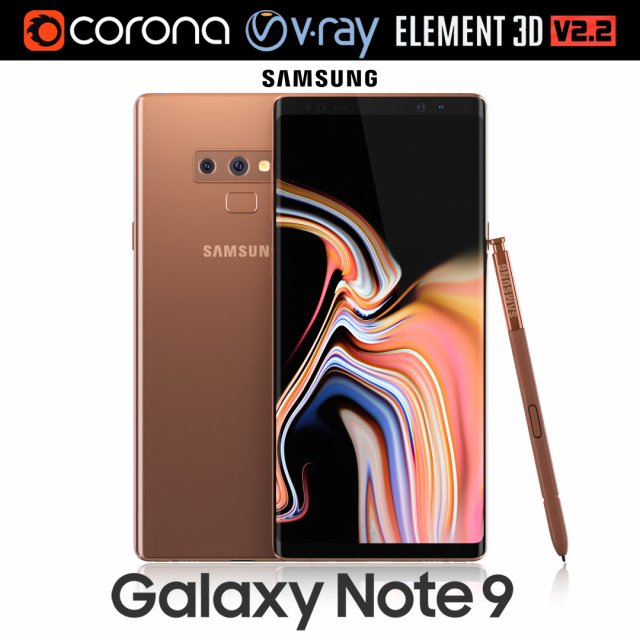
Samsung GALAXY Note 9 Metallic Copper 3D Model
Realistic (copy) 3d model of Samsung Galaxy Note 9 Metallic Copper .This set:3D element v2.2The model given is easy to use- 1 file obj standard- 1 file 3ds Max 2013 vray material- 1 file 3ds Max 2013 corona material- 1 file of 3Ds- file e3d full set of materials, like a previewHow to use it?1. Discovery after the impact of CC 2014 (or above) and create a new composition (you need Element3D v2.2 to use)2. Create a new solid layer and add the effect of the elements. (Effect / Video Copilot / Element)3. Select Install Location4. Click on the import inside the Element3D Installation location5. Select my .e3d according to the model and click on the open button.If you do not see the model, do not forget to right click on the model name and press the replace model select.Topology of geometry:- forms and proportions of The 3D model- the geometry of the model was created very neatly- there are no many-sided polygons- detailed enough for close-up renders- the model optimized for turbosmooth modifier- Not collapsed the turbosmooth modified- apply the Smooth modifier with a parameter to get the desired level of detailMaterials and Textures:- 3ds max files included Vray-Shaders- 3ds max files included Corona-Shaders- file e3d full set of materials- all texture paths are clearedOrganization of scene:- to all objects and materials- real world size (system units – mm)- coordinates of location of the model in space (x0, y0, z0)- does not contain extraneous or hidden objects (lights, cameras, shapes etc.)Excellent renders to you!
-
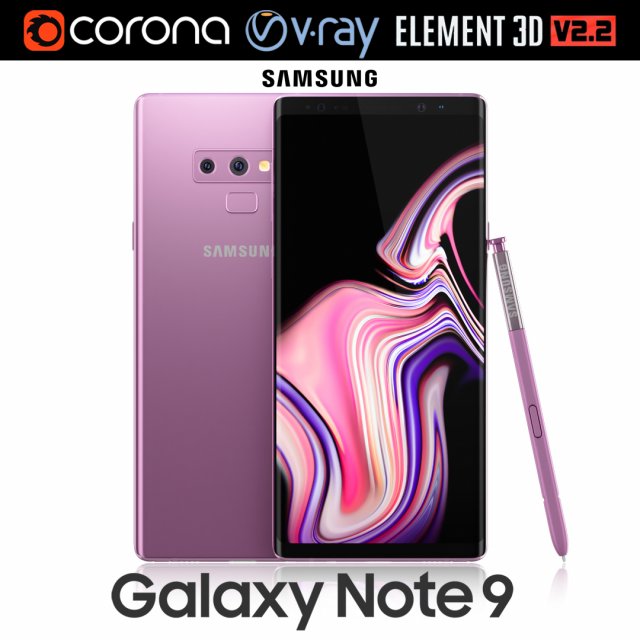
Samsung GALAXY Note 9 Lavender Purple 3D Model
Realistic (copy) 3d model of Samsung Galaxy Note 9 Lavender Purple .This set:3D element v2.2The model given is easy to use- 1 file obj standard- 1 file 3ds Max 2013 vray material- 1 file 3ds Max 2013 corona material- 1 file of 3Ds- file e3d full set of materials, like a previewHow to use it?1. Discovery after the impact of CC 2014 (or above) and create a new composition (you need Element3D v2.2 to use)2. Create a new solid layer and add the effect of the elements. (Effect / Video Copilot / Element)3. Select Install Location4. Click on the import inside the Element3D Installation location5. Select my .e3d according to the model and click on the open button.If you do not see the model, do not forget to right click on the model name and press the replace model select.Topology of geometry:- forms and proportions of The 3D model- the geometry of the model was created very neatly- there are no many-sided polygons- detailed enough for close-up renders- the model optimized for turbosmooth modifier- Not collapsed the turbosmooth modified- apply the Smooth modifier with a parameter to get the desired level of detailMaterials and Textures:- 3ds max files included Vray-Shaders- 3ds max files included Corona-Shaders- file e3d full set of materials- all texture paths are clearedOrganization of scene:- to all objects and materials- real world size (system units – mm)- coordinates of location of the model in space (x0, y0, z0)- does not contain extraneous or hidden objects (lights, cameras, shapes etc.)Excellent renders to you!
-
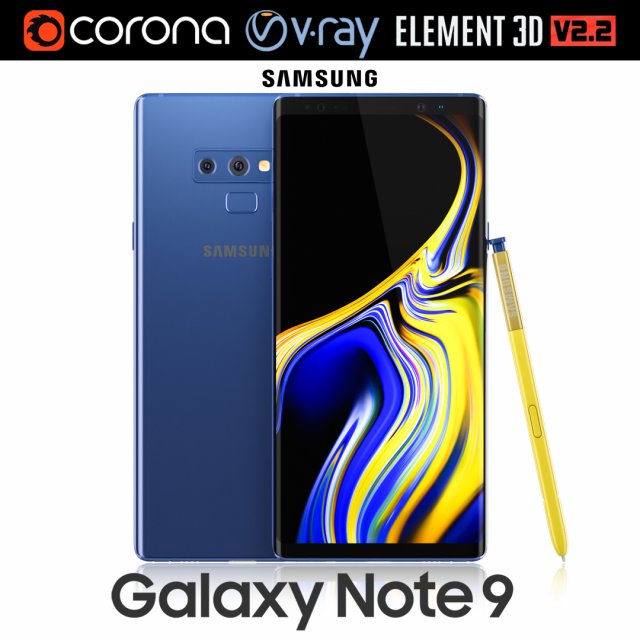
Samsung GALAXY Note 9 Ocean Blue 3D Model
Realistic (copy) 3d model of Samsung Galaxy Note 9 Ocean Blue .This set:3D element v2.2The model given is easy to use- 1 file obj standard- 1 file 3ds Max 2013 vray material- 1 file 3ds Max 2013 corona material- 1 file of 3Ds- file e3d full set of materials, like a previewHow to use it?1. Discovery after the impact of CC 2014 (or above) and create a new composition (you need Element3D v2.2 to use)2. Create a new solid layer and add the effect of the elements. (Effect / Video Copilot / Element)3. Select Install Location4. Click on the import inside the Element3D Installation location5. Select my .e3d according to the model and click on the open button.If you do not see the model, do not forget to right click on the model name and press the replace model select.Topology of geometry:- forms and proportions of The 3D model- the geometry of the model was created very neatly- there are no many-sided polygons- detailed enough for close-up renders- the model optimized for turbosmooth modifier- Not collapsed the turbosmooth modified- apply the Smooth modifier with a parameter to get the desired level of detailMaterials and Textures:- 3ds max files included Vray-Shaders- 3ds max files included Corona-Shaders- file e3d full set of materials- all texture paths are clearedOrganization of scene:- to all objects and materials- real world size (system units – mm)- coordinates of location of the model in space (x0, y0, z0)- does not contain extraneous or hidden objects (lights, cameras, shapes etc.)Excellent renders to you!
-
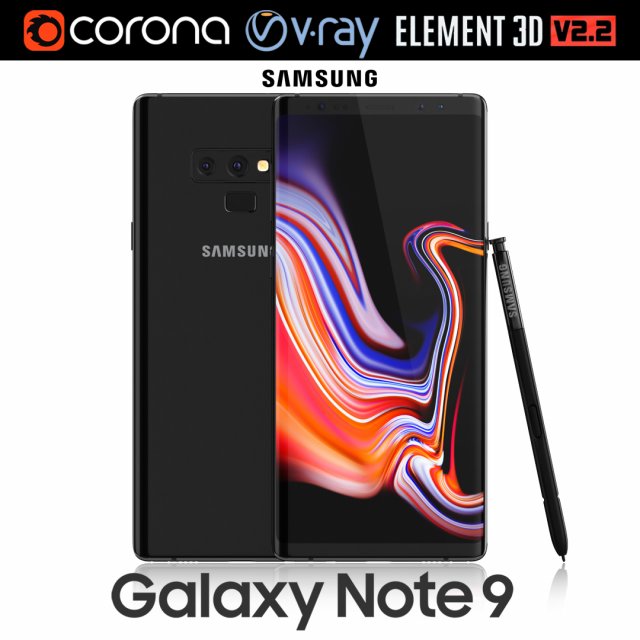
Samsung GALAXY Note 9 Midnight Black 3D Model
Realistic (copy) 3d model of Samsung Galaxy Note 9 Midnight Black .This set:3D element v2.2The model given is easy to use- 1 file obj standard- 1 file 3ds Max 2013 vray material- 1 file 3ds Max 2013 corona material- 1 file of 3Ds- file e3d full set of materials, like a previewHow to use it?1. Discovery after the impact of CC 2014 (or above) and create a new composition (you need Element3D v2.2 to use)2. Create a new solid layer and add the effect of the elements. (Effect / Video Copilot / Element)3. Select Install Location4. Click on the import inside the Element3D Installation location5. Select my .e3d according to the model and click on the open button.If you do not see the model, do not forget to right click on the model name and press the replace model select.Topology of geometry:- forms and proportions of The 3D model- the geometry of the model was created very neatly- there are no many-sided polygons- detailed enough for close-up renders- the model optimized for turbosmooth modifier- Not collapsed the turbosmooth modified- apply the Smooth modifier with a parameter to get the desired level of detailMaterials and Textures:- 3ds max files included Vray-Shaders- 3ds max files included Corona-Shaders- file e3d full set of materials- all texture paths are clearedOrganization of scene:- to all objects and materials- real world size (system units – mm)- coordinates of location of the model in space (x0, y0, z0)- does not contain extraneous or hidden objects (lights, cameras, shapes etc.)Excellent renders to you!
-
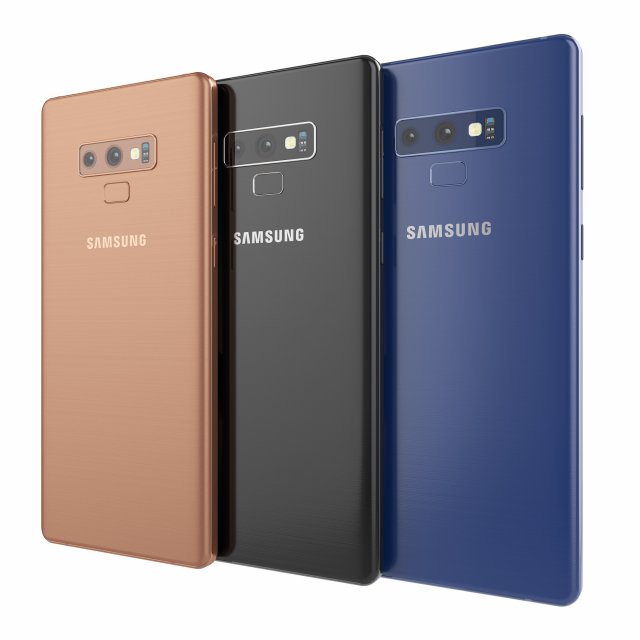
Samsung galaxy note 9 3D Model
Samsung galaxy note 9High resolution model. The model is made in Rhino. The render and materials in 3ds max and Corona renderer 2017. In scenes 3ds max 3 models with different colors. Available in blue, black and bronze color. Formats: 3ds max 2017, 2016, 2014, 3dm, obj, fbx and textures.
-
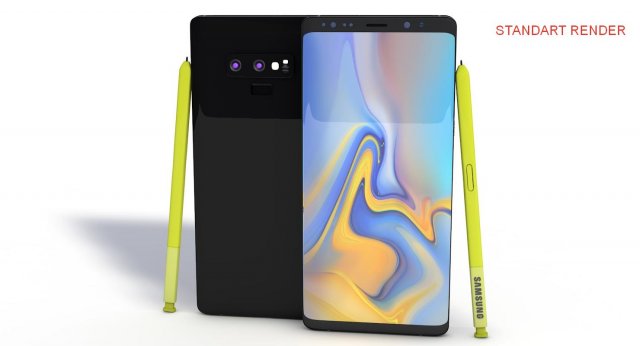
Samsung Galaxy Note 9 3D Model
Samsung Galaxy Note 9It’s a high quality model work, supports low poly, created by cinema 4D.You can increase quality using subdivision surface.I usually export uv layouts of model and I put textures of models which have no problems into the same file.Im trying yo develop myself in 3D projects also trying to give you my works controlling issues and fixing them. Im trying to do best.Please feedback faulty works that I can help you.I will be happy when you rate and comment on my works.After Effects Element 3D v2.2 and supports file formats are available.”Samsung Galaxy Note 9 Element” C4D file is suitable for after effects. You can seamlessly selecting elements 3d “Samsung Galaxy Note 9 Element” file.!!!Use good body and under the Subdivision Surface files. Camera set and not required to under Subdivision Surface.!!!Formats :.c4d.3ds.stl.obj.fbx.dxf.aep
-
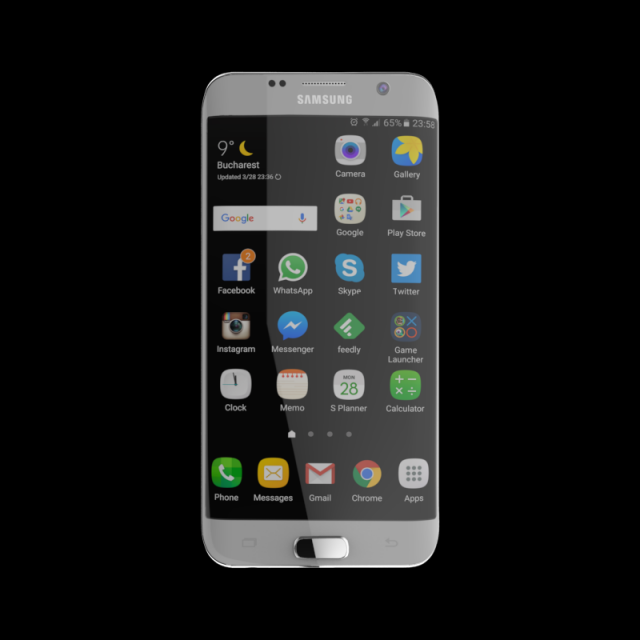
SAMSUNG GALAXY S7 EDGE 32 GB SILVER 3D Model
SAMSUNG_GALAXY_S7_EDGE_32_GB_SILVERPoly Count 77270Verts Count 79126Texture Size 4096 x 4096Material – YesUV Unwraped- MixedRigged- NoAnimation- NoFile Format- OBJ & FBX & STL & Maya File
-
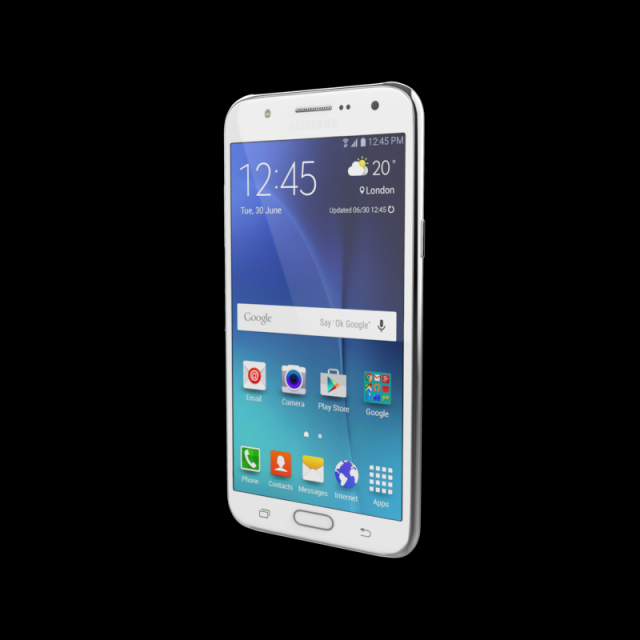
Samsung Galaxy J7 White 3D Model
Samsung Galaxy J7 WhitePoly Count 135668Verts Count 136979Texture Size 4096 x 4096Material – YesUV Unwraped- MixedRigged- NoAnimation- NoFile Format- OBJ & FBX & STL & MAYA
-
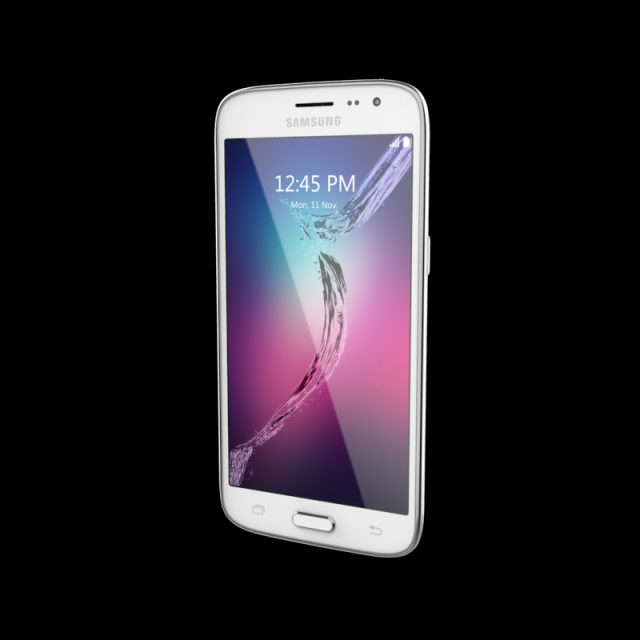
SAMSUNG GALAXY J210F Silver 3D Model
SAMSUNG_GALAXY_J210F_SilverPoly Count 13783Verts Count 14841Texture Size 4096 x 4096Material – YesUV Unwraped- MixedRigged- NoAnimation- NoFile Format- OBJ & FBX & STL & MAYA
-
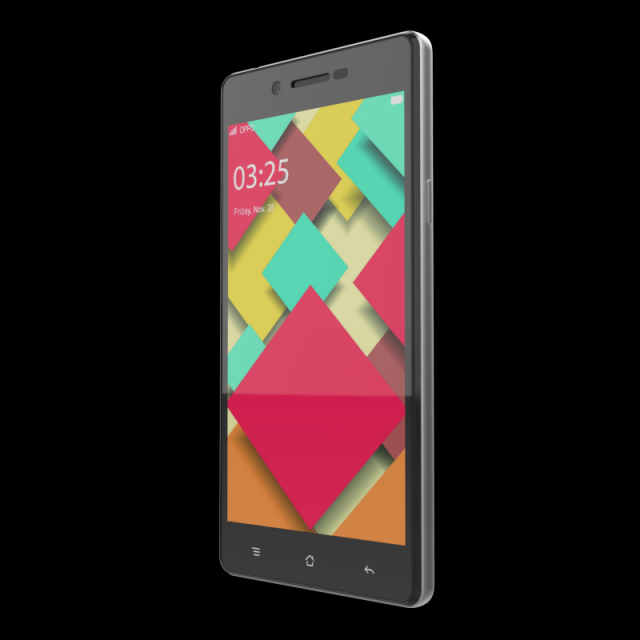
OPPONEO7BLACK 3D Model
OPPO_NEO_7_BLACKPoly Count 15106Verts Count 15698Texture Size 4096 x 4096Material – YesUV Unwraped- MixedRigged- NoAnimation- NoFile Format- OBJ & FBX & STL & MAYA
-
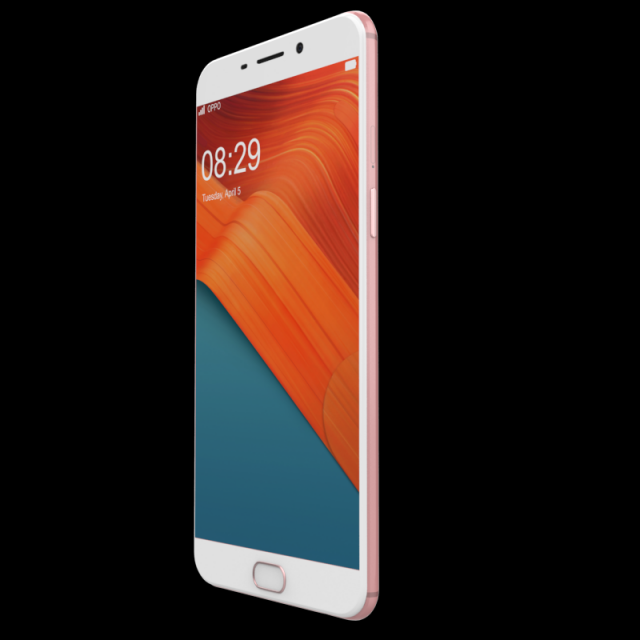
OPPO F1 PLUS ROSE GOLD 3D Model
OPPO_F1_PLUS_ROSE_GOLDPoly Count 11391Verts Count 11926Texture Size 4096 x 4096Material – YesUV Unwraped- MixedRigged- NoAnimation- NoFile Format- OBJ & FBX & STL & MAYA
-
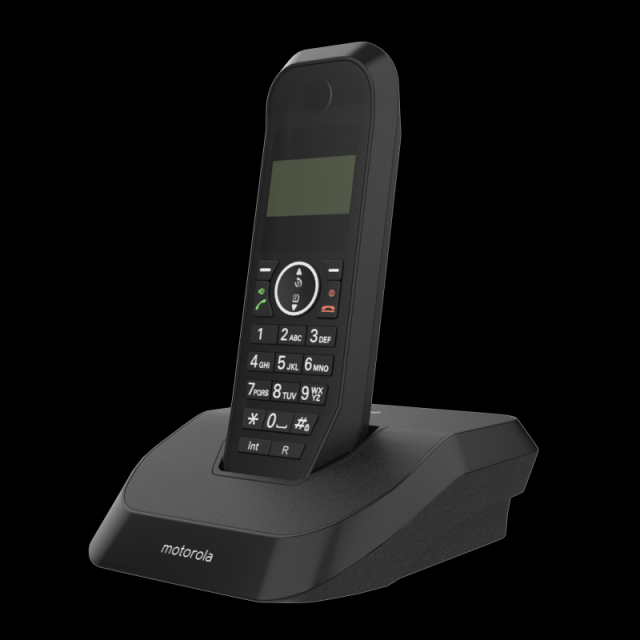
MOTOROLA S2001I CORDLESS PHONE BLACK 3D Model
OTOROLA_S2001I_CORDLESS_PHONE_BLACKPoly Count 12801Verts Count 13499Texture Size 4096 x 4096Material – YesUV Unwraped- MixedRigged- NoAnimation- NoFile Format- OBJ & FBX & STL & MAYA
-
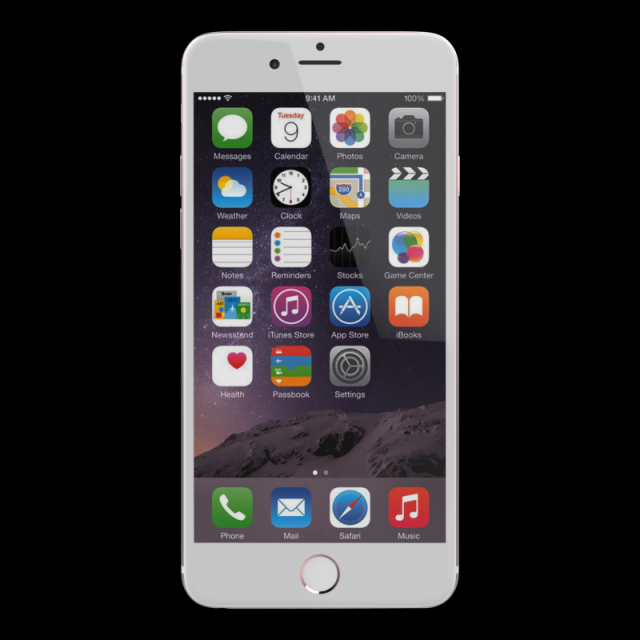
APPLEIPHONE6SPLUSROSEGOLD128GB 3D Model
APPLE_IPHONE_6S_PLUS_ROSE_GOLD_128GBPoly Count 52510Verts Count 55028Texture Size 4096 x 4096Material – YesUV Unwraped- MixedRigged- NoAnimation- NoFile Format- OBJ & FBX & STL & Maya File
-
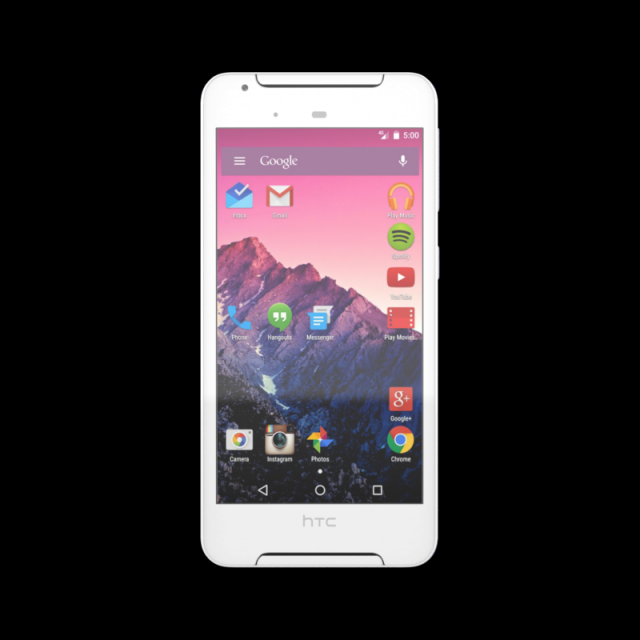
HTCDESIRE628WHITE32GB 3D Model
HTC_DESIRE_628_WHITE_32GBPoly Count 20775Verts Count 21842Texture Size 4096 x 4096Material – YesUV Unwraped- MixedRigged- NoAnimation- NoFile Format- OBJ & FBX & STL & MAYA
-
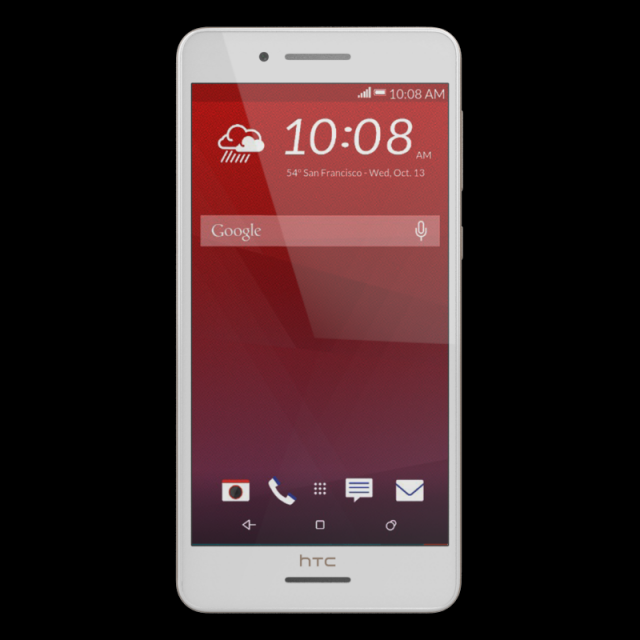
HTCDESIRE728BLACK32GB 3D Model
HTC_DESIRE_728_BLACK_32GBPoly Count 14011Verts Count 15158Texture Size 4096 x 4096Material – YesUV Unwraped- MixedRigged- NoAnimation- NoFile Format- OBJ & FBX & STL & Maya File
-
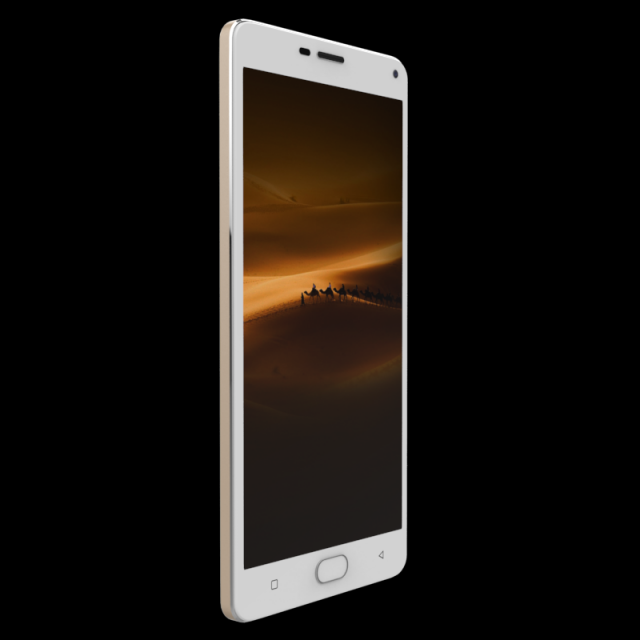
GIONEE M5 PLUS 3D Model
GIONEE_M5_PLUS_POLAR_GOLD_CHAMPAGNEPoly Count 27383Verts Count 28521Texture Size 4096 x 4096Material – YesUV Unwraped- MixedRigged- NoAnimation- NoFile Format- OBJ & FBX & STL
-
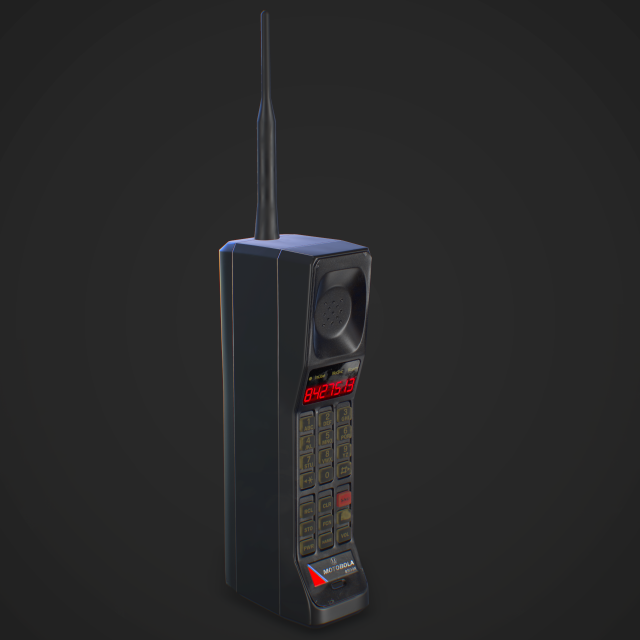
Cellphone retro Game Ready 3D Model
Realistic game ready retro cellphone 3D model with high resolution textures.High realistic prop for game scenes and other.Includes:2048×2048 PBR texture map setAdditional Emission map for display glowingOptimized polycount
-
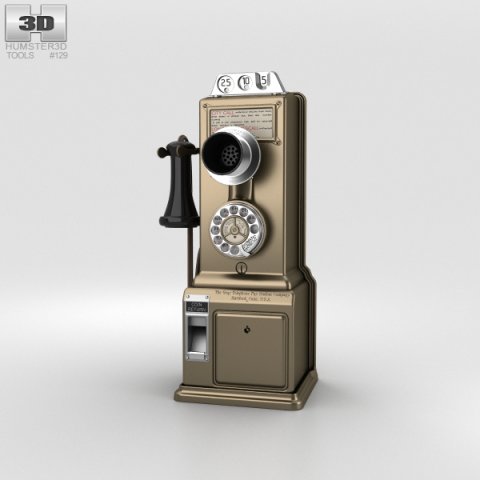
Gray Telephone Pay Station 3D Model
The 3D model was created on real base. It’s created accurately, in real units of measurement, qualitatively and maximally close to the original.Model formats:- *.max (3ds Max 2008 scanline)- *.max (3ds Max 2008 vray)- *.fbx (Multi Format)- *.obj (Multi Format)- *.3ds (Multi Format)- *.mb (Maya 8.5)- *.lwo (Lightwave 6)- *.c4d (Cinema 4D 11)* renders Are made in 3ds Max 2008 using vray 1.5 (studio environment is not included in the set)If you need any other formats we are more than happy to make them for you.The model is provided combined, all main parts are presented as separate parts therefore materials of objects are easy to be modified or removed and standard parts are easy to be replaced. If you experience difficulties with separating standard parts we are more than happy to give you qualified assistance.We greatly appreciate you choosing our 3D models and hope they will be of use.We look forward to continuously dealing with you.Sincerely Yours,Hum3D Team
-
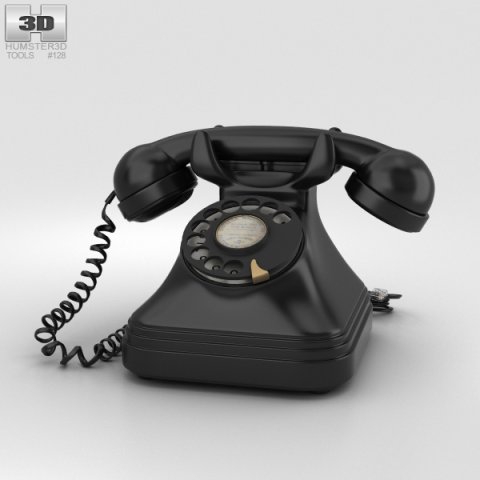
Vintage Phone 3D Model
The 3D model was created on real base. It’s created accurately, in real units of measurement, qualitatively and maximally close to the original.Model formats:- *.max (3ds Max 2008 scanline)- *.max (3ds Max 2008 vray)- *.fbx (Multi Format)- *.obj (Multi Format)- *.3ds (Multi Format)- *.mb (Maya 8.5)- *.lwo (Lightwave 6)- *.c4d (Cinema 4D 11)* renders Are made in 3ds Max 2008 using vray 1.5 (studio environment is not included in the set)If you need any other formats we are more than happy to make them for you.The model is provided combined, all main parts are presented as separate parts therefore materials of objects are easy to be modified or removed and standard parts are easy to be replaced. If you experience difficulties with separating standard parts we are more than happy to give you qualified assistance.We greatly appreciate you choosing our 3D models and hope they will be of use.We look forward to continuously dealing with you.Sincerely Yours,Hum3D Team
-
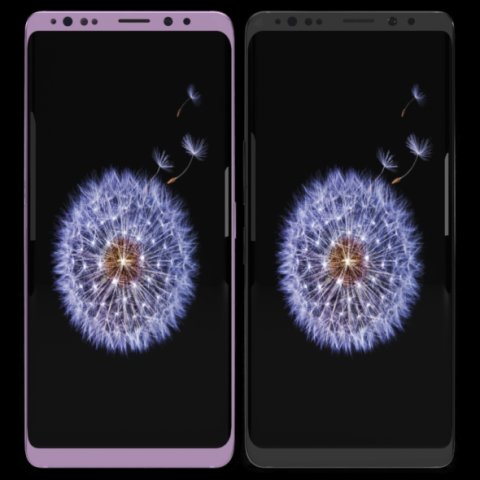
Samsung Galaxy S9 Plus Model 3D Model
This model has been created with high quality in cinema 4D.Im trying yo develop myself in 3D projects also trying to give you my works controlling issues and fixing them. Im trying to do best.Please feedback faulty works that I can help you.I will be happy when you rate and comment on my worksDetail about projects- You can put materials into objects without textures which have been exported by me except cinema 4D.(obj-3ds-flox are formats)Another objects use just one material and have uv map texture.You can color objects,with one material,have not got texture.Im listing objects and materials—————————————————————————Objects MaterialsBack — BodyCamera — Texture availableSceen –texture availableButtons.1 — BodyIris Sensor — Blue glass materialport — BodySound — Body wallSim cup — BodySockte frames — Body lineflash glass — Glasscam glass — GlassBack camera frame–Body grey and pinkBack camera frame.1– Body wall grey no reflectionBack camera frame2– Body wall grey no reflectionFlash set — Texture availableFlash yellow — Texture availableThank you.
-
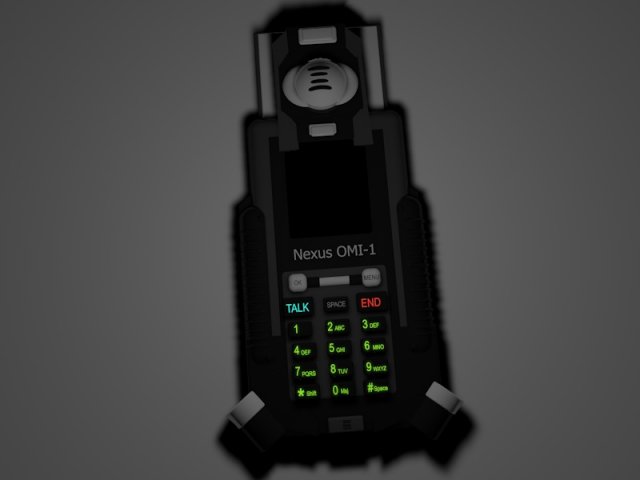
Neos cell phone from the movie Matrix 3D Model
This phone is a replica of the one used neo in the matrix saga
-
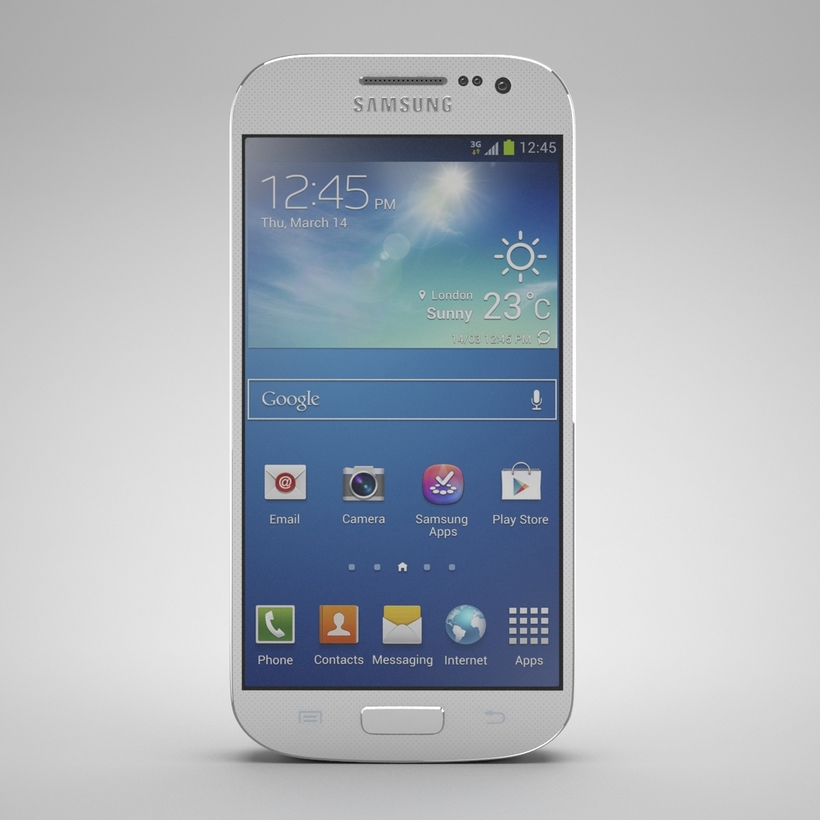
Samsung Galaxy S4 Mini White 3D Model
Samsung Galaxy S4 Mini 3d Model*The model’s original file format is Max 2013 and the model has FBX, OBJ, 3ds, max 2010 file formats .*The model was constructed with 26 polygonal objects, each object has an unique name and unique named VRay material.* FBX and OBJ file formats was exported properly with standard materials and textures .*The model has 6702 polygons and 7064 vertices.* The textures are 2048×2048 pix JPG files. Each file type were archived with all maps used on model material and named with it’s own duty name.*The model has real world scale and moved to the zero point of X,Y,Z axes.*Tho model has clean UVW map.*The model has not any NGones and it’s checked with script before publishing.Thanks to choose of my model…..
-

Nokia Lumia 925 3D Model
NOKIA Asha 501 3d Model *The model’s original file format is Max 2013 and the model has FBX, OBJ, max 2010 file formats . *The model was constructed with 17 polygonal objects, each object has an unique name and unique named VRay material. * FBX and OBJ file formats was exported properly with standard materials and textures . *The model has 7514 polygons and 7841 vertices. * The textures are 2048×2048 pix and can be seen on presentation images. *The model has real world scale and moved to the zero point of X,Y,Z axes. *Tho model has clean UVW map. *The model has not any NGones and it’s checked with script before publishing. Thanks to choose of my model…..
-

Nokia Asha 501 3D Model
NOKIA Asha 501 3d Model *The model’s original file format is Max 2013 and the model has FBX, OBJ, max 2010 file formats . *The model was constructed with 13 polygonal objects, each object has an unique name and unique named VRay material. * FBX and OBJ file formats was exported properly with standard materials and textures . Be aware, the presentation images was rendered with VRay and and they had VRay material on them. With proper adjustments you can get same result on different rendering engine or 3D software. *The model has 10211 polygons and 10504 vertices. * The textures are 2048×2048 pix, they can be seen on presentation images. The model has 4 diffuse, a specular, a specular lvl, a glossiness, a bump, an opacity texture maps. *The model has real world scale and moved to the zero point of X,Y,Z axes. *Tho model has clean UVW map. *The model has not any NGones and it’s checked with script before publishing. Thanks to choose of my model…..
-

NOKIA Asha 210 3D Model
NOKIA Asha 210 3d Model*The model’s original file format is Max 2013 and the model has FBX, OBJ, max 2010 file formats .*The model was constructed with 20 polygonal objects, each object has an unique name and unique named VRay material.* FBX and OBJ file formats was exported properly with standard materials and textures . Be aware, the presentation images was rendered with VRay and and they had VRay material on them. With proper adjustments you can get same result on different rendering engine or 3D software.*The model has 14948 polygons and 15691 vertices.* The textures are 2048×2048 pix, they can be seen on presentation images. The model has 3 diffuse, a specular, a specular lvl, a glossiness, a bump, an opacity texture maps.*The model has real world scale and moved to the zero point of X,Y,Z axes.*Tho model has clean UVW map.*The model has not any NGones and it’s checked with script before publishing.Thanks to choose of my model…..
-

Sony Xperia SP 3D Model
Sony Xperia SP 3d model.*The model’s original file format is Max 2013 and the model has FBX, OBJ, max 2010 file formats .*The model was constructed with 27 polygonal objects, each object has an unique name and unique named standart material.* FBX and OBJ file formats was exported properly with standard materials and textures .*The model has 28081 polygons and 29089 vertices.* Textures are included in each seperate Rar folder.*The model has real world scale and moved to the zero point of X,Y,Z axes.*The model has not any NGones.Thanks to choose of my model…..
-
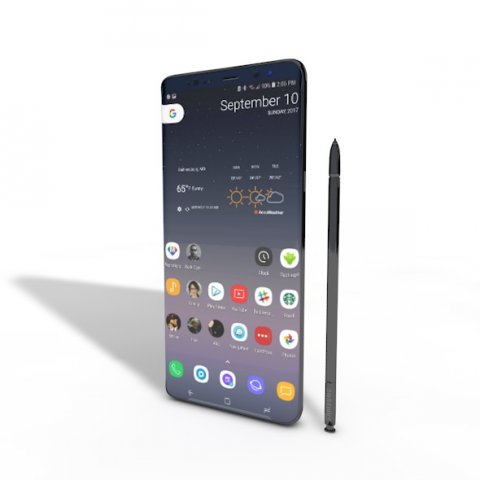
SAMSUNG NOTE 8 ELEMENT 3D V 22 3D Model
This high quality 3d model for Cinema 4D,3ds Max SAMSUNG NOTE 8 ELEMENT 3D V 2.2 File formats:-.3ds(multi format) -.fbx (multi format) -.obj (multi format) -.c4d – .e3d (element 3d) All parts of this model have been modelled separately to achieve as much realism as possible Please font’t forget to rate this item if you liked him.
-
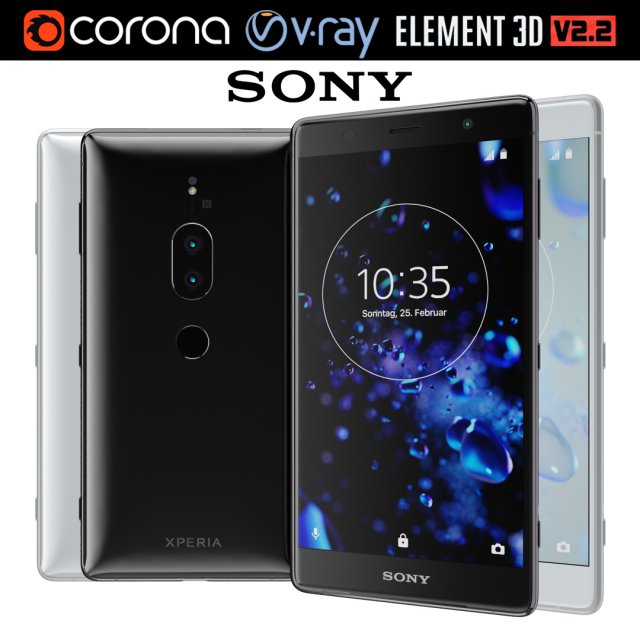
Sony Xperia XZ2 Premium all colors 3D Model
Realistic (copy) 3d model of Sony Xperia XZ2 Premium all colors.This set:3D element v2.2The model given is easy to use- 1 file obj standard- 2 file 3ds Max 2013 vray material- 2 file 3ds Max 2013 corona material- 1 file of 3Ds- 2 file e3d full set of materials, like a previewHow to use it?1. Discovery after the impact of CC 2014 (or above) and create a new composition (you need Element3D v2.2 to use)2. Create a new solid layer and add the effect of the elements. (Effect / Video Copilot / Element)3. Select Install Location4. Click on the import inside the Element3D Installation location5. Select my .e3d according to the model and click on the open button.If you do not see the model, do not forget to right click on the model name and press the replace model select.Topology of geometry:- forms and proportions of The 3D model- the geometry of the model was created very neatly- there are no many-sided polygons- detailed enough for close-up renders- the model optimized for turbosmooth modifier- Not collapsed the turbosmooth modified- apply the Smooth modifier with a parameter to get the desired level of detailMaterials and Textures:- 3ds max files included Vray-Shaders- 3ds max files included Corona-Shaders- file e3d full set of materials- all texture paths are clearedOrganization of scene:- to all objects and materials- real world size (system units – mm)- coordinates of location of the model in space (x0, y0, z0)- does not contain extraneous or hidden objects (lights, cameras, shapes etc.)Excellent renders to you!
-
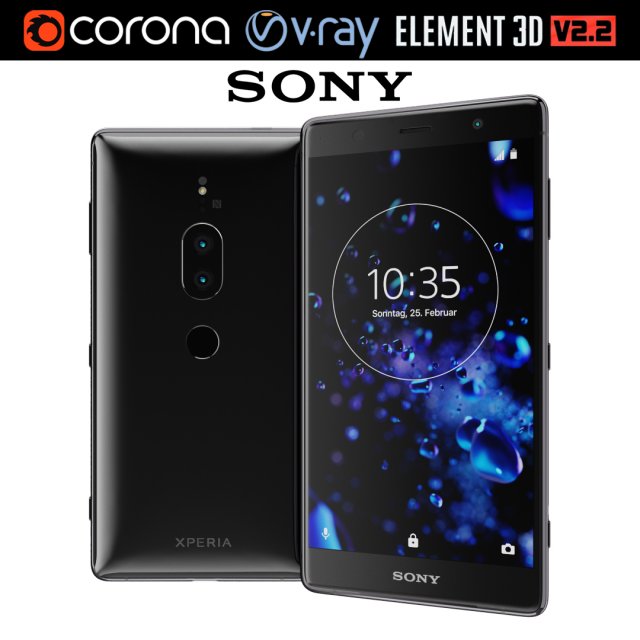
Sony Xperia XZ2 Premium black 3D Model
Realistic (copy) 3d model of Sony Xperia XZ2 Premium black.This set:3D element v2.2The model given is easy to use- 1 file obj standard- 1 file 3ds Max 2013 vray material- 1 file 3ds Max 2013 corona material- 1 file of 3Ds- file e3d full set of materials, like a previewHow to use it?1. Discovery after the impact of CC 2014 (or above) and create a new composition (you need Element3D v2.2 to use)2. Create a new solid layer and add the effect of the elements. (Effect / Video Copilot / Element)3. Select Install Location4. Click on the import inside the Element3D Installation location5. Select my .e3d according to the model and click on the open button.If you do not see the model, do not forget to right click on the model name and press the replace model select.Topology of geometry:- forms and proportions of The 3D model- the geometry of the model was created very neatly- there are no many-sided polygons- detailed enough for close-up renders- the model optimized for turbosmooth modifier- Not collapsed the turbosmooth modified- apply the Smooth modifier with a parameter to get the desired level of detailMaterials and Textures:- 3ds max files included Vray-Shaders- 3ds max files included Corona-Shaders- file e3d full set of materials- all texture paths are clearedOrganization of scene:- to all objects and materials- real world size (system units – mm)- coordinates of location of the model in space (x0, y0, z0)- does not contain extraneous or hidden objects (lights, cameras, shapes etc.)Excellent renders to you!
-
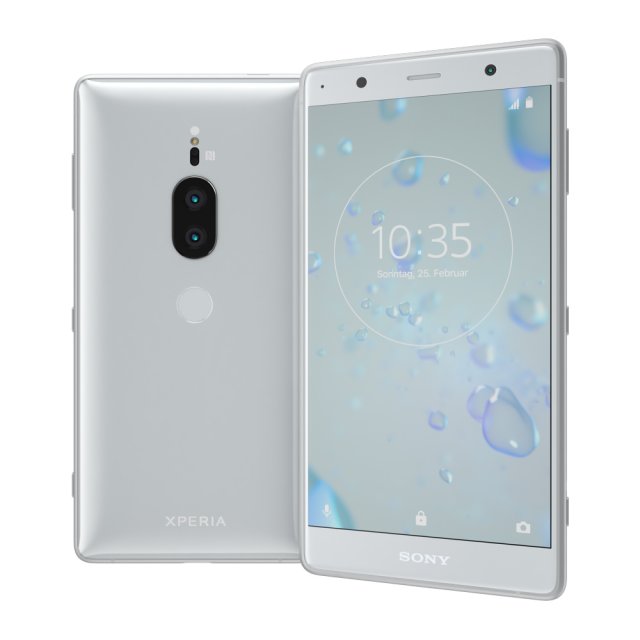
Sony Xperia XZ2 Premium silver 3D Model
Realistic (copy) 3d model of Sony Xperia XZ2 Premium silver.This set:3D element v2.2The model given is easy to use- 1 file obj standard- 1 file 3ds Max 2013 vray material- 1 file 3ds Max 2013 corona material- 1 file of 3Ds- file e3d full set of materials, like a previewHow to use it?1. Discovery after the impact of CC 2014 (or above) and create a new composition (you need Element3D v2.2 to use)2. Create a new solid layer and add the effect of the elements. (Effect / Video Copilot / Element)3. Select Install Location4. Click on the import inside the Element3D Installation location5. Select my .e3d according to the model and click on the open button.If you do not see the model, do not forget to right click on the model name and press the replace model select.Topology of geometry:- forms and proportions of The 3D model- the geometry of the model was created very neatly- there are no many-sided polygons- detailed enough for close-up renders- the model optimized for turbosmooth modifier- Not collapsed the turbosmooth modified- apply the Smooth modifier with a parameter to get the desired level of detailMaterials and Textures:- 3ds max files included Vray-Shaders- 3ds max files included Corona-Shaders- file e3d full set of materials- all texture paths are clearedOrganization of scene:- to all objects and materials- real world size (system units – mm)- coordinates of location of the model in space (x0, y0, z0)- does not contain extraneous or hidden objects (lights, cameras, shapes etc.)Excellent renders to you!
-
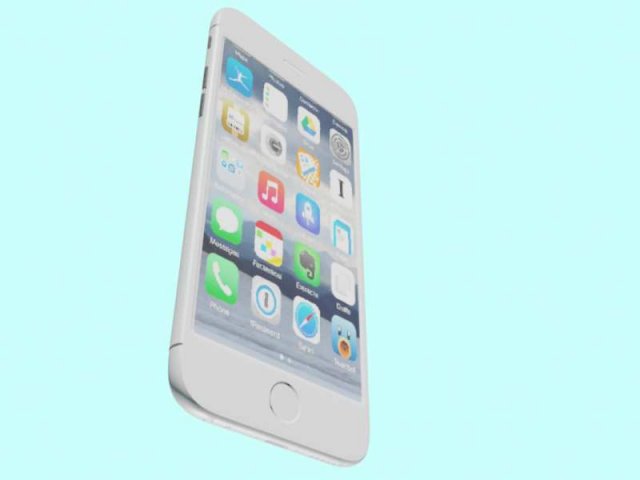
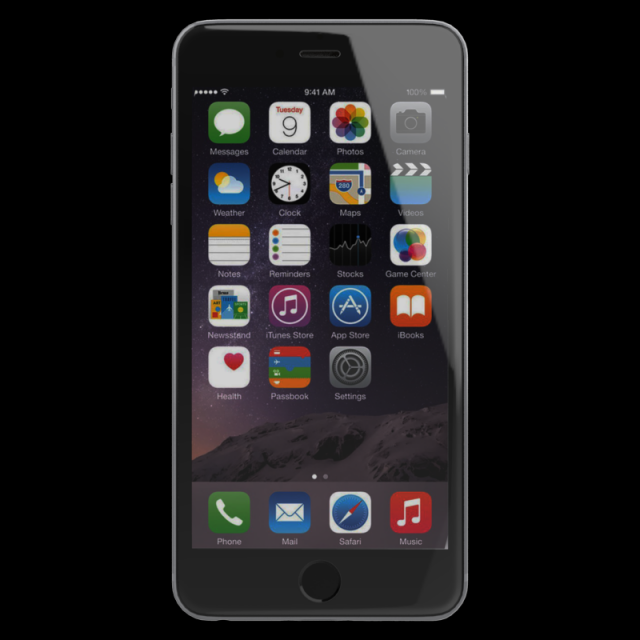
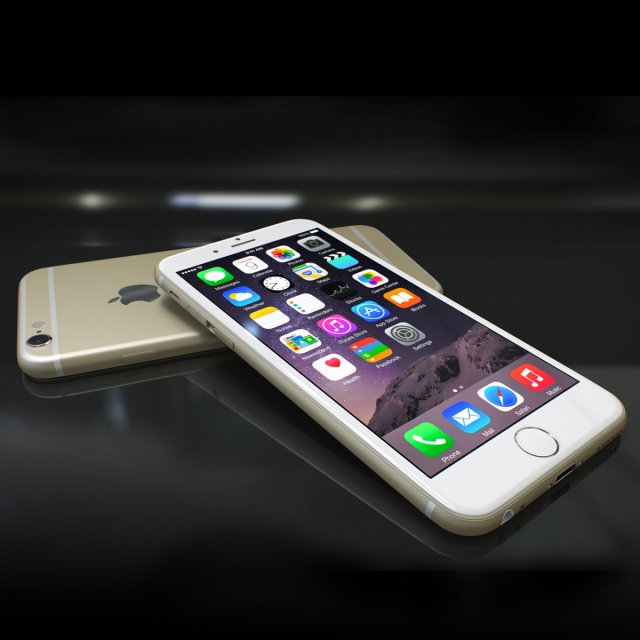
Iphone6 3D Model
realistic(copy) 3D model of Apple iphone6Topology and Geometry:–Forms and proportion of the 3d model most simillar to real object.-The geometry of the model was created very neatly.-There are no may-sided polygons.Materials and Textured:–3ds max file include standard materials.-All textured path are cleaned.File format:–original file format-3ds max 2015.-3ds max with standard materials.
-
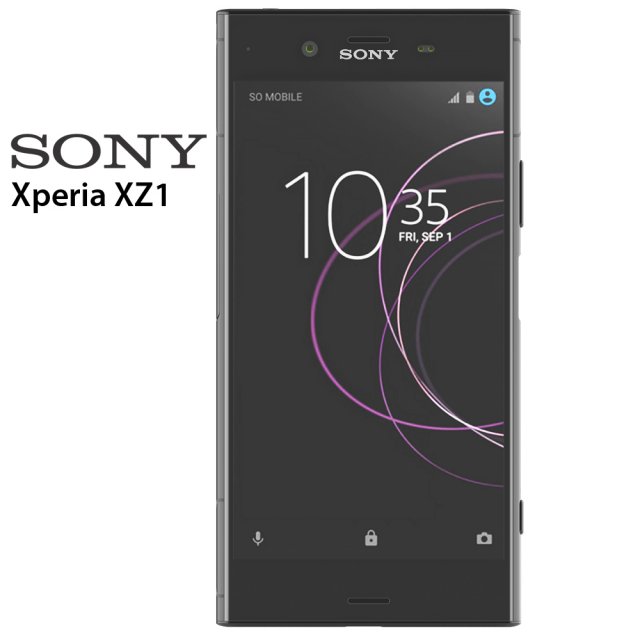
Sony Xperia XZ1 3D Model
Sony Xperia XZ1 3D modelThe model is made in Rhino 6. Rendering was done in Keyshot 7. All files are in the archive. In 3ds max model without materials, the materials are set up in Keyshot and ready for rendering. The files are 3ds, fbx, obj, bio, max 2014, max2016, max 2017, 3ds for Rhino 6 and Rhino 5. There are also textures for Keyshot.
-
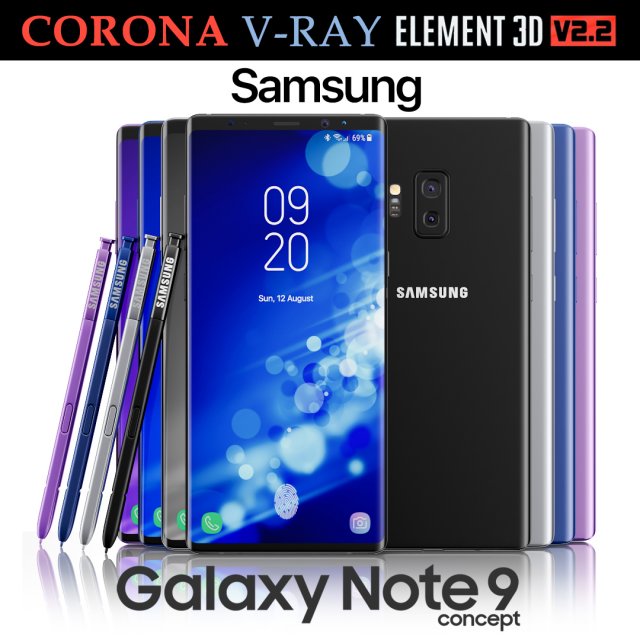
Samsung Galaxy Note 9 All colors Concept 3D Model
Realistic (copy) 3d model of Samsung Galaxy Note 9 All colors Concept.This set:3D element v2.2The model given is easy to use- 1 file obj standard- 1 file 3ds Max 2013 vray material- 1 file 3ds Max 2013 corona material- 1 file of 3Ds- file e3d full set of materials, like a previewHow to use it?1. Discovery after the impact of CC 2014 (or above) and create a new composition (you need Element3D v2.2 to use)2. Create a new solid layer and add the effect of the elements. (Effect / Video Copilot / Element)3. Select Install Location4. Click on the import inside the Element3D Installation location5. Select my .e3d according to the model and click on the open button.If you do not see the model, do not forget to right click on the model name and press the replace model select.Topology of geometry:- forms and proportions of The 3D model- the geometry of the model was created very neatly- there are no many-sided polygons- detailed enough for close-up renders- the model optimized for turbosmooth modifier- Not collapsed the turbosmooth modified- apply the Smooth modifier with a parameter to get the desired level of detailMaterials and Textures:- 3ds max files included Vray-Shaders- 3ds max files included Corona-Shaders- file e3d full set of materials- all texture paths are clearedOrganization of scene:- to all objects and materials- real world size (system units – mm)- coordinates of location of the model in space (x0, y0, z0)- does not contain extraneous or hidden objects (lights, cameras, shapes etc.)Excellent renders to you!
-
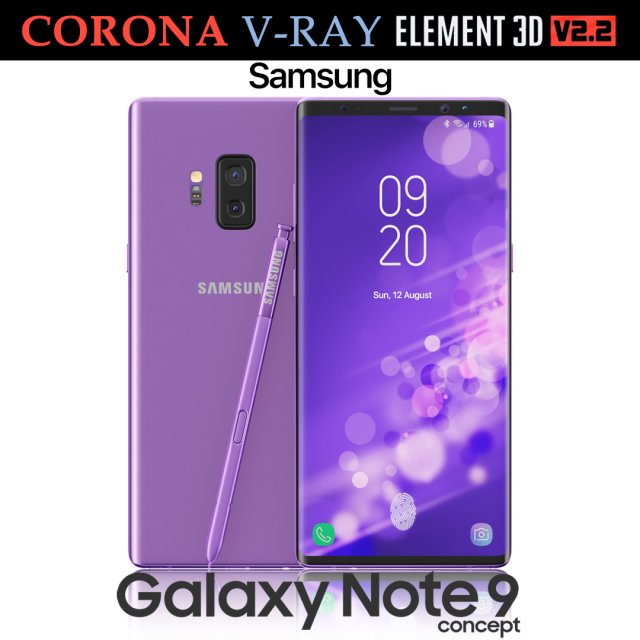
Samsung Galaxy Note 9 Purple Concept 3D Model
Realistic (copy) 3d model of Samsung Galaxy Note 9 Purple Concept.This set:3D element v2.2The model given is easy to use- 1 file obj standard- 1 file 3ds Max 2013 vray material- 1 file 3ds Max 2013 corona material- 1 file of 3Ds- file e3d full set of materials, like a previewHow to use it?1. Discovery after the impact of CC 2014 (or above) and create a new composition (you need Element3D v2.2 to use)2. Create a new solid layer and add the effect of the elements. (Effect / Video Copilot / Element)3. Select Install Location4. Click on the import inside the Element3D Installation location5. Select my .e3d according to the model and click on the open button.If you do not see the model, do not forget to right click on the model name and press the replace model select.Topology of geometry:- forms and proportions of The 3D model- the geometry of the model was created very neatly- there are no many-sided polygons- detailed enough for close-up renders- the model optimized for turbosmooth modifier- Not collapsed the turbosmooth modified- apply the Smooth modifier with a parameter to get the desired level of detailMaterials and Textures:- 3ds max files included Vray-Shaders- 3ds max files included Corona-Shaders- file e3d full set of materials- all texture paths are clearedOrganization of scene:- to all objects and materials- real world size (system units – mm)- coordinates of location of the model in space (x0, y0, z0)- does not contain extraneous or hidden objects (lights, cameras, shapes etc.)Excellent renders to you!
-
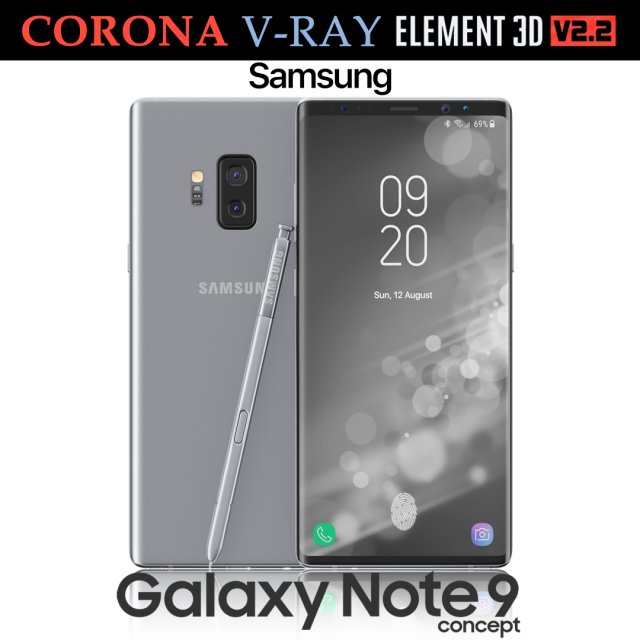
Samsung Galaxy Note 9 Gray Concept 3D Model
Realistic (copy) 3d model of Samsung Galaxy Note 9 Gray Concept.This set:3D element v2.2The model given is easy to use- 1 file obj standard- 1 file 3ds Max 2013 vray material- 1 file 3ds Max 2013 corona material- 1 file of 3Ds- file e3d full set of materials, like a previewHow to use it?1. Discovery after the impact of CC 2014 (or above) and create a new composition (you need Element3D v2.2 to use)2. Create a new solid layer and add the effect of the elements. (Effect / Video Copilot / Element)3. Select Install Location4. Click on the import inside the Element3D Installation location5. Select my .e3d according to the model and click on the open button.If you do not see the model, do not forget to right click on the model name and press the replace model select.Topology of geometry:- forms and proportions of The 3D model- the geometry of the model was created very neatly- there are no many-sided polygons- detailed enough for close-up renders- the model optimized for turbosmooth modifier- Not collapsed the turbosmooth modified- apply the Smooth modifier with a parameter to get the desired level of detailMaterials and Textures:- 3ds max files included Vray-Shaders- 3ds max files included Corona-Shaders- file e3d full set of materials- all texture paths are clearedOrganization of scene:- to all objects and materials- real world size (system units – mm)- coordinates of location of the model in space (x0, y0, z0)- does not contain extraneous or hidden objects (lights, cameras, shapes etc.)Excellent renders to you!
-
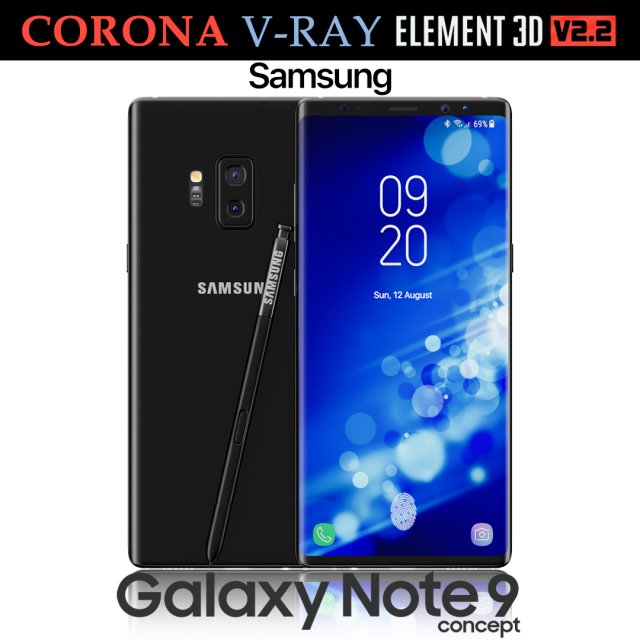
Samsung Galaxy Note 9 Black Concept 3D Model
Realistic (copy) 3d model of Samsung Galaxy Note 9 Black Concept.This set:3D element v2.2The model given is easy to use- 1 file obj standard- 1 file 3ds Max 2013 vray material- 1 file 3ds Max 2013 corona material- 1 file of 3Ds- file e3d full set of materials, like a previewHow to use it?1. Discovery after the impact of CC 2014 (or above) and create a new composition (you need Element3D v2.2 to use)2. Create a new solid layer and add the effect of the elements. (Effect / Video Copilot / Element)3. Select Install Location4. Click on the import inside the Element3D Installation location5. Select my .e3d according to the model and click on the open button.If you do not see the model, do not forget to right click on the model name and press the replace model select.Topology of geometry:- forms and proportions of The 3D model- the geometry of the model was created very neatly- there are no many-sided polygons- detailed enough for close-up renders- the model optimized for turbosmooth modifier- Not collapsed the turbosmooth modified- apply the Smooth modifier with a parameter to get the desired level of detailMaterials and Textures:- 3ds max files included Vray-Shaders- 3ds max files included Corona-Shaders- file e3d full set of materials- all texture paths are clearedOrganization of scene:- to all objects and materials- real world size (system units – mm)- coordinates of location of the model in space (x0, y0, z0)- does not contain extraneous or hidden objects (lights, cameras, shapes etc.)Excellent renders to you!
-
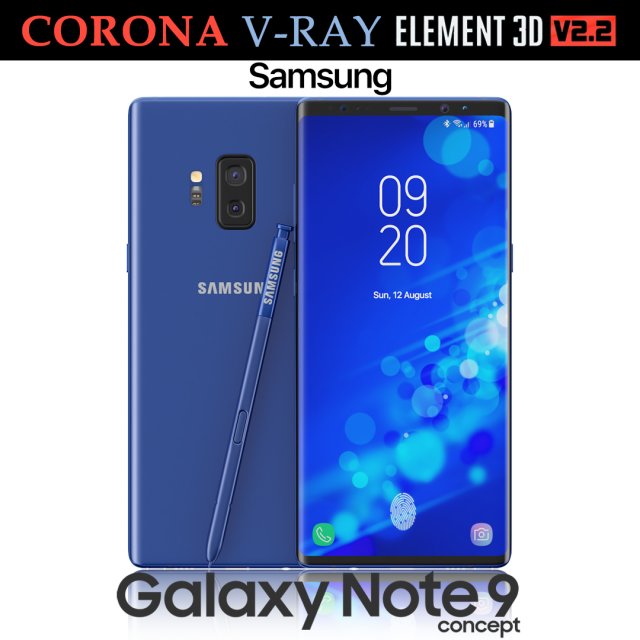
Samsung Galaxy Note 9 Blue Concept 3D Model
Realistic (copy) 3d model of Samsung Galaxy Note 9 Blue Concept.This set:3D element v2.2The model given is easy to use- 1 file obj standard- 1 file 3ds Max 2013 vray material- 1 file 3ds Max 2013 corona material- 1 file of 3Ds- file e3d full set of materials, like a previewHow to use it?1. Discovery after the impact of CC 2014 (or above) and create a new composition (you need Element3D v2.2 to use)2. Create a new solid layer and add the effect of the elements. (Effect / Video Copilot / Element)3. Select Install Location4. Click on the import inside the Element3D Installation location5. Select my .e3d according to the model and click on the open button.If you do not see the model, do not forget to right click on the model name and press the replace model select.Topology of geometry:- forms and proportions of The 3D model- the geometry of the model was created very neatly- there are no many-sided polygons- detailed enough for close-up renders- the model optimized for turbosmooth modifier- Not collapsed the turbosmooth modified- apply the Smooth modifier with a parameter to get the desired level of detailMaterials and Textures:- 3ds max files included Vray-Shaders- 3ds max files included Corona-Shaders- file e3d full set of materials- all texture paths are clearedOrganization of scene:- to all objects and materials- real world size (system units – mm)- coordinates of location of the model in space (x0, y0, z0)- does not contain extraneous or hidden objects (lights, cameras, shapes etc.)Excellent renders to you!
-
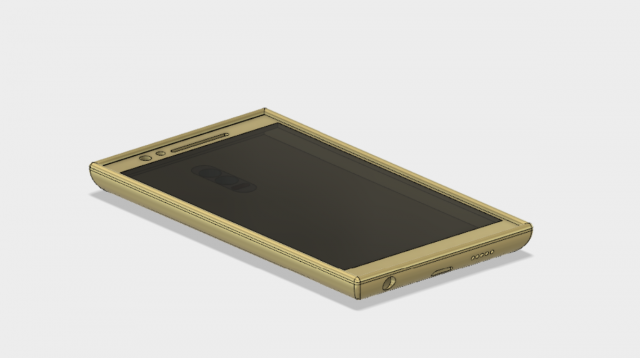
Mobile phone with dual camera 3D Model
this is a basic phone design used for 3d printing of a body of a phone with a screen containing proximity, secondary camera, speaker, charging port, earphones plug…
-
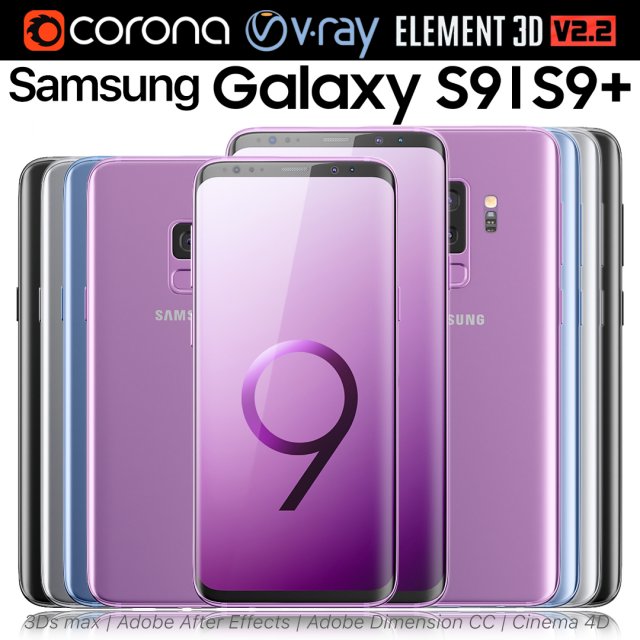
Samsung Galaxy S9 and S9 PLUS ALL Colors 3D Model
Realistic (copy) 3d model of Samsung Galaxy S9 and S9 PLUS ALL Colors.This set:3D element v2.2The model given is easy to use- 2 file obj standard- 8 file 3ds Max 2013 vray material- 8 file 3ds Max 2013 corona material- 2 file of 3Ds- 8 file of cinema 4d- 8 file of Adobe Dimension CC- 8 file e3d full set of materials, like a previewHow to use it?1. Discovery after the impact of CC 2014 (or above) and create a new composition (you need Element3D v2.2 to use)2. Create a new solid layer and add the effect of the elements. (Effect / Video Copilot / Element)3. Select Install Location4. Click on the import inside the Element3D Installation location5. Select my .e3d according to the model and click on the open button.If you do not see the model, do not forget to right click on the model name and press the replace model select.Topology of geometry:- forms and proportions of The 3D model- the geometry of the model was created very neatly- there are no many-sided polygons- detailed enough for close-up renders- the model optimized for turbosmooth modifier- Not collapsed the turbosmooth modified- apply the Smooth modifier with a parameter to get the desired level of detailMaterials and Textures:- 3ds max files included Vray-Shaders- 3ds max files included Corona-Shaders- file e3d full set of materials- all texture paths are clearedOrganization of scene:- to all objects and materials- real world size (system units – mm)- coordinates of location of the model in space (x0, y0, z0)- does not contain extraneous or hidden objects (lights, cameras, shapes etc.)Excellent renders to you!
-
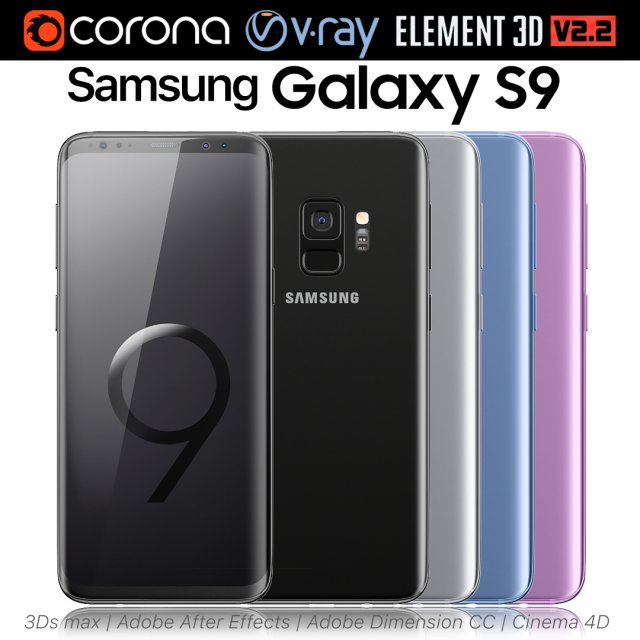
Samsung Galaxy S9 ALL Colors 3D Model
Realistic (copy) 3d model of Samsung Galaxy S9 ALL Colors.This set:3D element v2.2The model given is easy to use- 1 file obj standard- 1 file 3ds Max 2013 vray material- 1 file 3ds Max 2013 corona material- 1 file of 3Ds- 1 file of cinema 4d- 1 file of Adobe Dimension CC- file e3d full set of materials, like a previewHow to use it?1. Discovery after the impact of CC 2014 (or above) and create a new composition (you need Element3D v2.2 to use)2. Create a new solid layer and add the effect of the elements. (Effect / Video Copilot / Element)3. Select Install Location4. Click on the import inside the Element3D Installation location5. Select my .e3d according to the model and click on the open button.If you do not see the model, do not forget to right click on the model name and press the replace model select.Topology of geometry:- forms and proportions of The 3D model- the geometry of the model was created very neatly- there are no many-sided polygons- detailed enough for close-up renders- the model optimized for turbosmooth modifier- Not collapsed the turbosmooth modified- apply the Smooth modifier with a parameter to get the desired level of detailMaterials and Textures:- 3ds max files included Vray-Shaders- 3ds max files included Corona-Shaders- file e3d full set of materials- all texture paths are clearedOrganization of scene:- to all objects and materials- real world size (system units – mm)- coordinates of location of the model in space (x0, y0, z0)- does not contain extraneous or hidden objects (lights, cameras, shapes etc.)Excellent renders to you!
-
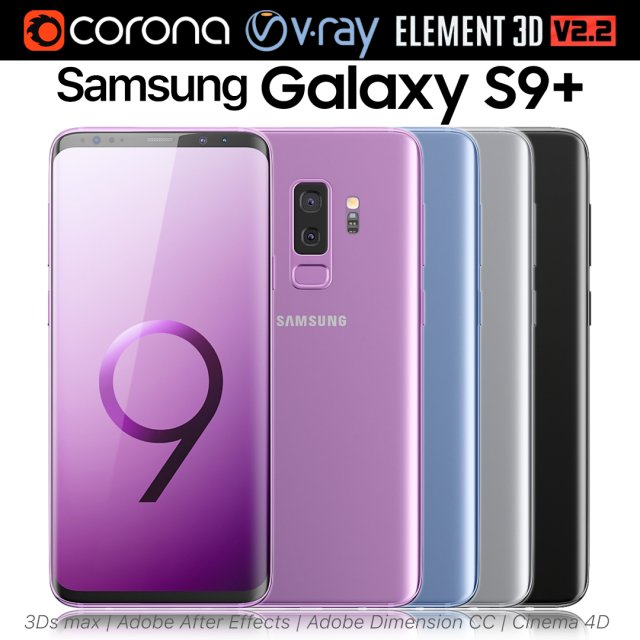
Samsung Galaxy S9 PLUS ALL Colors 3D Model
Realistic (copy) 3d model of Samsung Galaxy S9 PLUS ALL Colors.This set:3D element v2.2The model given is easy to use- 1 file obj standard- 1 file 3ds Max 2013 vray material- 1 file 3ds Max 2013 corona material- 1 file of 3Ds- 1 file of cinema 4d- 1 file of Adobe Dimension CC- file e3d full set of materials, like a previewHow to use it?1. Discovery after the impact of CC 2014 (or above) and create a new composition (you need Element3D v2.2 to use)2. Create a new solid layer and add the effect of the elements. (Effect / Video Copilot / Element)3. Select Install Location4. Click on the import inside the Element3D Installation location5. Select my .e3d according to the model and click on the open button.If you do not see the model, do not forget to right click on the model name and press the replace model select.Topology of geometry:- forms and proportions of The 3D model- the geometry of the model was created very neatly- there are no many-sided polygons- detailed enough for close-up renders- the model optimized for turbosmooth modifier- Not collapsed the turbosmooth modified- apply the Smooth modifier with a parameter to get the desired level of detailMaterials and Textures:- 3ds max files included Vray-Shaders- 3ds max files included Corona-Shaders- file e3d full set of materials- all texture paths are clearedOrganization of scene:- to all objects and materials- real world size (system units – mm)- coordinates of location of the model in space (x0, y0, z0)- does not contain extraneous or hidden objects (lights, cameras, shapes etc.)Excellent renders to you!
-
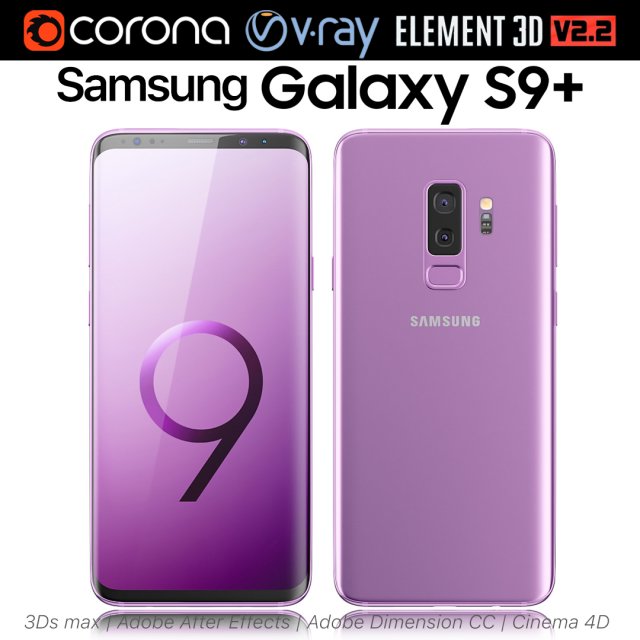
Samsung Galaxy S9 Lilac Purple 3D Model
Realistic (copy) 3d model of Samsung Galaxy S9 Lilac Purple.This set:3D element v2.2The model given is easy to use- 1 file obj standard- 1 file 3ds Max 2013 vray material- 1 file 3ds Max 2013 corona material- 1 file of 3Ds- 1 file of cinema 4d- 1 file of Adobe Dimension CC- file e3d full set of materials, like a previewHow to use it?1. Discovery after the impact of CC 2014 (or above) and create a new composition (you need Element3D v2.2 to use)2. Create a new solid layer and add the effect of the elements. (Effect / Video Copilot / Element)3. Select Install Location4. Click on the import inside the Element3D Installation location5. Select my .e3d according to the model and click on the open button.If you do not see the model, do not forget to right click on the model name and press the replace model select.Topology of geometry:- forms and proportions of The 3D model- the geometry of the model was created very neatly- there are no many-sided polygons- detailed enough for close-up renders- the model optimized for turbosmooth modifier- Not collapsed the turbosmooth modified- apply the Smooth modifier with a parameter to get the desired level of detailMaterials and Textures:- 3ds max files included Vray-Shaders- 3ds max files included Corona-Shaders- file e3d full set of materials- all texture paths are clearedOrganization of scene:- to all objects and materials- real world size (system units – mm)- coordinates of location of the model in space (x0, y0, z0)- does not contain extraneous or hidden objects (lights, cameras, shapes etc.)Excellent renders to you!
-
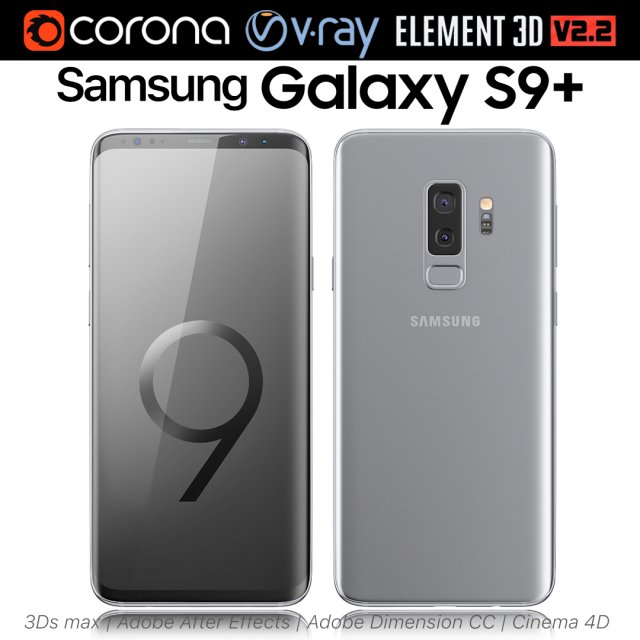
Samsung Galaxy S9 PLUS Titanium Gray 3D Model
Realistic (copy) 3d model of Samsung Galaxy S9 PLUS Titanium Gray.This set:3D element v2.2The model given is easy to use- 1 file obj standard- 1 file 3ds Max 2013 vray material- 1 file 3ds Max 2013 corona material- 1 file of 3Ds- 1 file of cinema 4d- 1 file of Adobe Dimension CC- file e3d full set of materials, like a previewHow to use it?1. Discovery after the impact of CC 2014 (or above) and create a new composition (you need Element3D v2.2 to use)2. Create a new solid layer and add the effect of the elements. (Effect / Video Copilot / Element)3. Select Install Location4. Click on the import inside the Element3D Installation location5. Select my .e3d according to the model and click on the open button.If you do not see the model, do not forget to right click on the model name and press the replace model select.Topology of geometry:- forms and proportions of The 3D model- the geometry of the model was created very neatly- there are no many-sided polygons- detailed enough for close-up renders- the model optimized for turbosmooth modifier- Not collapsed the turbosmooth modified- apply the Smooth modifier with a parameter to get the desired level of detailMaterials and Textures:- 3ds max files included Vray-Shaders- 3ds max files included Corona-Shaders- file e3d full set of materials- all texture paths are clearedOrganization of scene:- to all objects and materials- real world size (system units – mm)- coordinates of location of the model in space (x0, y0, z0)- does not contain extraneous or hidden objects (lights, cameras, shapes etc.)Excellent renders to you!
-
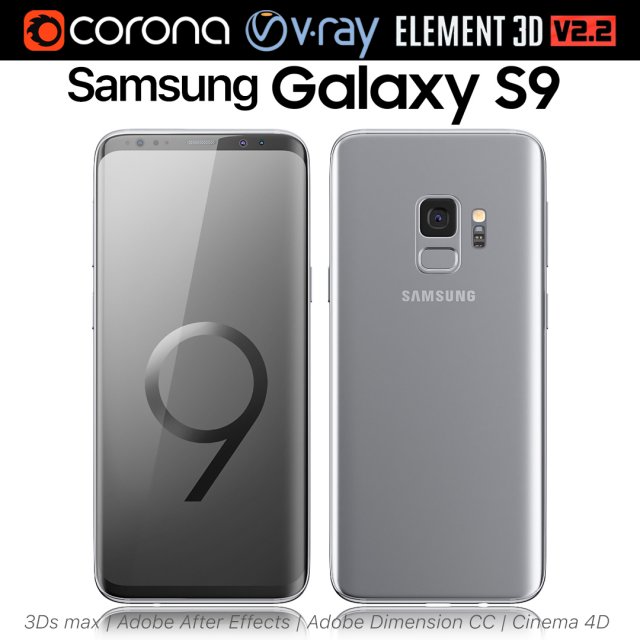
Samsung Galaxy S9 Titanium Gray 3D Model
Realistic (copy) 3d model of Samsung Galaxy S9 Titanium Gray.This set:3D element v2.2The model given is easy to use- 1 file obj standard- 1 file 3ds Max 2013 vray material- 1 file 3ds Max 2013 corona material- 1 file of 3Ds- 1 file of cinema 4d- 1 file of Adobe Dimension CC- file e3d full set of materials, like a previewHow to use it?1. Discovery after the impact of CC 2014 (or above) and create a new composition (you need Element3D v2.2 to use)2. Create a new solid layer and add the effect of the elements. (Effect / Video Copilot / Element)3. Select Install Location4. Click on the import inside the Element3D Installation location5. Select my .e3d according to the model and click on the open button.If you do not see the model, do not forget to right click on the model name and press the replace model select.Topology of geometry:- forms and proportions of The 3D model- the geometry of the model was created very neatly- there are no many-sided polygons- detailed enough for close-up renders- the model optimized for turbosmooth modifier- Not collapsed the turbosmooth modified- apply the Smooth modifier with a parameter to get the desired level of detailMaterials and Textures:- 3ds max files included Vray-Shaders- 3ds max files included Corona-Shaders- file e3d full set of materials- all texture paths are clearedOrganization of scene:- to all objects and materials- real world size (system units – mm)- coordinates of location of the model in space (x0, y0, z0)- does not contain extraneous or hidden objects (lights, cameras, shapes etc.)Excellent renders to you!
-
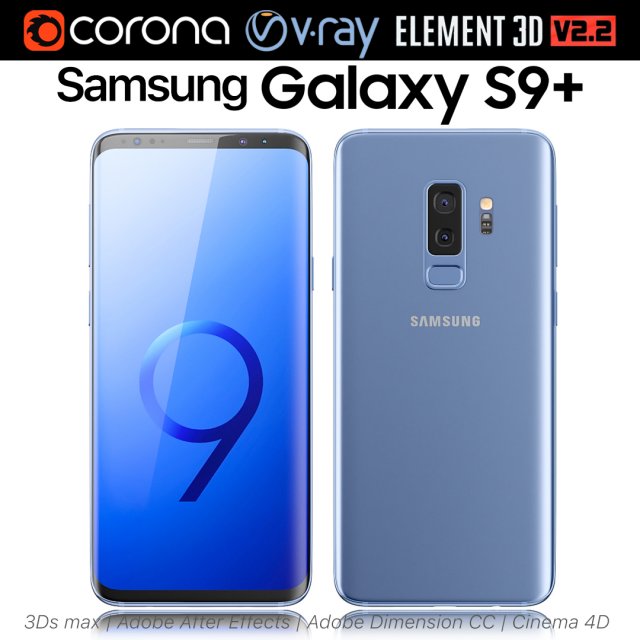
Samsung Galaxy S9 PLUS Coral Blue 3D Model
Realistic (copy) 3d model of Samsung Galaxy S9 PLUS Coral Blue.This set:3D element v2.2The model given is easy to use- 1 file obj standard- 1 file 3ds Max 2013 vray material- 1 file 3ds Max 2013 corona material- 1 file of 3Ds- 1 file of cinema 4d- 1 file of Adobe Dimension CC- file e3d full set of materials, like a previewHow to use it?1. Discovery after the impact of CC 2014 (or above) and create a new composition (you need Element3D v2.2 to use)2. Create a new solid layer and add the effect of the elements. (Effect / Video Copilot / Element)3. Select Install Location4. Click on the import inside the Element3D Installation location5. Select my .e3d according to the model and click on the open button.If you do not see the model, do not forget to right click on the model name and press the replace model select.Topology of geometry:- forms and proportions of The 3D model- the geometry of the model was created very neatly- there are no many-sided polygons- detailed enough for close-up renders- the model optimized for turbosmooth modifier- Not collapsed the turbosmooth modified- apply the Smooth modifier with a parameter to get the desired level of detailMaterials and Textures:- 3ds max files included Vray-Shaders- 3ds max files included Corona-Shaders- file e3d full set of materials- all texture paths are clearedOrganization of scene:- to all objects and materials- real world size (system units – mm)- coordinates of location of the model in space (x0, y0, z0)- does not contain extraneous or hidden objects (lights, cameras, shapes etc.)Excellent renders to you!
-
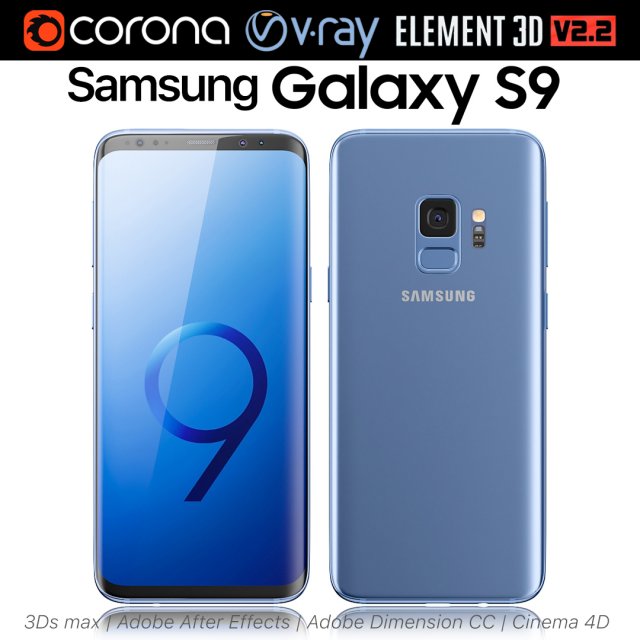
Samsung Galaxy S9 Coral Blue 3D Model
Realistic (copy) 3d model of Samsung Galaxy S9 Coral Blue.This set:3D element v2.2The model given is easy to use- 1 file obj standard- 1 file 3ds Max 2013 vray material- 1 file 3ds Max 2013 corona material- 1 file of 3Ds- 1 file of cinema 4d- 1 file of Adobe Dimension CC- file e3d full set of materials, like a previewHow to use it?1. Discovery after the impact of CC 2014 (or above) and create a new composition (you need Element3D v2.2 to use)2. Create a new solid layer and add the effect of the elements. (Effect / Video Copilot / Element)3. Select Install Location4. Click on the import inside the Element3D Installation location5. Select my .e3d according to the model and click on the open button.If you do not see the model, do not forget to right click on the model name and press the replace model select.Topology of geometry:- forms and proportions of The 3D model- the geometry of the model was created very neatly- there are no many-sided polygons- detailed enough for close-up renders- the model optimized for turbosmooth modifier- Not collapsed the turbosmooth modified- apply the Smooth modifier with a parameter to get the desired level of detailMaterials and Textures:- 3ds max files included Vray-Shaders- 3ds max files included Corona-Shaders- file e3d full set of materials- all texture paths are clearedOrganization of scene:- to all objects and materials- real world size (system units – mm)- coordinates of location of the model in space (x0, y0, z0)- does not contain extraneous or hidden objects (lights, cameras, shapes etc.)Excellent renders to you!
-
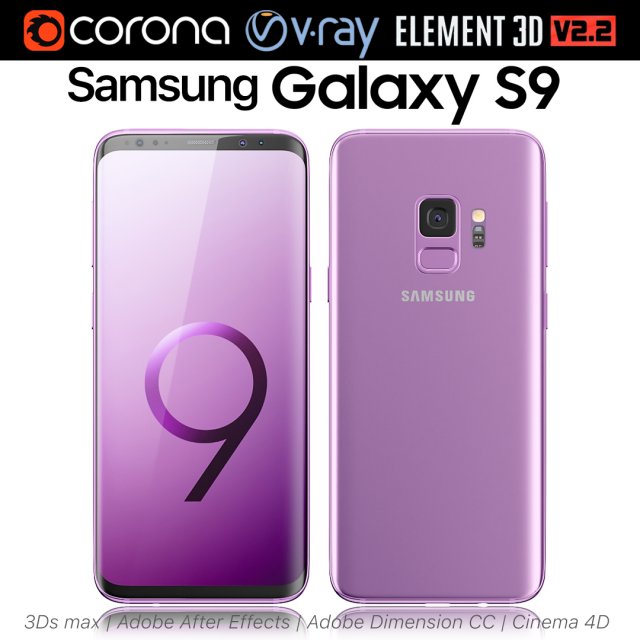
Samsung Galaxy S9 Lilac Purple 3D Model
Realistic (copy) 3d model of Samsung Galaxy S9 Lilac Purple.This set:3D element v2.2The model given is easy to use- 1 file obj standard- 1 file 3ds Max 2013 vray material- 1 file 3ds Max 2013 corona material- 1 file of 3Ds- 1 file of cinema 4d- 1 file of Adobe Dimension CC- file e3d full set of materials, like a previewHow to use it?1. Discovery after the impact of CC 2014 (or above) and create a new composition (you need Element3D v2.2 to use)2. Create a new solid layer and add the effect of the elements. (Effect / Video Copilot / Element)3. Select Install Location4. Click on the import inside the Element3D Installation location5. Select my .e3d according to the model and click on the open button.If you do not see the model, do not forget to right click on the model name and press the replace model select.Topology of geometry:- forms and proportions of The 3D model- the geometry of the model was created very neatly- there are no many-sided polygons- detailed enough for close-up renders- the model optimized for turbosmooth modifier- Not collapsed the turbosmooth modified- apply the Smooth modifier with a parameter to get the desired level of detailMaterials and Textures:- 3ds max files included Vray-Shaders- 3ds max files included Corona-Shaders- file e3d full set of materials- all texture paths are clearedOrganization of scene:- to all objects and materials- real world size (system units – mm)- coordinates of location of the model in space (x0, y0, z0)- does not contain extraneous or hidden objects (lights, cameras, shapes etc.)Excellent renders to you!
-
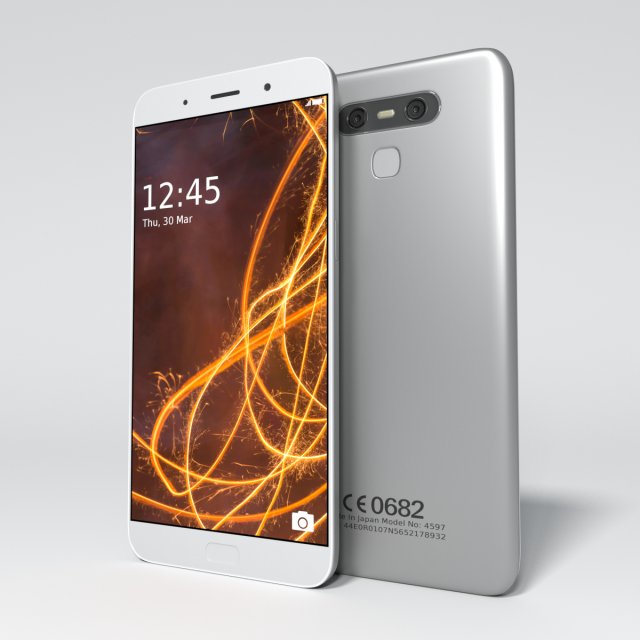
Smartphone 3D Model
Smartphone|| MAIN ||Originally created with BlenderThe mesh totals represent the model without subdivisions|| SPECS ||This model has a clean geometry based on loops and ‘only’ quadsThe model can be subdivided according to your needs, subdivision surfaces methods like meshsmooth are perfectly workingThe Preview image is rendered using Cycles rendering engineNo third-party renderer or plug-ins needed
-
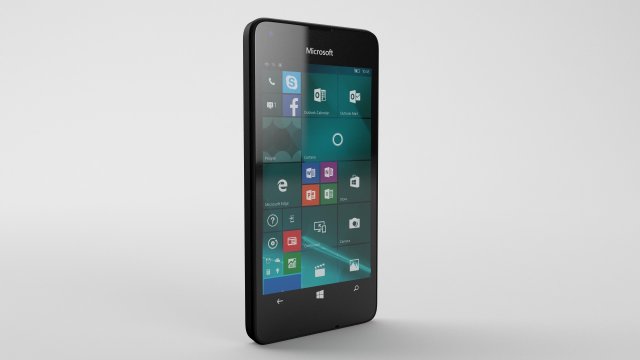
Microsoft Lumia 550 – Element 3D 3D Model
This high quality 3d model for 3ds Max, Cinema 4D and Element 3D – Microsoft Lumia 550Item included file scene with all light setups and materials. Just click the render button and you’ll get image like preview images .File formats:-.3ds(multi format)-.fbx (multi format)-.obj (multi format)-.c4d(Cinema 4D R15 and above)-.max(3ds Max 2014 and above)-.mb(Maya 2015 and above)-.e3d(plugin Element 3D v2.2 from Videocopilot)Features:- 3d model is completely ready for detailed and beautiful rendering and animation.- High-poly and low poly- Fully rigged- element 3d v2.2- The model have clean topology- All objects are separated and named- Suitable for close-up rendering- You can easily change or aply new materials, color and other.All parts of this model have been modelled separately to achieve as much realism as possible.It can be used as a production model without any requirement of additional modeling and texturing.Please font’t forget to rate this item if you liked him.Sincerely Yours,Cactus 3D Team
-
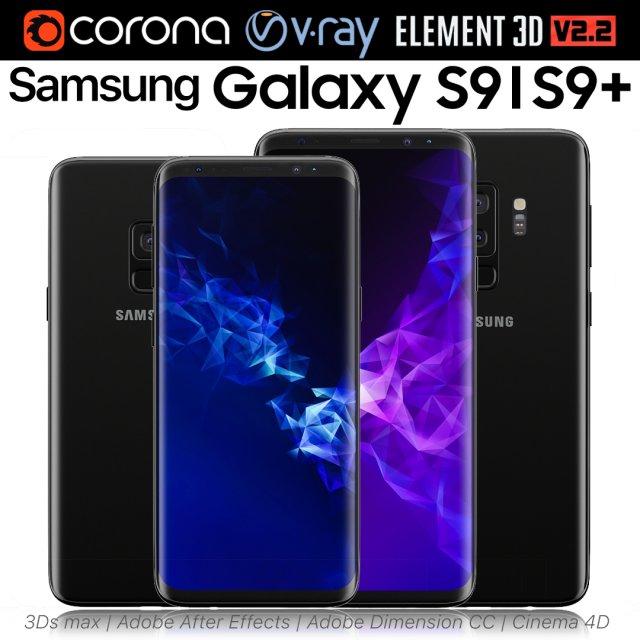
Samsung Galaxy S9 and S9 PLUS Black 3D Model
Realistic (copy) 3d model of Samsung Galaxy S9 and S9 PLUS.This set:3D element v2.2The model given is easy to use- 1 file obj standard- 1 file 3ds Max 2013 vray material- 1 file 3ds Max 2013 corona material- 1 file of 3Ds- 1 file of cinema 4d- 1 file of Adobe Dimension CC- file e3d full set of materials, like a previewHow to use it?1. Discovery after the impact of CC 2014 (or above) and create a new composition (you need Element3D v2.2 to use)2. Create a new solid layer and add the effect of the elements. (Effect / Video Copilot / Element)3. Select Install Location4. Click on the import inside the Element3D Installation location5. Select my .e3d according to the model and click on the open button.If you do not see the model, do not forget to right click on the model name and press the replace model select.Topology of geometry:- forms and proportions of The 3D model- the geometry of the model was created very neatly- there are no many-sided polygons- detailed enough for close-up renders- the model optimized for turbosmooth modifier- Not collapsed the turbosmooth modified- apply the Smooth modifier with a parameter to get the desired level of detailMaterials and Textures:- 3ds max files included Vray-Shaders- 3ds max files included Corona-Shaders- file e3d full set of materials- all texture paths are clearedOrganization of scene:- to all objects and materials- real world size (system units – mm)- coordinates of location of the model in space (x0, y0, z0)- does not contain extraneous or hidden objects (lights, cameras, shapes etc.)Excellent renders to you!
-
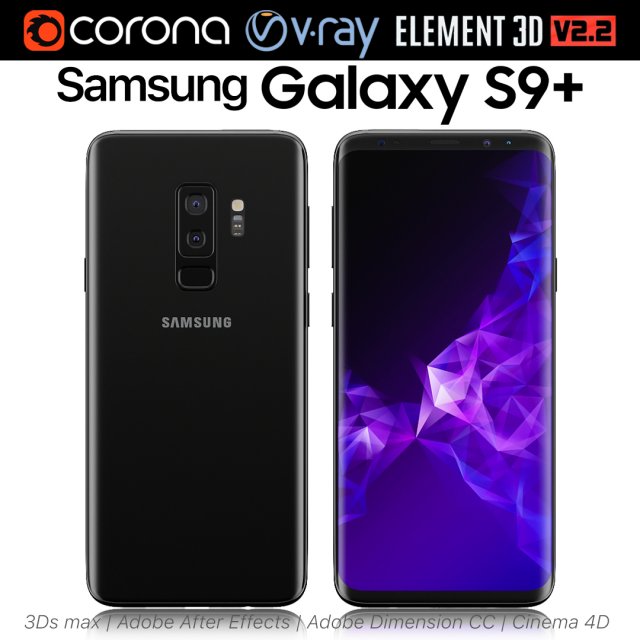
Samsung Galaxy S9 PLUS Black 3D Model
Realistic (copy) 3d model of Samsung Galaxy S9 PLUS.This set:3D element v2.2The model given is easy to use- 1 file obj standard- 1 file 3ds Max 2013 vray material- 1 file 3ds Max 2013 corona material- 1 file of 3Ds- 1 file of cinema 4d- 1 file of Adobe Dimension CC- file e3d full set of materials, like a previewHow to use it?1. Discovery after the impact of CC 2014 (or above) and create a new composition (you need Element3D v2.2 to use)2. Create a new solid layer and add the effect of the elements. (Effect / Video Copilot / Element)3. Select Install Location4. Click on the import inside the Element3D Installation location5. Select my .e3d according to the model and click on the open button.If you do not see the model, do not forget to right click on the model name and press the replace model select.Topology of geometry:- forms and proportions of The 3D model- the geometry of the model was created very neatly- there are no many-sided polygons- detailed enough for close-up renders- the model optimized for turbosmooth modifier- Not collapsed the turbosmooth modified- apply the Smooth modifier with a parameter to get the desired level of detailMaterials and Textures:- 3ds max files included Vray-Shaders- 3ds max files included Corona-Shaders- file e3d full set of materials- all texture paths are clearedOrganization of scene:- to all objects and materials- real world size (system units – mm)- coordinates of location of the model in space (x0, y0, z0)- does not contain extraneous or hidden objects (lights, cameras, shapes etc.)Excellent renders to you!
-
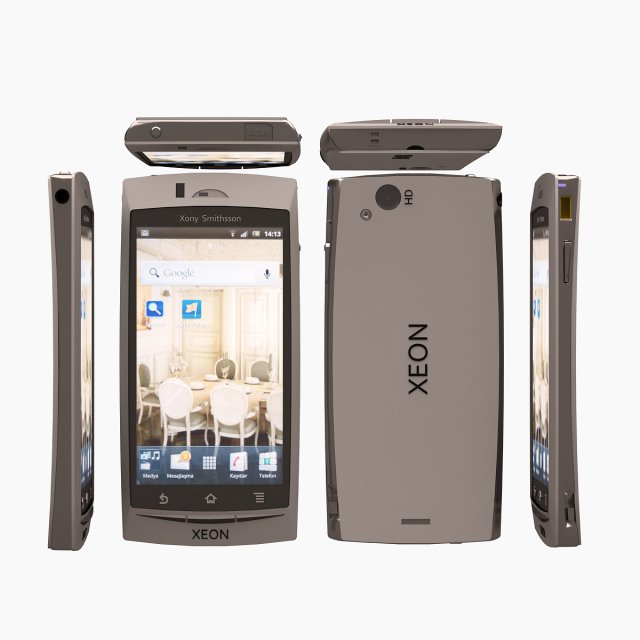
Xeon Telephone 3D Model
Modelled : 3ds Max 2011Rendered : 3ds Max 2011 – Vray 1.5 SP5Files : .max (2010, 2011).fbx.obj.mtland texturesPLEASE VOTE AFTER DOWNLOAD(c) 3D_SB 2015
-
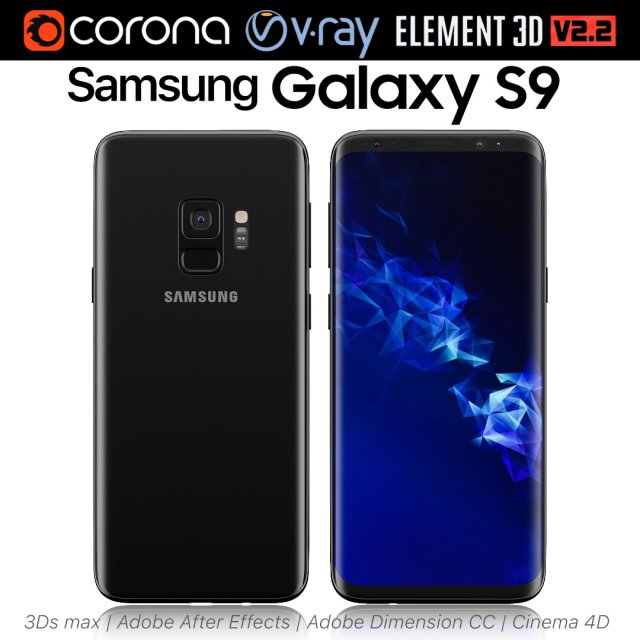
Samsung Galaxy S9 Black 3D Model
Realistic (copy) 3d model of Samsung Galaxy S9.This set:3D element v2.2The model given is easy to use- 1 file obj standard- 1 file 3ds Max 2013 vray material- 1 file 3ds Max 2013 corona material- 1 file of 3Ds- 1 file of cinema 4d- 1 file of Adobe Dimension CC- file e3d full set of materials, like a previewHow to use it?1. Discovery after the impact of CC 2014 (or above) and create a new composition (you need Element3D v2.2 to use)2. Create a new solid layer and add the effect of the elements. (Effect / Video Copilot / Element)3. Select Install Location4. Click on the import inside the Element3D Installation location5. Select my .e3d according to the model and click on the open button.If you do not see the model, do not forget to right click on the model name and press the replace model select.Topology of geometry:- forms and proportions of The 3D model- the geometry of the model was created very neatly- there are no many-sided polygons- detailed enough for close-up renders- the model optimized for turbosmooth modifier- Not collapsed the turbosmooth modified- apply the Smooth modifier with a parameter to get the desired level of detailMaterials and Textures:- 3ds max files included Vray-Shaders- 3ds max files included Corona-Shaders- file e3d full set of materials- all texture paths are clearedOrganization of scene:- to all objects and materials- real world size (system units – mm)- coordinates of location of the model in space (x0, y0, z0)- does not contain extraneous or hidden objects (lights, cameras, shapes etc.)Excellent renders to you!
-
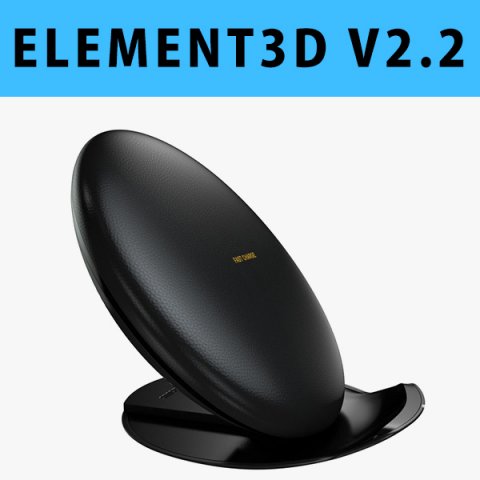
E3D – Samsung Fast Charge Convertible 3D Model
This pack:Element 3D V2.2 ( All colors )models preset easy to use- 1 file OBJ High poly- 1 file OBJ standard- 1 file C4D R12 standard render- 1 file 3ds max 2012 standard material- E3D file full materials set up like previewsHow to use it?1. Open After Effects CC 2014 ( or higher) and create new composition ( You need Element3D V2.2 to use )2. Create new Solid layer and add Element effect. ( Effect/Video Copilot/ Element )3. Click Scene Setup4. Click on IMPORT inside Element3D scene setup5. Choose my .e3d preset for the model and press Open.If you dont see the model do not forget to right click on the model name and press Replace model then select the .obj model file in the respective models folder……………………………………………………………About Bee3DD Studio: ( Working in 3d modeling since 2013 until now )+ We offer all electronics 3d model ( latest and oldest ). Our collection is biggest in the world. It is place where you can find anything about technology for your project ( earlier and faster than others )+ Every model we build goes through thorough Quality assessment both visual and technical to make sure the assets look realistic and the models are of the best quality.
-
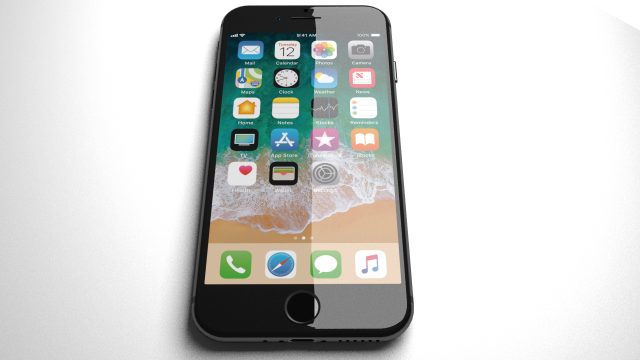
Apple iPhone 7 black 3D Model
Apple iPhone 7 model was created in blender. This model includes all materials (you can see in the pictures), lights and texture for cycles render. You can also request for other exported formats – dae, 3ds, skp …Yours sincerelymastr3dmodels
-
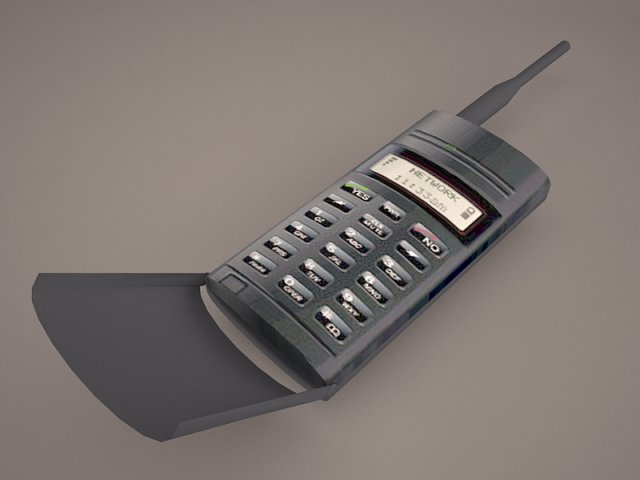
Old cellphone 3D Model
samsung fashion motorola v3 cell cellphone cellular old dirty broke broken broked textures iphone phone mobile ericson sony smart gsm
-
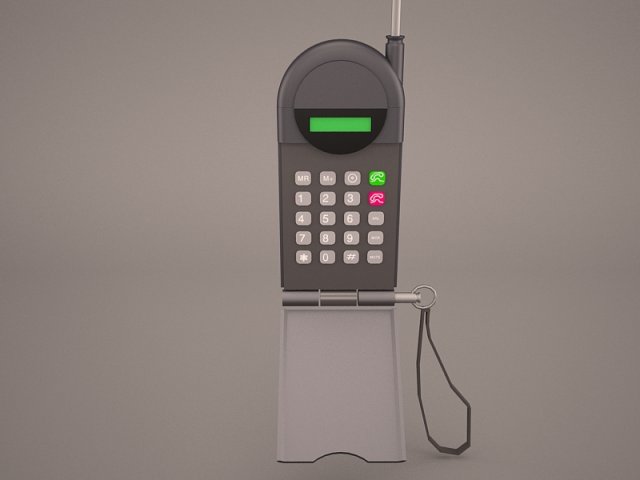
Old cellphone 3D Model
samsung fashion motorola v3 cell cellphone cellular old dirty broke broken broked textures iphone phone mobile
-
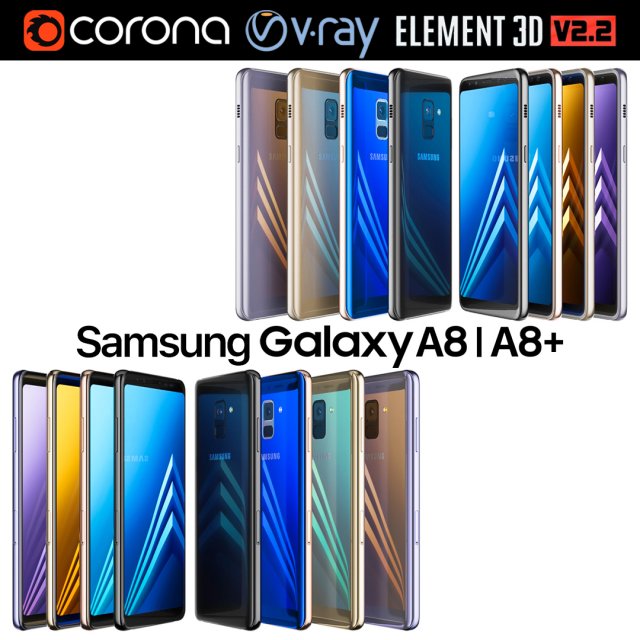
Samsung Galaxy A8 and A8 PLUS COLLECTION 3D Model
Realistic (copy) 3d model of Samsung Galaxy A8 and A8 PLUS COLLECTION.This set:3D element v2.2The model given is easy to use- 1 file obj standard- 1 file 3ds Max 2013 vray material- 1 file 3ds Max 2013 corona material- 1 file of 3Ds- file e3d full set of materials, like a previewHow to use it?1. Discovery after the impact of CC 2014 (or above) and create a new composition (you need Element3D v2.2 to use)2. Create a new solid layer and add the effect of the elements. (Effect / Video Copilot / Element)3. Select Install Location4. Click on the import inside the Element3D Installation location5. Select my .e3d according to the model and click on the open button.If you do not see the model, do not forget to right click on the model name and press the replace model select.Topology of geometry:- forms and proportions of The 3D model- the geometry of the model was created very neatly- there are no many-sided polygons- detailed enough for close-up renders- the model optimized for turbosmooth modifier- Not collapsed the turbosmooth modified- apply the Smooth modifier with a parameter to get the desired level of detailMaterials and Textures:- 3ds max files included Vray-Shaders- 3ds max files included Corona-Shaders- file e3d full set of materials- all texture paths are clearedOrganization of scene:- to all objects and materials- real world size (system units – mm)- coordinates of location of the model in space (x0, y0, z0)- does not contain extraneous or hidden objects (lights, cameras, shapes etc.)The model is made for corona render 1.5 and vray 3.2, as well as for the Element 3D v2.2 plug-in from Video Copilot.Excellent renders to you!
-
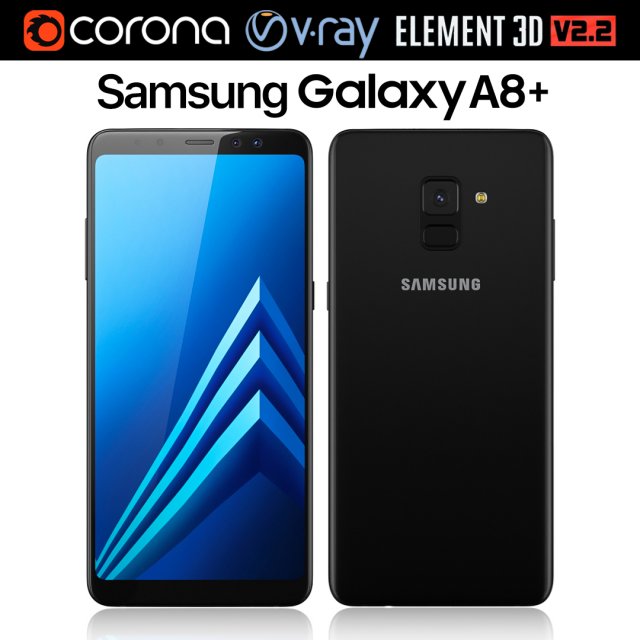
Samsung Galaxy A8 PLUS Black 3D Model
Realistic (copy) 3d model of Samsung Galaxy A8 PLUS.This set:3D element v2.2The model given is easy to use- 1 file obj standard- 1 file 3ds Max 2013 vray material- 1 file 3ds Max 2013 corona material- 1 file of 3Ds- file e3d full set of materials, like a previewHow to use it?1. Discovery after the impact of CC 2014 (or above) and create a new composition (you need Element3D v2.2 to use)2. Create a new solid layer and add the effect of the elements. (Effect / Video Copilot / Element)3. Select Install Location4. Click on the import inside the Element3D Installation location5. Select my .e3d according to the model and click on the open button.If you do not see the model, do not forget to right click on the model name and press the replace model select.Topology of geometry:- forms and proportions of The 3D model- the geometry of the model was created very neatly- there are no many-sided polygons- detailed enough for close-up renders- the model optimized for turbosmooth modifier- Not collapsed the turbosmooth modified- apply the Smooth modifier with a parameter to get the desired level of detailMaterials and Textures:- 3ds max files included Vray-Shaders- 3ds max files included Corona-Shaders- file e3d full set of materials- all texture paths are clearedOrganization of scene:- to all objects and materials- real world size (system units – mm)- coordinates of location of the model in space (x0, y0, z0)- does not contain extraneous or hidden objects (lights, cameras, shapes etc.)The model is made for corona render 1.5 and vray 3.2, as well as for the Element 3D v2.2 plug-in from Video Copilot.Excellent renders to you!
-
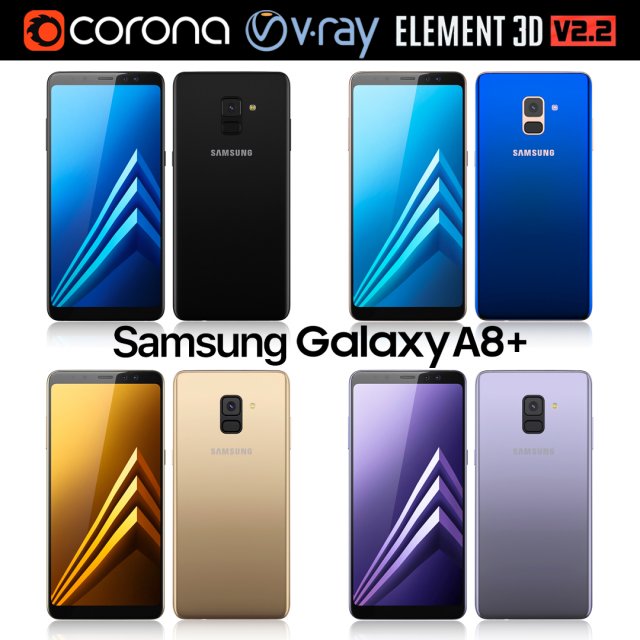
Samsung Galaxy A8 PLUS All colors 3D Model
Realistic (copy) 3d model of Samsung Galaxy A8 PLUS.This set:3D element v2.2The model given is easy to use- 1 file obj standard- 1 file 3ds Max 2013 vray material- 1 file 3ds Max 2013 corona material- 1 file of 3Ds- file e3d full set of materials, like a previewHow to use it?1. Discovery after the impact of CC 2014 (or above) and create a new composition (you need Element3D v2.2 to use)2. Create a new solid layer and add the effect of the elements. (Effect / Video Copilot / Element)3. Select Install Location4. Click on the import inside the Element3D Installation location5. Select my .e3d according to the model and click on the open button.If you do not see the model, do not forget to right click on the model name and press the replace model select.Topology of geometry:- forms and proportions of The 3D model- the geometry of the model was created very neatly- there are no many-sided polygons- detailed enough for close-up renders- the model optimized for turbosmooth modifier- Not collapsed the turbosmooth modified- apply the Smooth modifier with a parameter to get the desired level of detailMaterials and Textures:- 3ds max files included Vray-Shaders- 3ds max files included Corona-Shaders- file e3d full set of materials- all texture paths are clearedOrganization of scene:- to all objects and materials- real world size (system units – mm)- coordinates of location of the model in space (x0, y0, z0)- does not contain extraneous or hidden objects (lights, cameras, shapes etc.)The model is made for corona render 1.5 and vray 3.2, as well as for the Element 3D v2.2 plug-in from Video Copilot.Excellent renders to you!
-
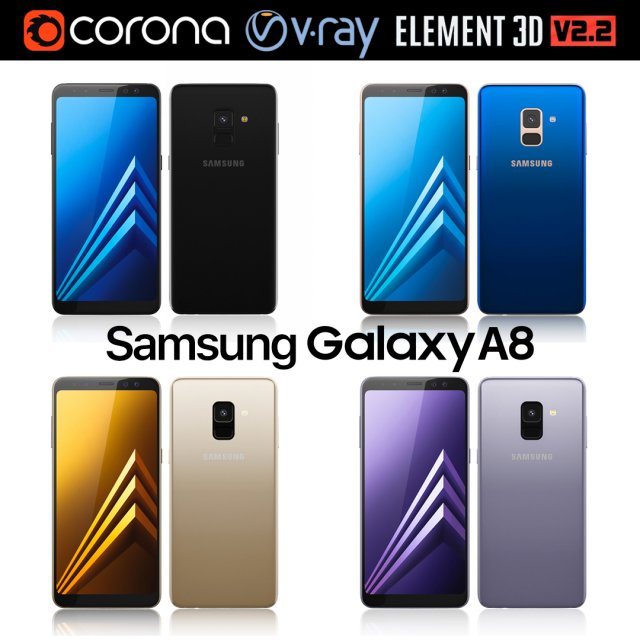
Samsung Galaxy A8 All Colors 3D Model
Realistic (copy) 3d model of Samsung Galaxy A8.This set:3D element v2.2The model given is easy to use- 1 file obj standard- 1 file 3ds Max 2013 vray material- 1 file 3ds Max 2013 corona material- 1 file of 3Ds- file e3d full set of materials, like a previewHow to use it?1. Discovery after the impact of CC 2014 (or above) and create a new composition (you need Element3D v2.2 to use)2. Create a new solid layer and add the effect of the elements. (Effect / Video Copilot / Element)3. Select Install Location4. Click on the import inside the Element3D Installation location5. Select my .e3d according to the model and click on the open button.If you do not see the model, do not forget to right click on the model name and press the replace model select.Topology of geometry:- forms and proportions of The 3D model- the geometry of the model was created very neatly- there are no many-sided polygons- detailed enough for close-up renders- the model optimized for turbosmooth modifier- Not collapsed the turbosmooth modified- apply the Smooth modifier with a parameter to get the desired level of detailMaterials and Textures:- 3ds max files included Vray-Shaders- 3ds max files included Corona-Shaders- file e3d full set of materials- all texture paths are clearedOrganization of scene:- to all objects and materials- real world size (system units – mm)- coordinates of location of the model in space (x0, y0, z0)- does not contain extraneous or hidden objects (lights, cameras, shapes etc.)The model is made for corona render 1.5 and vray 3.2, as well as for the Element 3D v2.2 plug-in from Video Copilot.Excellent renders to you!
-
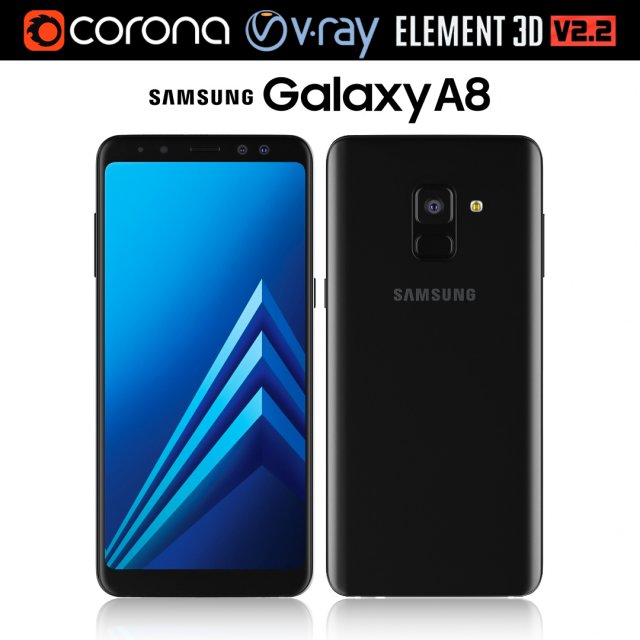
Samsung Galaxy A8 Black 3D Model
Realistic (copy) 3d model of Samsung Galaxy A8.This set:3D element v2.2The model given is easy to use- 1 file obj standard- 1 file 3ds Max 2013 vray material- 1 file 3ds Max 2013 corona material- 1 file of 3Ds- file e3d full set of materials, like a previewHow to use it?1. Discovery after the impact of CC 2014 (or above) and create a new composition (you need Element3D v2.2 to use)2. Create a new solid layer and add the effect of the elements. (Effect / Video Copilot / Element)3. Select Install Location4. Click on the import inside the Element3D Installation location5. Select my .e3d according to the model and click on the open button.If you do not see the model, do not forget to right click on the model name and press the replace model select.Topology of geometry:- forms and proportions of The 3D model- the geometry of the model was created very neatly- there are no many-sided polygons- detailed enough for close-up renders- the model optimized for turbosmooth modifier- Not collapsed the turbosmooth modified- apply the Smooth modifier with a parameter to get the desired level of detailMaterials and Textures:- 3ds max files included Vray-Shaders- 3ds max files included Corona-Shaders- file e3d full set of materials- all texture paths are clearedOrganization of scene:- to all objects and materials- real world size (system units – mm)- coordinates of location of the model in space (x0, y0, z0)- does not contain extraneous or hidden objects (lights, cameras, shapes etc.)The model is made for corona render 1.5 and vray 3.2, as well as for the Element 3D v2.2 plug-in from Video Copilot.Excellent renders to you!
-
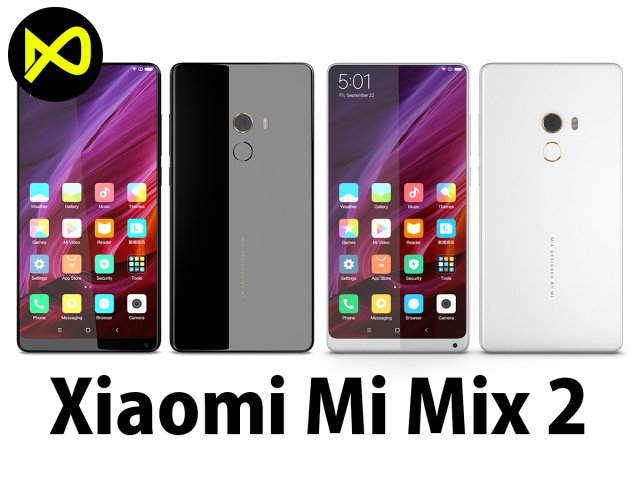
Xiaomi Mi Mix 2 Black And White 3D Model
Bee3dd is a team who making 3d model best quality, you don’t need worry when use our models. We take care to build the smallest detail in the model to ensure the best results. These things are not in others.Our slogan is: best quality – best price!+ We offer all electronics 3d model ( latest and oldest ). It is place where you can find anything about technology for your project ( earlier and faster than others )+ Every model we build goes through thorough Quality assessment both visual and technical to make sure the assets look realistic and the models are of the best quality.—————————–The model has a fully textured, detailed design that allows for close-up renders, and was originally modeled in 3ds Max 2012 and rendered with V-Ray. Fidelity is optimal up to a 2K render. Renders have no postprocessing.—————————–File Formats:+ 3ds Max 2012 + Vray 2.0 full setup lighting, camera+ 3ds Max 2012 standard+ Cinema 4D R12 standard ( materials and textures was setup )+ Maya 2012 standard ( materials and textures was setup )+ Lightwave 11 ( materials and textures was setup )+ FBX 2012+ OBJ 2012+ 3DS 2012—————————–Features:+ No isolated vertices+ No coincident vertices+ No coincident/coplanar faces+ Quads and Triangles only ( Clean edge flow, mostly quads, subdividable topology, no poles with more than 5 edges on the model, holding/support edges present to retain shape after subdivision )+ Models resolutions are optimized for polygon efficiency. (In 3ds Max, the Meshsmooth/Turbosmooth function can be used to increase mesh resolution if necessary.)+ Real-world scale ( We make 3d model from actual size and images reference. It is best for making video intro, marketing, animation, games… )+ Naming and Organization ( All geometry is contained in a single layer structure, with the layer having the same name as the product. )+ No special plugin needed to open scene.+ 3ds Max models are grouped for easy selection, and objects are logically named for ease of scene management.—————————–TEXTURES:- Textures highquality, enough for close-up render ( 2048-4096 pixels )- UVWs mapping with mixed: overlapping and non-overlapping- No texture paths referenced by the model. All texture paths were stripped from the model.—————————–Rate for ours models: We are required to assess the customer’s finished product with the best quality. Let us know your comments, we are very thankful for that!Thanks you,Best regardBee3dd team
-
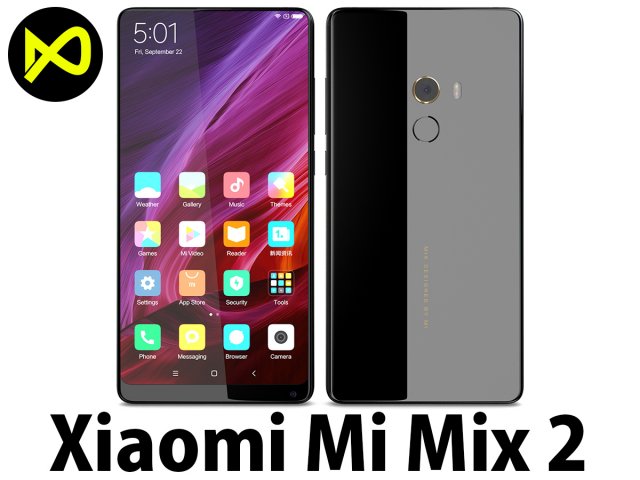
Xiaomi Mi Mix 2 Black 3D Model
Bee3dd is a team who making 3d model best quality, you don’t need worry when use our models. We take care to build the smallest detail in the model to ensure the best results. These things are not in others.Our slogan is: best quality – best price!+ We offer all electronics 3d model ( latest and oldest ). It is place where you can find anything about technology for your project ( earlier and faster than others )+ Every model we build goes through thorough Quality assessment both visual and technical to make sure the assets look realistic and the models are of the best quality.—————————–The model has a fully textured, detailed design that allows for close-up renders, and was originally modeled in 3ds Max 2012 and rendered with V-Ray. Fidelity is optimal up to a 2K render. Renders have no postprocessing.—————————–File Formats:+ 3ds Max 2012 + Vray 2.0 full setup lighting, camera+ 3ds Max 2012 standard+ Cinema 4D R12 standard ( materials and textures was setup )+ Maya 2012 standard ( materials and textures was setup )+ Lightwave 11 ( materials and textures was setup )+ FBX 2012+ OBJ 2012+ 3DS 2012—————————–Features:+ No isolated vertices+ No coincident vertices+ No coincident/coplanar faces+ Quads and Triangles only ( Clean edge flow, mostly quads, subdividable topology, no poles with more than 5 edges on the model, holding/support edges present to retain shape after subdivision )+ Models resolutions are optimized for polygon efficiency. (In 3ds Max, the Meshsmooth/Turbosmooth function can be used to increase mesh resolution if necessary.)+ Real-world scale ( We make 3d model from actual size and images reference. It is best for making video intro, marketing, animation, games… )+ Naming and Organization ( All geometry is contained in a single layer structure, with the layer having the same name as the product. )+ No special plugin needed to open scene.+ 3ds Max models are grouped for easy selection, and objects are logically named for ease of scene management.—————————–TEXTURES:- Textures highquality, enough for close-up render ( 2048-4096 pixels )- UVWs mapping with mixed: overlapping and non-overlapping- No texture paths referenced by the model. All texture paths were stripped from the model.—————————–Rate for ours models: We are required to assess the customer’s finished product with the best quality. Let us know your comments, we are very thankful for that!Thanks you,Best regardBee3dd team
-
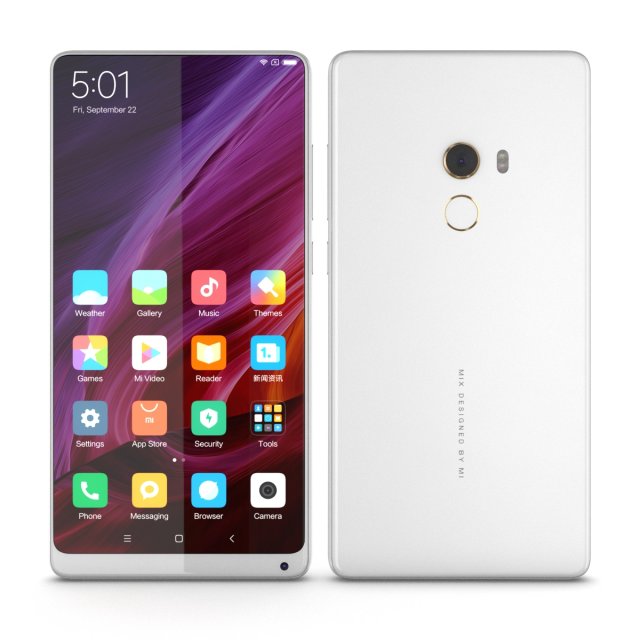
Xiaomi Mi Mix 2 White 3D Model
Bee3dd is a team who making 3d model best quality, you don’t need worry when use our models. We take care to build the smallest detail in the model to ensure the best results. These things are not in others.Our slogan is: best quality – best price!+ We offer all electronics 3d model ( latest and oldest ). It is place where you can find anything about technology for your project ( earlier and faster than others )+ Every model we build goes through thorough Quality assessment both visual and technical to make sure the assets look realistic and the models are of the best quality.—————————–The model has a fully textured, detailed design that allows for close-up renders, and was originally modeled in 3ds Max 2012 and rendered with V-Ray. Fidelity is optimal up to a 2K render. Renders have no postprocessing.—————————–File Formats:+ 3ds Max 2012 + Vray 2.0 full setup lighting, camera+ 3ds Max 2012 standard+ Cinema 4D R12 standard ( materials and textures was setup )+ Maya 2012 standard ( materials and textures was setup )+ Lightwave 11 ( materials and textures was setup )+ FBX 2012+ OBJ 2012+ 3DS 2012—————————–Features:+ No isolated vertices+ No coincident vertices+ No coincident/coplanar faces+ Quads and Triangles only ( Clean edge flow, mostly quads, subdividable topology, no poles with more than 5 edges on the model, holding/support edges present to retain shape after subdivision )+ Models resolutions are optimized for polygon efficiency. (In 3ds Max, the Meshsmooth/Turbosmooth function can be used to increase mesh resolution if necessary.)+ Real-world scale ( We make 3d model from actual size and images reference. It is best for making video intro, marketing, animation, games… )+ Naming and Organization ( All geometry is contained in a single layer structure, with the layer having the same name as the product. )+ No special plugin needed to open scene.+ 3ds Max models are grouped for easy selection, and objects are logically named for ease of scene management.—————————–TEXTURES:- Textures highquality, enough for close-up render ( 2048-4096 pixels )- UVWs mapping with mixed: overlapping and non-overlapping- No texture paths referenced by the model. All texture paths were stripped from the model.—————————–Rate for ours models: We are required to assess the customer’s finished product with the best quality. Let us know your comments, we are very thankful for that!Thanks you,Best regardBee3dd team
-
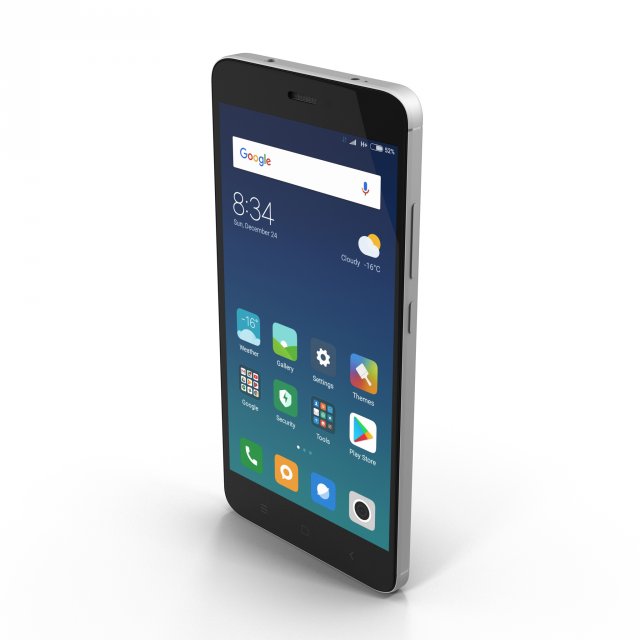
Xiaomi Redmi Note 4 3D Model
“Xiaomi Redmi Note 4” is a high quality model.Comes with detailed textures. Good enough for close up shots! Final images rendered with V-Ray.********************************- Model, textures and materials have logical names.- Correctly scale of the original objects.- The TurboSmooth function can be used to increase mesh resolution if necessary.- Available for Autodesk 3DS Max 2012 and above.- No pole with more 5 edges- No special plugin needed to open scene.- No missing files.********************************Maps: 8Maps formats: PNG (.png)Maps size: 6*4096×4096, 1*2048×2048, 1*512×512 resolutionPolys: 8481Verts: 9105Units: cm********************************File formats:- 3DS Max 2012 (V-Ray 2.30)- FBX- OBJ********************************YouTube Prewiev: https://www.youtube.com/watch?v=I2pcag5YMTY&index=5&list=PL3SOp1u9MKX6mtSLTQRdZ7tOIqe5KKE-H********************************Thank you for your purchase.********************************
-
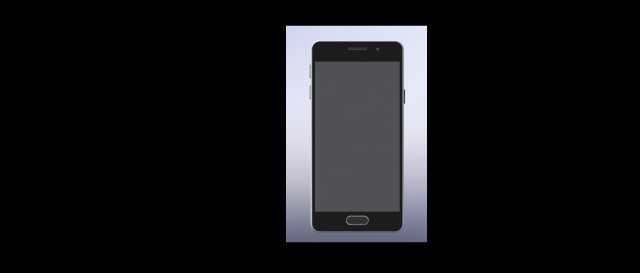
Galaxy A3 3D Model
Phone samsung Galaxy A3Formats: .iges, .stl, and SOLIDWORKS Part Document (.SLDPRT).
-
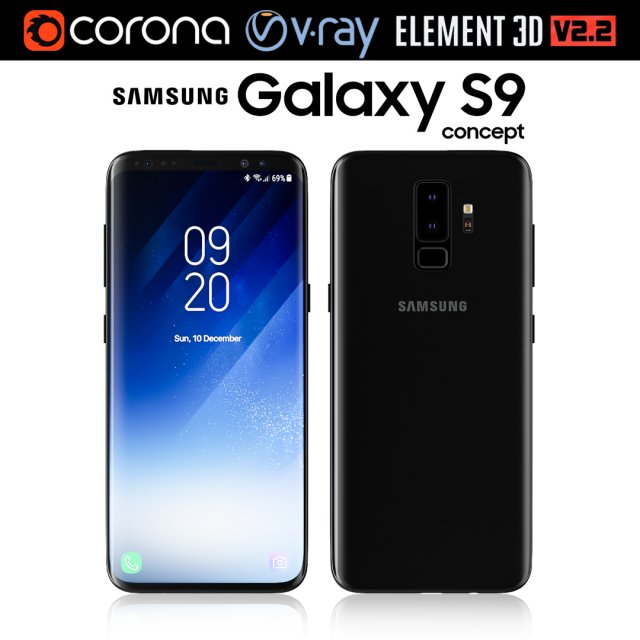
Samsung Galaxy S9 3D Model
Realistic (copy) 3d model of Samsung Galaxy S9.This set:3D element v2.2The model given is easy to use- 1 file obj standard- 1 file 3ds Max 2013 vray material- 1 file 3ds Max 2013 corona material- 1 file of 3Ds- file e3d full set of materials, like a previewHow to use it?1. Discovery after the impact of CC 2014 (or above) and create a new composition (you need Element3D v2.2 to use)2. Create a new solid layer and add the effect of the elements. (Effect / Video Copilot / Element)3. Select Install Location4. Click on the import inside the Element3D Installation location5. Select my .e3d according to the model and click on the open button.If you do not see the model, do not forget to right click on the model name and press the replace model select.Topology of geometry:- forms and proportions of The 3D model- the geometry of the model was created very neatly- there are no many-sided polygons- detailed enough for close-up renders- the model optimized for turbosmooth modifier- Not collapsed the turbosmooth modified- apply the Smooth modifier with a parameter to get the desired level of detailMaterials and Textures:- 3ds max files included Vray-Shaders- 3ds max files included Corona-Shaders- file e3d full set of materials- all texture paths are clearedOrganization of scene:- to all objects and materials- real world size (system units – mm)- coordinates of location of the model in space (x0, y0, z0)- does not contain extraneous or hidden objects (lights, cameras, shapes etc.)The model is made for corona render 1.5 and vray 3.2, as well as for the Element 3D v2.2 plug-in from Video Copilot.Excellent renders to you!
-
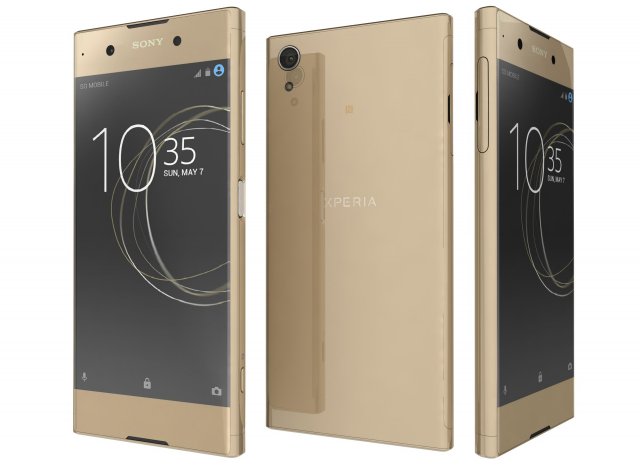
Sony Xperia XA1 Plus Gold 3D Model
Sony Xperia XA1 Plus GoldThe materials are available in the Max file format with V-Ray, mental ray and Standard (Scanline) materials. All other file formats are mesh only and will require material reapplication.High quality textures, perfect for extreme close-ups and high resolution renders.The preview images were rendered on 3ds Max 2011 with V-ray 2.0.Native format is 3DS Max 2011You can make the Poly count higher by the Mesh-smooth and Turbo-smooth level.Includes V-Ray materials and textures only in 3ds Max format.A file without V-Ray shader is included with standard materials.The .3ds and .obj formats are geometry with texture mapping coords. No materials attached.Textures format JPEG.Original file format (3DS Max 2011)Big size textures included.3D max file included Standard materials and Vray-materials.Hi-poly model with mesh-smooth and Turbo-smooth modifier.All the materials are named.Geometry Only (Polygonal)This 3d model objects and materials have the correct names and stripped the texture paths.NOTE: V-Ray is required for the V-Ray 3ds Max scene and Studio setup is Not included.I Hope you Will Like My All Products.Thanks For Buying.
-
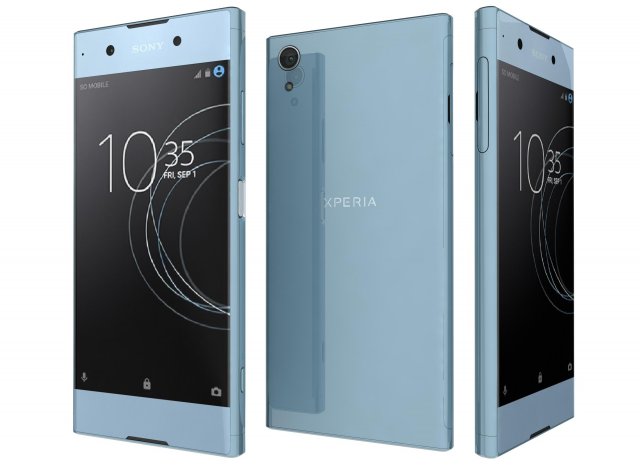
Sony Xperia XA1 Plus Blue 3D Model
Sony Xperia XA1 Plus BlueThe materials are available in the Max file format with V-Ray, mental ray and Standard (Scanline) materials. All other file formats are mesh only and will require material reapplication.High quality textures, perfect for extreme close-ups and high resolution renders.The preview images were rendered on 3ds Max 2011 with V-ray 2.0.Native format is 3DS Max 2011You can make the Poly count higher by the Mesh-smooth and Turbo-smooth level.Includes V-Ray materials and textures only in 3ds Max format.A file without V-Ray shader is included with standard materials.The .3ds and .obj formats are geometry with texture mapping coords. No materials attached.Textures format JPEG.Original file format (3DS Max 2011)Big size textures included.3D max file included Standard materials and Vray-materials.Hi-poly model with mesh-smooth and Turbo-smooth modifier.All the materials are named.Geometry Only (Polygonal)This 3d model objects and materials have the correct names and stripped the texture paths.NOTE: V-Ray is required for the V-Ray 3ds Max scene and Studio setup is Not included.I Hope you Will Like My All Products.Thanks For Buying.
-
Sony Xperia XA1 Plus Black 3D Model
Sony Xperia XA1 Plus BlackThe materials are available in the Max file format with V-Ray, mental ray and Standard (Scanline) materials. All other file formats are mesh only and will require material reapplication.High quality textures, perfect for extreme close-ups and high resolution renders.The preview images were rendered on 3ds Max 2011 with V-ray 2.0.Native format is 3DS Max 2011You can make the Poly count higher by the Mesh-smooth and Turbo-smooth level.Includes V-Ray materials and textures only in 3ds Max format.A file without V-Ray shader is included with standard materials.The .3ds and .obj formats are geometry with texture mapping coords. No materials attached.Textures format JPEG.Original file format (3DS Max 2011)Big size textures included.3D max file included Standard materials and Vray-materials.Hi-poly model with mesh-smooth and Turbo-smooth modifier.All the materials are named.Geometry Only (Polygonal)This 3d model objects and materials have the correct names and stripped the texture paths.NOTE: V-Ray is required for the V-Ray 3ds Max scene and Studio setup is Not included.I Hope you Will Like My All Products.Thanks For Buying.
-
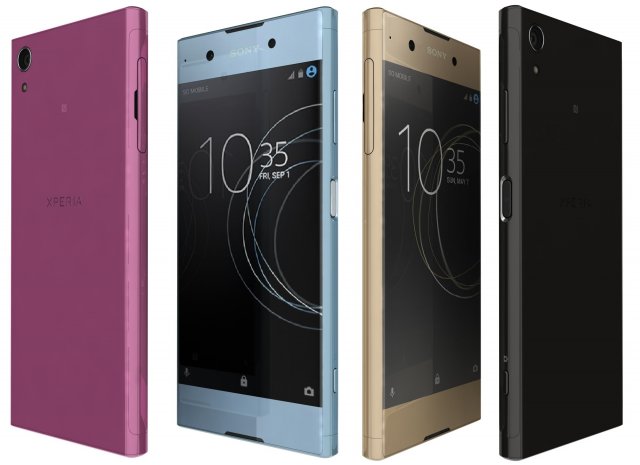
Sony Xperia XA1 Plus All Colors 3D Model
Sony Xperia XA1 Plus All ColorsThe materials are available in the Max file format with V-Ray, mental ray and Standard (Scanline) materials. All other file formats are mesh only and will require material reapplication.High quality textures, perfect for extreme close-ups and high resolution renders.The preview images were rendered on 3ds Max 2011 with V-ray 2.0.Native format is 3DS Max 2011You can make the Poly count higher by the Mesh-smooth and Turbo-smooth level.Includes V-Ray materials and textures only in 3ds Max format.A file without V-Ray shader is included with standard materials.The .3ds and .obj formats are geometry with texture mapping coords. No materials attached.Textures format JPEG.Original file format (3DS Max 2011)Big size textures included.3D max file included Standard materials and Vray-materials.Hi-poly model with mesh-smooth and Turbo-smooth modifier.All the materials are named.Geometry Only (Polygonal)This 3d model objects and materials have the correct names and stripped the texture paths.NOTE: V-Ray is required for the V-Ray 3ds Max scene and Studio setup is Not included.I Hope you Will Like My All Products.Thanks For Buying.
-
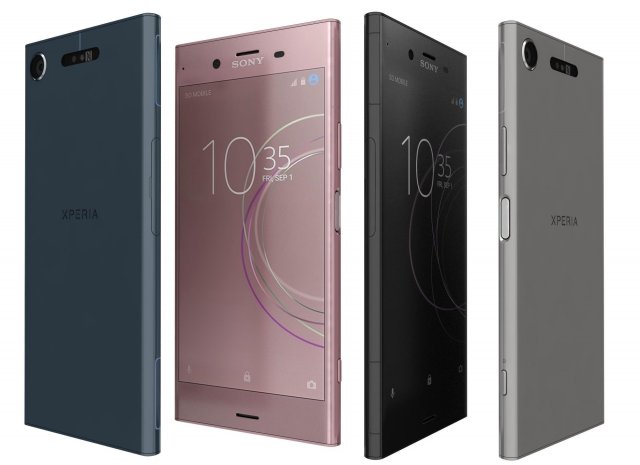
Sony Xperia XZ1 All Colors 3D Model
Sony Xperia XZ1 All ColorsThe materials are available in the Max file format with V-Ray, mental ray and Standard (Scanline) materials. All other file formats are mesh only and will require material reapplication.High quality textures, perfect for extreme close-ups and high resolution renders.The preview images were rendered on 3ds Max 2011 with V-ray 2.0.Native format is 3DS Max 2011You can make the Poly count higher by the Mesh-smooth and Turbo-smooth level.Includes V-Ray materials and textures only in 3ds Max format.A file without V-Ray shader is included with standard materials.The .3ds and .obj formats are geometry with texture mapping coords. No materials attached.Textures format JPEG.Original file format (3DS Max 2011)Big size textures included.3D max file included Standard materials and Vray-materials.Hi-poly model with mesh-smooth and Turbo-smooth modifier.All the materials are named.Geometry Only (Polygonal)This 3d model objects and materials have the correct names and stripped the texture paths.NOTE: V-Ray is required for the V-Ray 3ds Max scene and Studio setup is Not included.I Hope you Will Like My All Products.Thanks For Buying.
-
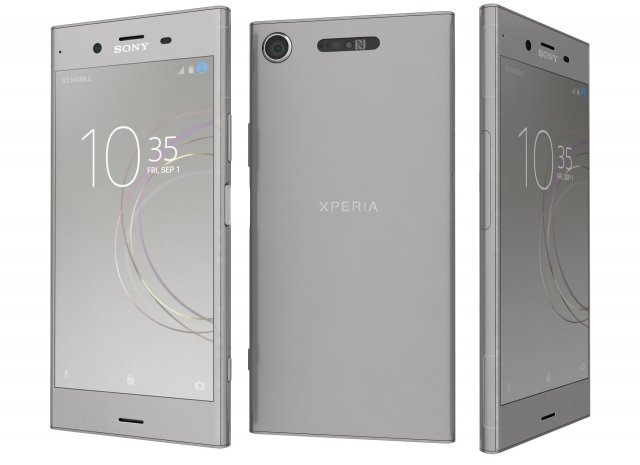
Sony Xperia XZ1 Warm Silver 3D Model
Sony Xperia XZ1 Warm SilverThe materials are available in the Max file format with V-Ray, mental ray and Standard (Scanline) materials. All other file formats are mesh only and will require material reapplication.High quality textures, perfect for extreme close-ups and high resolution renders.The preview images were rendered on 3ds Max 2011 with V-ray 2.0.Native format is 3DS Max 2011You can make the Poly count higher by the Mesh-smooth and Turbo-smooth level.Includes V-Ray materials and textures only in 3ds Max format.A file without V-Ray shader is included with standard materials.The .3ds and .obj formats are geometry with texture mapping coords. No materials attached.Textures format JPEG.Original file format (3DS Max 2011)Big size textures included.3D max file included Standard materials and Vray-materials.Hi-poly model with mesh-smooth and Turbo-smooth modifier.All the materials are named.Geometry Only (Polygonal)This 3d model objects and materials have the correct names and stripped the texture paths.NOTE: V-Ray is required for the V-Ray 3ds Max scene and Studio setup is Not included.I Hope you Will Like My All Products.Thanks For Buying.
-
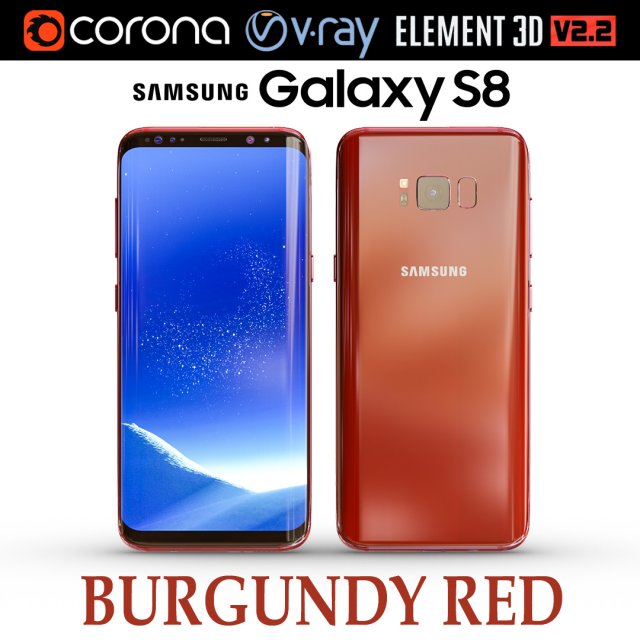
Samsung Galaxy S8 BURGUNDY RED 3D Model
Realistic (copy) 3d model of Samsung Galaxy S8 BURGUNDY RED .This set:3D element v2.2The model given is easy to use- 1 file obj standard- 1 file 3ds Max 2013 vray material- 1 file 3ds Max 2013 corona material- 1 file of 3Ds- file e3d full set of materials, like a previewHow to use it?1. Discovery after the impact of CC 2014 (or above) and create a new composition (you need Element3D v2.2 to use)2. Create a new solid layer and add the effect of the elements. (Effect / Video Copilot / Element)3. Select Install Location4. Click on the import inside the Element3D Installation location5. Select my .e3d according to the model and click on the open button.If you do not see the model, do not forget to right click on the model name and press the replace model select.Topology of geometry:- forms and proportions of The 3D model- the geometry of the model was created very neatly- there are no many-sided polygons- detailed enough for close-up renders- the model optimized for turbosmooth modifier- Not collapsed the turbosmooth modified- apply the Smooth modifier with a parameter to get the desired level of detailMaterials and Textures:- 3ds max files included Vray-Shaders- 3ds max files included Corona-Shaders- file e3d full set of materials- all texture paths are clearedOrganization of scene:- to all objects and materials- real world size (system units – mm)- coordinates of location of the model in space (x0, y0, z0)- does not contain extraneous or hidden objects (lights, cameras, shapes etc.)The model is made for corona render 1.5 and vray 3.2, as well as for the Element 3D v2.2 plug-in from Video Copilot.In the version of vray, BRDF materials are installed in Microfacet GTR / GGX, vray 2.4 owners need to install BRDF in Blinn.Excellent renders to you!
-
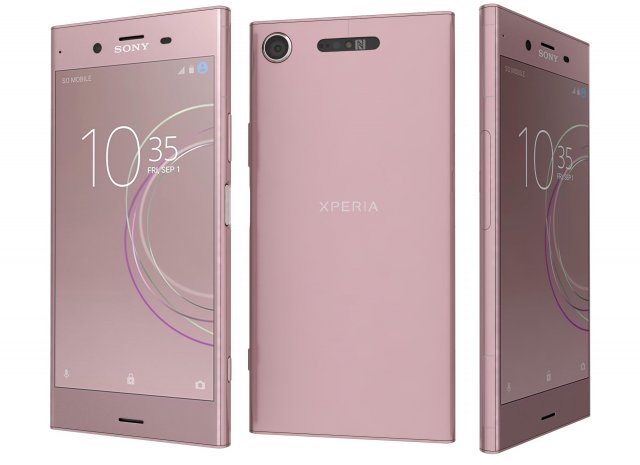
Sony Xperia XZ1 Venus Pink 3D Model
Sony Xperia XZ1 Venus PinkThe materials are available in the Max file format with V-Ray, mental ray and Standard (Scanline) materials. All other file formats are mesh only and will require material reapplication.High quality textures, perfect for extreme close-ups and high resolution renders.The preview images were rendered on 3ds Max 2011 with V-ray 2.0.Native format is 3DS Max 2011You can make the Poly count higher by the Mesh-smooth and Turbo-smooth level.Includes V-Ray materials and textures only in 3ds Max format.A file without V-Ray shader is included with standard materials.The .3ds and .obj formats are geometry with texture mapping coords. No materials attached.Textures format JPEG.Original file format (3DS Max 2011)Big size textures included.3D max file included Standard materials and Vray-materials.Hi-poly model with mesh-smooth and Turbo-smooth modifier.All the materials are named.Geometry Only (Polygonal)This 3d model objects and materials have the correct names and stripped the texture paths.NOTE: V-Ray is required for the V-Ray 3ds Max scene and Studio setup is Not included.I Hope you Will Like My All Products.Thanks For Buying.
-
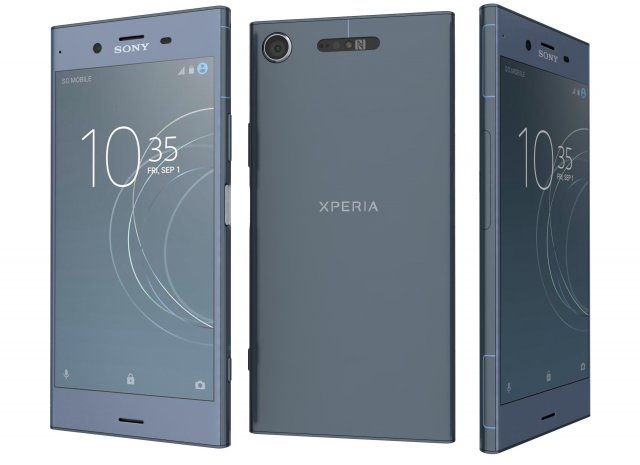
Sony Xperia XZ1 Moonlit Blue 3D Model
Sony Xperia XZ1 Moonlit BlueThe materials are available in the Max file format with V-Ray, mental ray and Standard (Scanline) materials. All other file formats are mesh only and will require material reapplication.High quality textures, perfect for extreme close-ups and high resolution renders.The preview images were rendered on 3ds Max 2011 with V-ray 2.0.Native format is 3DS Max 2011You can make the Poly count higher by the Mesh-smooth and Turbo-smooth level.Includes V-Ray materials and textures only in 3ds Max format.A file without V-Ray shader is included with standard materials.The .3ds and .obj formats are geometry with texture mapping coords. No materials attached.Textures format JPEG.Original file format (3DS Max 2011)Big size textures included.3D max file included Standard materials and Vray-materials.Hi-poly model with mesh-smooth and Turbo-smooth modifier.All the materials are named.Geometry Only (Polygonal)This 3d model objects and materials have the correct names and stripped the texture paths.NOTE: V-Ray is required for the V-Ray 3ds Max scene and Studio setup is Not included.I Hope you Will Like My All Products.Thanks For Buying.
-
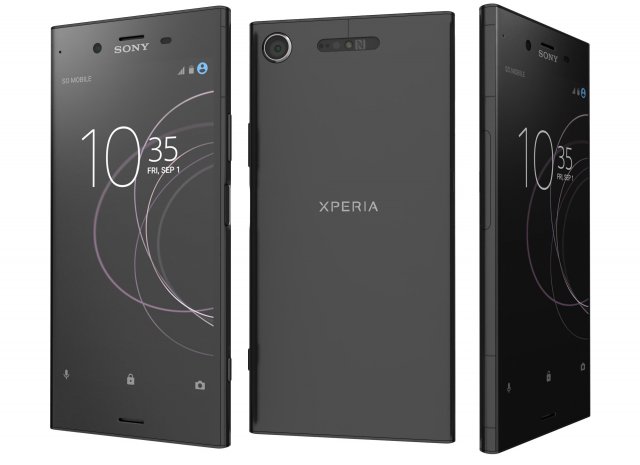
Sony Xperia XZ1 Black 3D Model
Sony Xperia XZ1 BlackThe materials are available in the Max file format with V-Ray, mental ray and Standard (Scanline) materials. All other file formats are mesh only and will require material reapplication.High quality textures, perfect for extreme close-ups and high resolution renders.The preview images were rendered on 3ds Max 2011 with V-ray 2.0.Native format is 3DS Max 2011You can make the Poly count higher by the Mesh-smooth and Turbo-smooth level.Includes V-Ray materials and textures only in 3ds Max format.A file without V-Ray shader is included with standard materials.The .3ds and .obj formats are geometry with texture mapping coords. No materials attached.Textures format JPEG.Original file format (3DS Max 2011)Big size textures included.3D max file included Standard materials and Vray-materials.Hi-poly model with mesh-smooth and Turbo-smooth modifier.All the materials are named.Geometry Only (Polygonal)This 3d model objects and materials have the correct names and stripped the texture paths.NOTE: V-Ray is required for the V-Ray 3ds Max scene and Studio setup is Not included.I Hope you Will Like My All Products.Thanks For Buying.
-
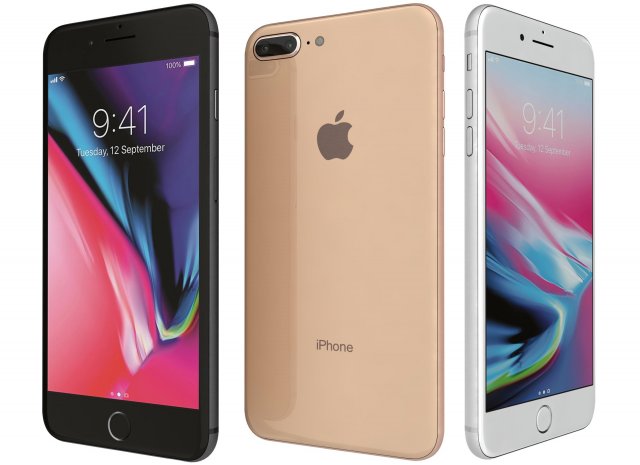
Apple iPhone 8 Plus All Colors 3D Model
Apple iPhone 8 Plus All ColorsThe materials are available in the Max file format with V-Ray, mental ray and Standard (Scanline) materials. All other file formats are mesh only and will require material reapplication.High quality textures, perfect for extreme close-ups and high resolution renders.The preview images were rendered on 3ds Max 2011 with V-ray 2.0.Native format is 3DS Max 2011You can make the Poly count higher by the Mesh-smooth and Turbo-smooth level.Includes V-Ray materials and textures only in 3ds Max format.A file without V-Ray shader is included with standard materials.The .3ds and .obj formats are geometry with texture mapping coords. No materials attached.Textures format JPEG.Original file format (3DS Max 2011)Big size textures included.3D max file included Standard materials and Vray-materials.Hi-poly model with mesh-smooth and Turbo-smooth modifier.All the materials are named.Geometry Only (Polygonal)This 3d model objects and materials have the correct names and stripped the texture paths.NOTE: V-Ray is required for the V-Ray 3ds Max scene and Studio setup is Not included.I Hope you Will Like My All Products.Thanks For Buying.
-
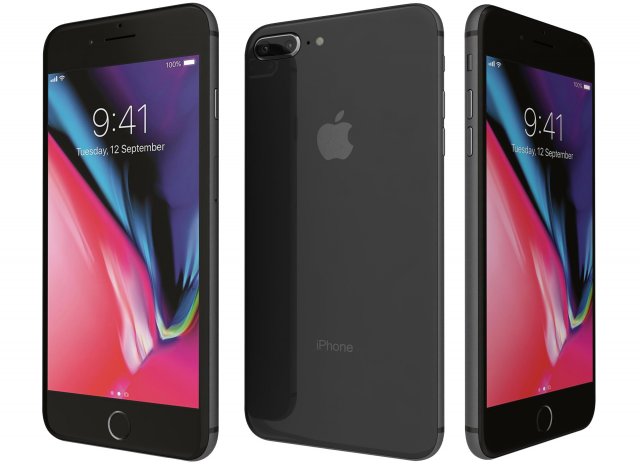
Apple iPhone 8 Plus Space Gray 3D Model
Apple iPhone 8 Plus Space GrayThe materials are available in the Max file format with V-Ray, mental ray and Standard (Scanline) materials. All other file formats are mesh only and will require material reapplication.High quality textures, perfect for extreme close-ups and high resolution renders.The preview images were rendered on 3ds Max 2011 with V-ray 2.0.Native format is 3DS Max 2011You can make the Poly count higher by the Mesh-smooth and Turbo-smooth level.Includes V-Ray materials and textures only in 3ds Max format.A file without V-Ray shader is included with standard materials.The .3ds and .obj formats are geometry with texture mapping coords. No materials attached.Textures format JPEG.Original file format (3DS Max 2011)Big size textures included.3D max file included Standard materials and Vray-materials.Hi-poly model with mesh-smooth and Turbo-smooth modifier.All the materials are named.Geometry Only (Polygonal)This 3d model objects and materials have the correct names and stripped the texture paths.NOTE: V-Ray is required for the V-Ray 3ds Max scene and Studio setup is Not included.I Hope you Will Like My All Products.Thanks For Buying.
-
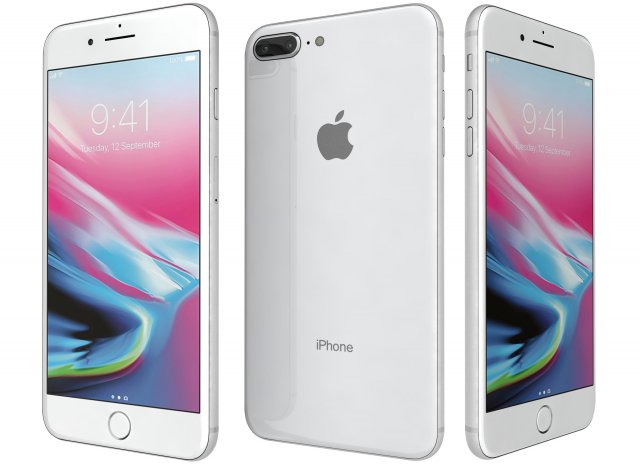
Apple iPhone 8 Plus Silver 3D Model
Apple iPhone 8 Plus SilverThe materials are available in the Max file format with V-Ray, mental ray and Standard (Scanline) materials. All other file formats are mesh only and will require material reapplication.High quality textures, perfect for extreme close-ups and high resolution renders.The preview images were rendered on 3ds Max 2011 with V-ray 2.0.Native format is 3DS Max 2011You can make the Poly count higher by the Mesh-smooth and Turbo-smooth level.Includes V-Ray materials and textures only in 3ds Max format.A file without V-Ray shader is included with standard materials.The .3ds and .obj formats are geometry with texture mapping coords. No materials attached.Textures format JPEG.Original file format (3DS Max 2011)Big size textures included.3D max file included Standard materials and Vray-materials.Hi-poly model with mesh-smooth and Turbo-smooth modifier.All the materials are named.Geometry Only (Polygonal)This 3d model objects and materials have the correct names and stripped the texture paths.NOTE: V-Ray is required for the V-Ray 3ds Max scene and Studio setup is Not included.I Hope you Will Like My All Products.Thanks For Buying.
-
Nokia 1110 3D Model
An old Nokia 1110 phone in gold edition.Available in .max, .fbx, .obj and .3ds.Simple model and can be used in games.
-
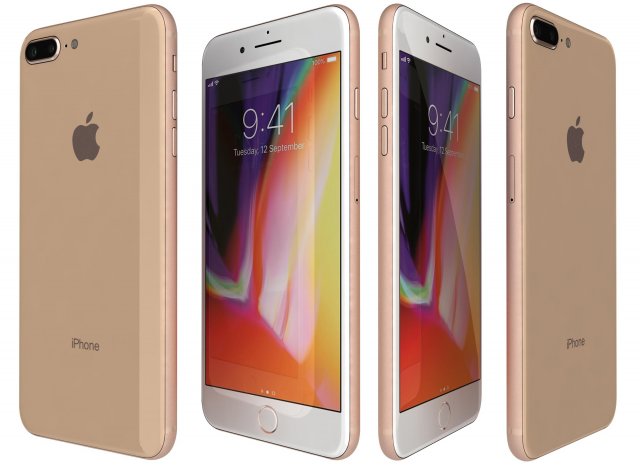
Apple iPhone 8 Plus Gold 3D Model
Apple iPhone 8 Plus GoldThe materials are available in the Max file format with V-Ray, mental ray and Standard (Scanline) materials. All other file formats are mesh only and will require material reapplication.High quality textures, perfect for extreme close-ups and high resolution renders.The preview images were rendered on 3ds Max 2011 with V-ray 2.0.Native format is 3DS Max 2011You can make the Poly count higher by the Mesh-smooth and Turbo-smooth level.Includes V-Ray materials and textures only in 3ds Max format.A file without V-Ray shader is included with standard materials.The .3ds and .obj formats are geometry with texture mapping coords. No materials attached.Textures format JPEG.Original file format (3DS Max 2011)Big size textures included.3D max file included Standard materials and Vray-materials.Hi-poly model with mesh-smooth and Turbo-smooth modifier.All the materials are named.Geometry Only (Polygonal)This 3d model objects and materials have the correct names and stripped the texture paths.NOTE: V-Ray is required for the V-Ray 3ds Max scene and Studio setup is Not included.I Hope you Will Like My All Products.Thanks For Buying.